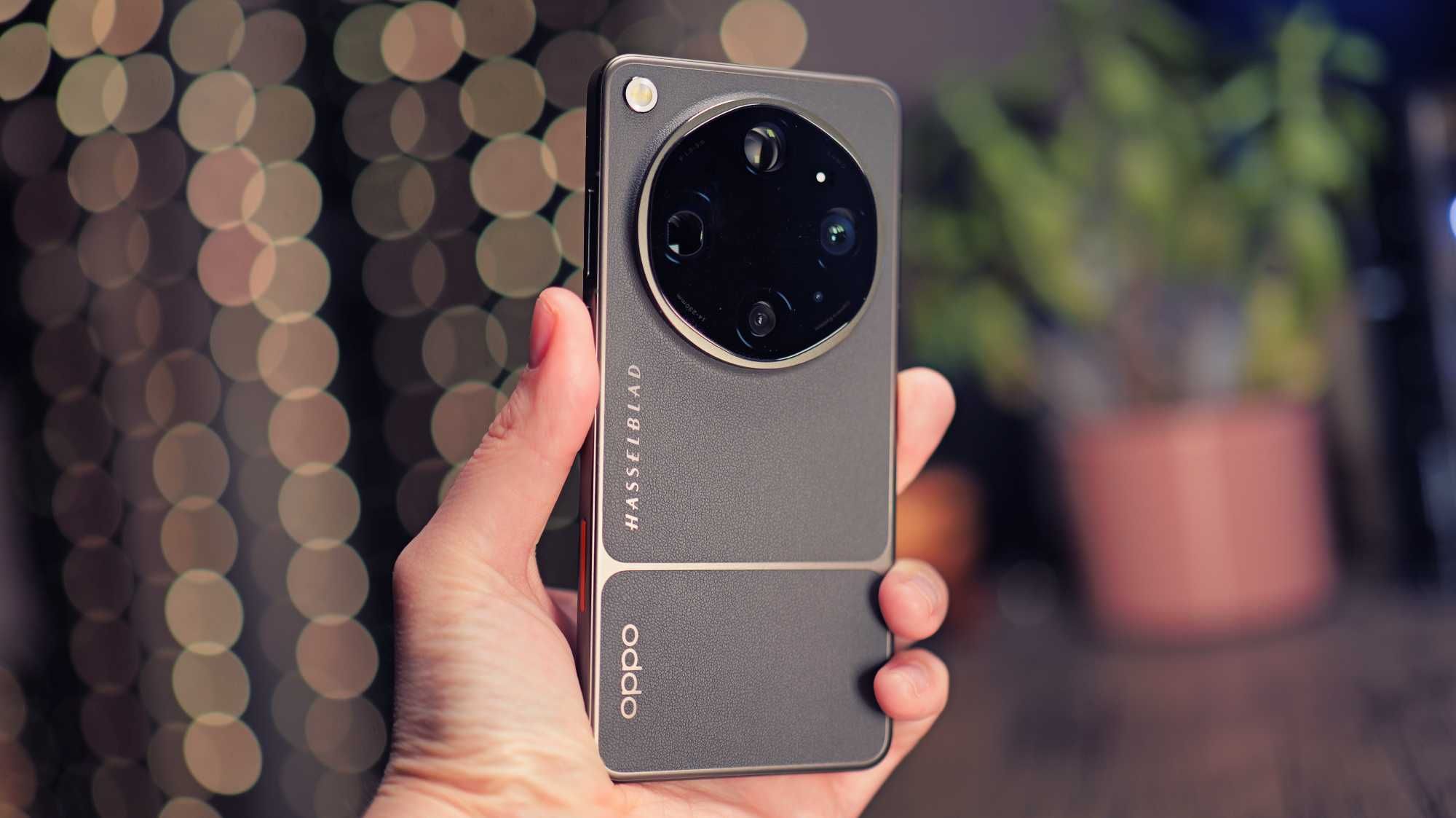
OPPO Find X9 Ultra: Redefining Elite Productivity for Professionals
The OPPOFind X9 Ultra officially launched in Singapore on 7 May 2026, following a global unveiling on 21 April and a pre-order window that opened the following day. It sits at the top of OPPO's Find X9 series, above the standard Find X9 and the Find X9 Pro, and carries the brand's now-familiar tagline for the line: Your Next Camera. That framing is fair given the Hasselblad partnership stitched through the hardware, but it undersells what the phone is actually doing for anyone whose day involves a MacBook, three open chat apps, and a deadline that does not care about lunch.
Built for a Mixed-Device Office
Singapore's professional class runs on a mixed-device reality. Company laptops are Macs more often than not, personal phones lean Android, and meetings get summarized somewhere between Notion and a voice memo nobody transcribes properly. OPPO built large parts of ColorOS 16 with that friction in mind, and the result is a phone that behaves less like an isolated Android device and more like a bridge.
PC Connect: The MacBook Bridge
PC Connect is the clearest example and deserves the bulk of the attention here because it is the feature most likely to change how a desk-bound professional uses the Find X9 Ultra. Mirror the phone directly onto a MacBook, and suddenly its apps, notifications, and files sit inside a window on the laptop screen, controllable with the same keyboard shortcuts already muscle-memorized for everything else. For a Mac user juggling a multi-document client review, that means pulling a chat thread, a banking app, or a two-factor code onto the same display as the spreadsheet, without picking up the phone every ninety seconds. It is not a brand new idea; Samsung and others have shipped similar cross-device mirroring before. What makes OPPO's version worth flagging is that it is explicitly built to work with macOS rather than just tolerating it, through the O+ Connect app, on macOS 10.14 and later. Anyone who has tried to get an Android phone to behave politely next to a Mac knows that it is not always a given.
Quick Share: Past the Apple Wall

Quick Share rounds out the cross-platform pitch. Working alongside AirDrop (via the required O+ Connect app), photos, videos, and files move between the Find X9 Ultra and iOS, iPadOS, and macOS devices, including offline transfers when there is no Wi-Fi or data connection in the room. Combine that with PC Connect, and the phone stops being "the Android one" in a meeting full of iPhones and MacBooks; it just participates.
AI Writer and AI Mind Space: Drafting and Capturing
On the AI side,OPPO has clearly built toward office work rather than just photo editing. AI Writer drafts emails and reviews from a prompt, and it can also reorganize a long block of text into a structured table or a mind map, which is a genuinely useful trick during messy multi-document reviews where the raw notes never arrive in any usable order. AI Mind Space works alongside it: press the dedicated Snap Key to capture a voice memo, a screenshot, or a stray thought, and it gets logged, analyzed, and made searchable later, functioning as something close to a second brain for scattered meeting fragments. Whether either tool fully replaces a proper note-taking app over months of daily use is something only longer-term testing will answer.
Private Computing Cloud: Keeping Client Data In-House
Sensitive client data is the obvious concern with any AI feature that touches documents, and OPPO addresses it with Private Computing Cloud, which processes sensitive information within a secure environment rather than via a generic cloud pipeline. A reliable answer for corporate users handling confidential material, delivering robust enterprise-grade peace of mind through localized, secure data processing.
Trinity Engine x Snapdragon 8 Elite Gen 5: Headroom That Shows

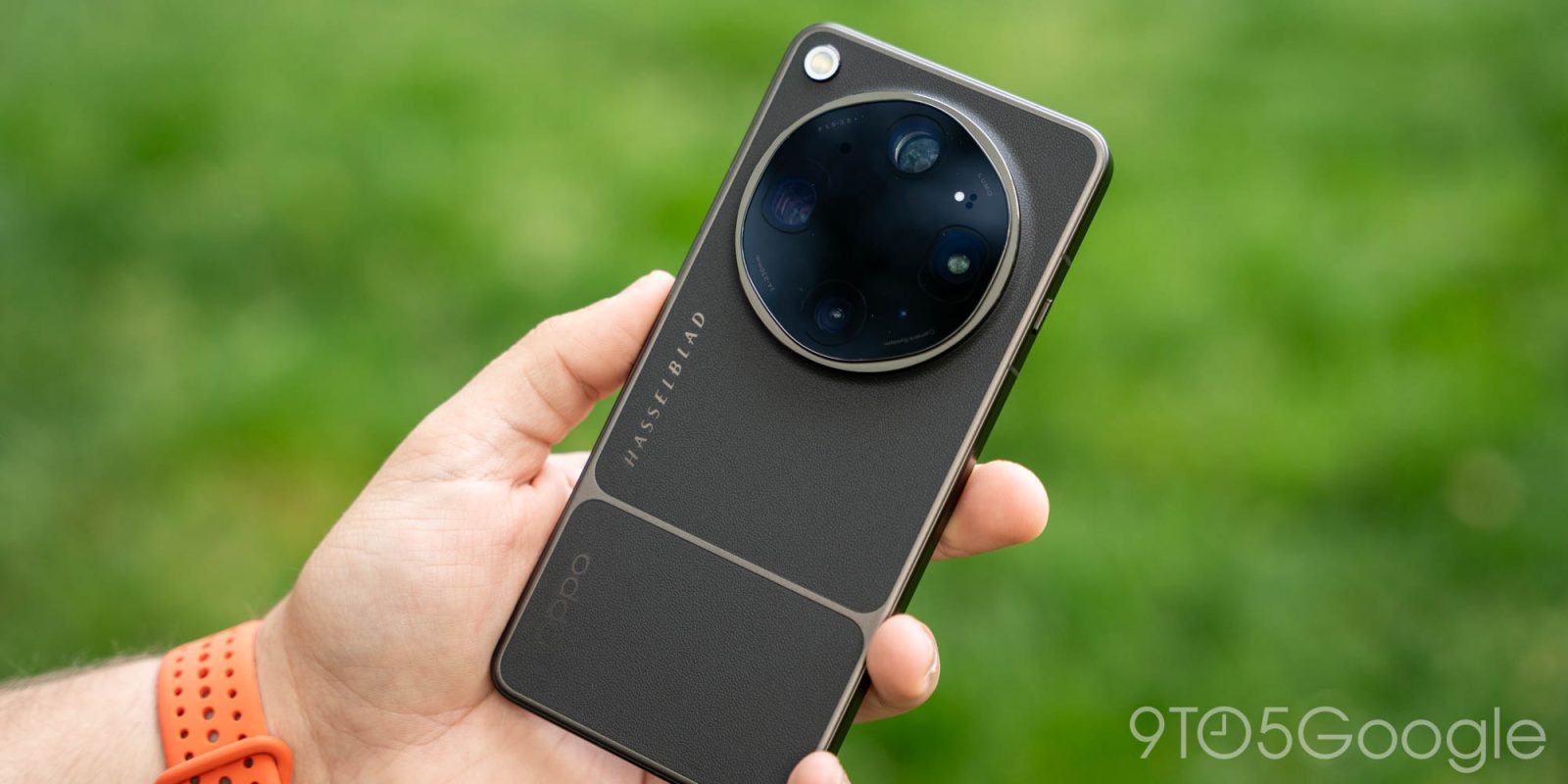
Underneath all of this sits the Snapdragon 8 Elite Gen 5, paired with OPPO's Trinity Engine and a direct memory architecture that OPPO says reduces load during heavy multitasking. CPU performance is up roughly 20 percent, and GPU performance is up about 23 percent over the previous generation, according to OPPO's own figures, with the NPU claimed to be 37 percent faster. Flip between a dozen browser tabs, a video call, and a document editor, and that headroom is the difference between mild stutter and none at all.
The Trade-offs
None of this comes free. At 235 to 236 grams, depending on the finish, the Find X9 Ultra is noticeably dense to hold during a long commute, and its thickness ranges from 8.65mm to 9.10mm. There is no expandable storage, so the jump to 1TB is worth considering for anyone planning to lean on AI Mind Space heavily. The Hasselblad Earth Explorer Kit and the TILTA filmmaking accessories, while interesting, are sold separately and add real cost on top of an already premium starting price.
For someone whose working life moves between a MacBook, a meeting room, and a phone that needs to keep up with both, the OPPO Find X9 Ultra makes a reasonable case for itself well beyond the camera headline. It is not the cheapest way into OPPO's lineup, and the bulk is real, but the combination of PC Connect, Quick Share's Apple compatibility, and the AI tools built around drafting and capturing information puts it in a different conversation than most camera-first flagships bother entering.
