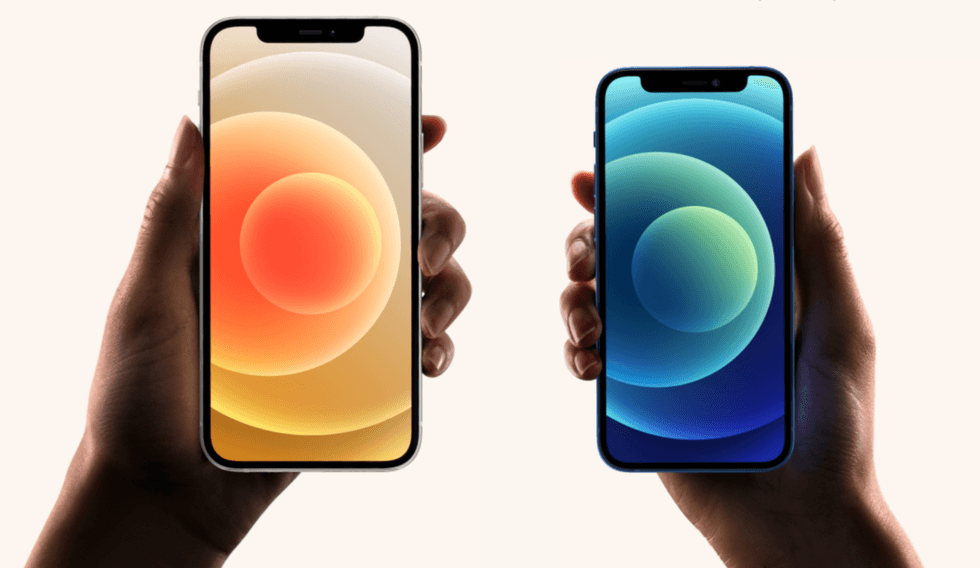
What Is an iPhone Emulator? Types, Use Cases & Top Picks for 2026
iPhone emulators provide several benefits for developers, testers, and gamers. They recreate the iPhone's software environment on another operating system. This makes it possible to test and run iOS applications without owning a physical iPhone.
These tools benefit anyone who wants to understand how an app looks and functions across different iPhone models. With an iPhone emulator, classic games can be played, iOS-specific software can be run, and an app's design, interface, and features can be evaluated.
What is an iPhone Emulator?
An iPhone emulator is software that replicates the hardware and software environment of an iOS device, letting you run and test iOS apps on a computer or another device without owning a physical iPhone. It translates all the low-level instructions so that iOS apps behave as if they are running on genuine Apple hardware.
For example, a Windows PC running an iPhone emulator essentially simulates an iPhone at the software level, allowing developers to build, debug, and validate apps without buying every device they need to support.
What Are the Types of iPhone Emulators?

iPhone emulators are categorized into three distinct types based on how they process software and hardware data. Since the underlying operating system is tightly restricted, different methods are used to replicate the mobile experience on external screens or to host classic software.
Developer Simulators
Developer simulators recreate the software environment of a mobile device without reproducing the actual hardware. Because they run directly on a computer, they are much faster than full hardware emulation.
- They run applications using the computer's processor rather than emulating mobile device hardware.
- They provide fast previews for testing layouts, screen sizes, font scaling, and user interface behavior.
- They are useful for development and debugging because changes can often be tested immediately.
- They cannot accurately reproduce hardware features such as camera systems, Face ID, fingerprint sensors, or other device-specific components.
Cloud-Based Virtualizers
These systems run authentic mobile operating system code on remote servers and stream the video output directly to a computer browser.
- They execute true mobile chip architecture inside secure data centers.
- They allow deep security testing, virus analysis, and operating system modification from any computer system.
- They require a constant internet connection to transmit screen touches and video frames back and forth.
Application-Layer Game Engine Hosts
These frameworks run directly on a mobile phone to recreate the hardware environments of older home consoles or handheld gadgets.
- They translate code written for vintage processors into instructions the modern phone chip can understand.
- They use customizable touchscreen overlays or external controller Bluetooth signals to mimic original physical gamepads.
- They often run as single-system players optimized for a specific console layout, or as multi-system frameworks using modular internal plug-ins.
What Are the Top iPhone Emulators for 2026?

Here are the top iPhone emulators worth considering in 2026, covering development, testing, and gaming use cases.
Corellium
Corellium is a commercial platform that runs full ARM-virtualized iOS instances, either in the cloud or on-premises servers. It uses a proprietary type-1 hypervisor called CHARM that delivers ARM-on-ARM virtualization. This means the virtual device behaves identically to a physical iPhone at the firmware and kernel levels, setting it apart from every simulator on the market.
Below are the key features of Corellium:
- Full iOS Environment: Supports iOS versions from 15.8.7 through iOS 18.x and iOS 26.x betas, as well as new hardware profiles including the iPhone 17e.
- Kernel-Level Debugging: Provides instant root access and system-call tracing without relying on any iOS exploits, making it the primary choice for mobile security research and vulnerability testing.
- MATRIX Automated Security Testing: Runs hundreds of OWASP-aligned security checks covering authentication, cryptography, data storage, and more.
- On-Prem and Cloud Deployment: Teams in regulated environments can deploy in their own data center, while others use Corellium's hosted service.
- CI Pipeline Integration: Supports disposable iOS sandboxes that slot into continuous integration workflows via browser interface, CLI, and API.
- Device Profiles: Create and test across virtual iPhone and iPad models without managing physical hardware.
TestMu AI (formerly LambdaTest)

TestMu AI is an AI native test execution platform that supports manual and automated testing across 10,000+ real iOS and Android devices, browsers, and operating system combinations.
As a cloud-based testing platform, it offers developers and testers access to Windows emulators online, virtual devices, and real devices from a single interface. Users can access the latest device models directly through the browser and run application tests without maintaining a physical device lab.
Below are the key features of TestMu AI:
- 10,000+ Real Devices: Access real iOS devices, including iPhone 17 Pro Max and legacy models, for broad device coverage across iOS versions.
- Manual and Automated Testing: Supports Appium, Selenium, Playwright, Cypress, Espresso, XCUITest, and more for both manual and automated test flows.
- KaneAI for Test Authoring: AI-native agent that creates, expands, and refactors test cases, reducing the manual effort of building test suites.
- Audio Injection and Live Audio Input: Newly added in May 2026, these capabilities support testing of multimodal apps that involve voice and real-time audio interactions on real iOS devices.
- Cross-Browser Testing: Access 3,000+ browser and OS combinations, including legacy Safari versions, for web app testing alongside mobile.
TestFlight

TestFlight is Apple's official platform for sending app builds to testers before an app goes live on the App Store. It is not a hardware emulator, but it stands in for a real device lab during the beta phase, which is why it appears on most lists like this one.
Real users install your app on their own iPhones and send feedback directly from the TestFlight app. This gives you real-world data that no emulator can fully copy.
Below are the key features of TestFlight:
- Large Tester Pools: Supports up to 10,000 external testers per app via public link or email invite, plus up to 100 internal team members.
- Inline Feedback: Testers send screenshots and comments directly from the TestFlight app without needing a separate portal.
- Multi-Device Coverage: A single tester can install the build on up to 30 of their own iOS devices, covering different screen sizes and OS versions.
- Built-In Crash Reporting: Automatic crash logs surface device and OS version information, along with stack trace information, alongside tester feedback.
Xcode

Xcode is Apple's integrated development environment for macOS and the standard starting point for iOS app development. It includes a built-in iOS simulator that lets developers test apps on virtual iPhones and iPads without any extra setup. Xcode's simulator covers iOS app behavior well, but it runs on your Mac's processor rather than Apple's mobile chipset, so hardware-dependent features are unavailable.
Below are the key features of Xcode:
- Built-In iOS Simulator: Test apps on virtual iPhone and iPad models across multiple iOS versions without a physical device.
- Code Completion and Live Animations: Speed up development with intelligent code suggestions and SwiftUI previews in real time.
- Safari Testing: Developers can test web apps by opening Safari in Xcode, which provides an accurate view of how web content renders on iOS.
- Direct Device Deployment: Connect a physical iPhone to deploy and debug builds directly from the IDE.
- Free on macOS: Available at no cost from the Mac App Store; requires macOS and an Apple Developer account for full deployment capabilities.
AIR SDK

The AIR SDK (Adobe Integrated Runtime Software Development Kit) is a cross-platform development framework used by software engineers to build and package games and applications from a single codebase.
Originally created by Adobe, the toolkit's development, maintenance, and distribution have been managed by HARMAN International (a Samsung subsidiary) since late 2020.
Below are the key features of AIR SDK:
- Single Codebase: Write code once and package it natively for iOS, Android, Windows, and macOS.
- Hardware Acceleration: Utilizes Stage3D technology to render 2D and 3D graphics directly via the device's GPU, enabling high-performance gaming.
- Vector Graphics Support: Integrates seamlessly with vector-based design tools, enabling fluid animations and scalable layouts without quality loss.
- High-Fidelity Audio/Video: Built-in support for H.264 video decoding and multi-channel audio playback.
- Local Databases: Include an embedded SQLite engine for local data storage and offline application functionality.
- Desktop Debug Launcher: Runs a lightweight local preview tool to test application logic and user interfaces instantly without deploying to a physical device or a heavy phone emulator.
QEMU

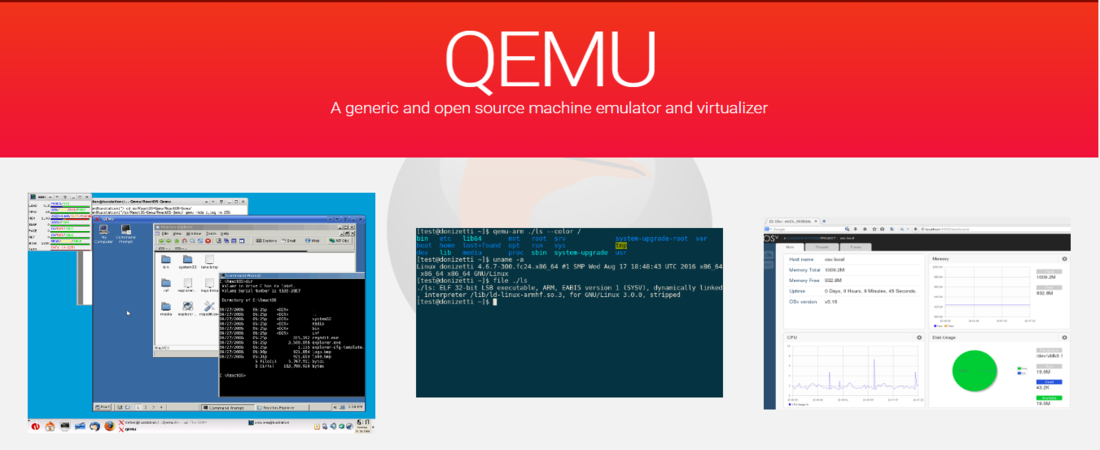
QEMU (Quick Emulator) is a free, open-source machine emulator and virtualizer that mimics a computer's physical hardware in software. It allows you to run an operating system (like Linux or Windows) inside another operating system on almost any hardware architecture.
Below are the key features of QEMU:
- Cross-Architecture Support: Simulates a wide array of CPU architectures (such as ARM, MIPS, PowerPC, RISC-V, and x86) on any host computer.
- Just-In-Time Translation: Uses the Tiny Code Generator (TCG) to translate foreign binary instructions into native host instructions on the fly.
- Remote Management: Connects to external control interfaces (like VNC or SPICE) to view screens and send mouse/keyboard inputs over a network.
- GDB Stub Integration: Includes a built-in debugging link that lets developers pause, inspect, and step through the operating system source code during boot.
- Hypervisor Integration: Pairs with host hypervisors like KVM (Linux), Hyper-V (Windows), or Hypervisor.Framework (macOS) to achieve near-native execution speeds.
DolphiniOS (DolphiniOS)

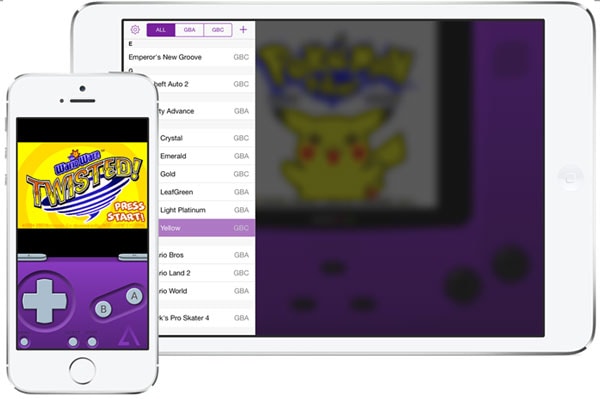


DolphiniOS is an open-source port of the Dolphin emulator built specifically for iPhone and iPad. Unlike the other tools in this list, it is not designed for iOS app development or testing. Its purpose is to run Nintendo GameCube and Wii games on iOS hardware. It works on iOS 14.0 and above without requiring a jailbreak, and it is installed via AltStore, TrollStore, or similar sideloading tools.
Below are the key features of DolphiniOS:
- GameCube and Wii Compatibility: Plays a wide library of Nintendo titles, including Super Mario Galaxy, Mario Kart, and Super Smash Bros, directly on iPhone.
- High-Resolution Rendering: Runs games at higher internal resolutions than the original console hardware, improving visual quality.
- Controller Support: Supports Bluetooth controllers, including PS4, PS5, and Xbox controllers via native iOS pairing.
- Save States: Save and resume gameplay at any point, in addition to in-game saving.
- Multiple File Formats: Supports ISO, WBFS, and GCM ROM formats for GameCube and Wii titles.
- No Jailbreak Required: Works on stock iPhones running iOS 14.0 and above; requires at least an iPhone 11 for best performance due to RAM requirements.
What Are Some Common Use Cases of iPhone Emulators?
iPhone emulators serve a range of purposes beyond simple app previewing. Here is a look at the most common scenarios where teams and individuals reach for them:
- Cross-Platform QA Testing: QA teams use cloud platforms like TestMu AI to run manual and automated test suites across multiple iPhone models and iOS versions simultaneously, catching device-specific issues before they reach users.
- Security Research and Penetration Testing: Security professionals use ARM virtualization platforms to inspect app behavior at the kernel level, test for vulnerabilities, and run automated security checks without needing a lab of physical jailbroken devices.
- Cost Reduction in Device Coverage: Instead of purchasing every iPhone model a team needs to support, they use emulators and cloud real-device platforms to cover a wide range of screen sizes, hardware generations, and iOS versions at a fraction of the cost.
- Retro Gaming: Users run classic GameCube and Wii titles on their iPhones using tools like DolphiniOS, leveraging modern Apple silicon to deliver console-quality performance on a mobile device.
Conclusion
iPhone emulators serve different purposes depending on who is using them and why. Some are built for app testing and security research, others for beta distribution, and a few for gaming on modern hardware. Choosing the right one comes down to your use case, budget, and how closely you need to replicate real iPhone behavior. Match the tool to your needs, and you will avoid a lot of wasted setup time.
