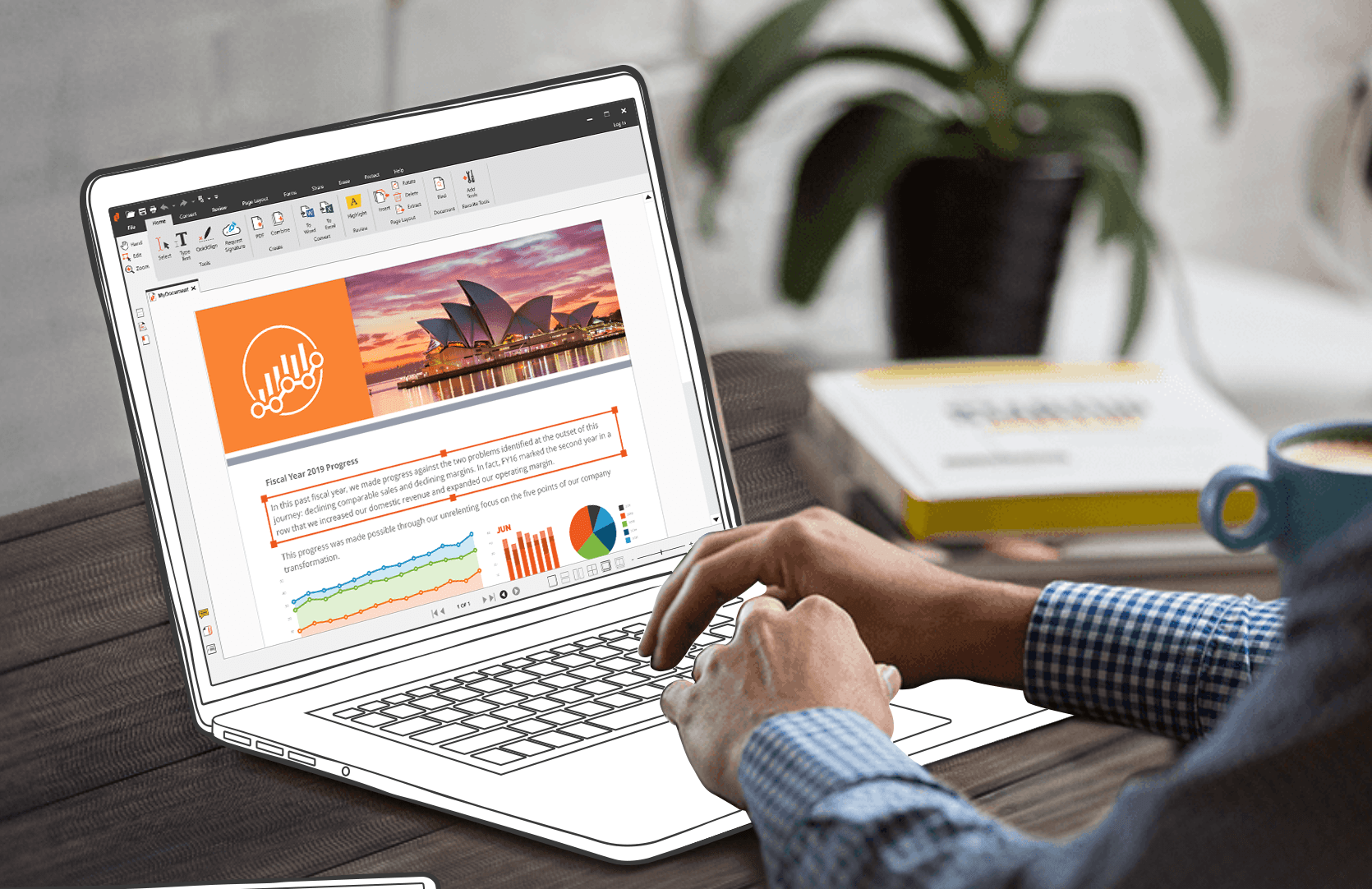
How PDF Editing and Merging Can Boost Your Workflow
Managing documents doesn’t have to be complicated. With the right tools, you can quickly edit, update, and organize PDFs to save time and reduce errors. PDF editing and merging are two of the most effective ways to stay organized and improve efficiency.
1. The Power of PDF Editing in Workflow Optimization

A PDF editor is an essential tool for anyone who works with documents regularly. It offers a quick and easy way to make changes, remove outdated information, and enhance the visual quality of PDFs without converting files to other formats. The ability to edit PDFs directly within the platform significantly improves workflow efficiency.
Text Editing and Formatting
With a PDF editor, you can update text, format documents, and adjust layouts without converting the file to Word or another format. Whether you’re correcting errors, changing dates, or updating contact details, editing PDFs directly saves time. It eliminates the need to recreate documents or deal with incompatible formatting, making it easier to keep documents current and professional.
Image and Graphic Editing
Another powerful feature of PDF editing tools is the ability to modify images within a PDF. You can insert new images, resize or crop existing ones, and even replace outdated visuals. This is particularly useful for businesses that need to update logos, charts, or graphics in reports and proposals without leaving the PDF format.
Annotation and Commenting
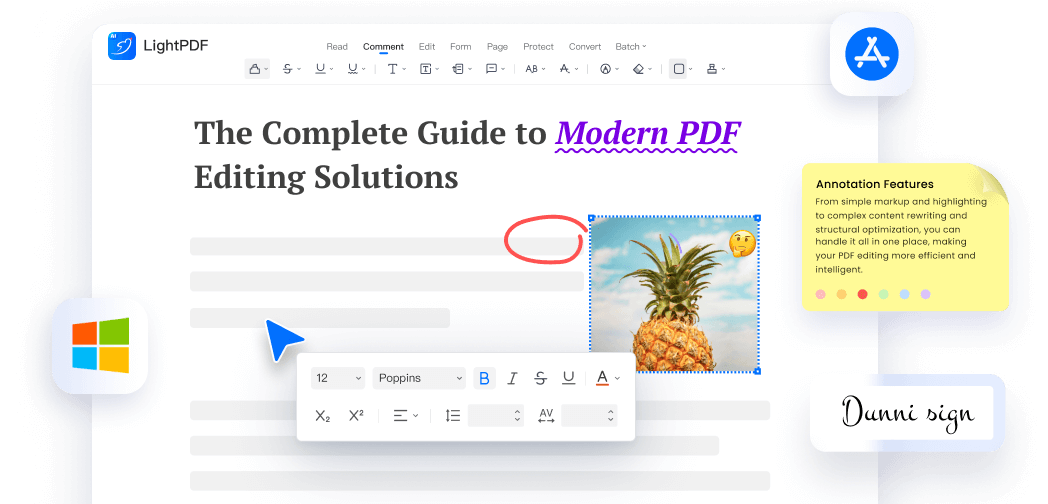
When working collaboratively, annotation tools are essential. A PDF editor allows you to add comments, highlights, and sticky notes directly within the document. These tools help streamline collaboration with team members, facilitate feedback, and mark sections that need revision. This feature is especially useful when reviewing drafts, gathering input from multiple people, or finalizing documents.
2. How Merging PDFs Saves Time and Enhances Efficiency
In any business, managing multiple documents can be challenging. Whether you’re combining reports, proposals, or contracts, having a tool that lets you merge PDF documents into one file can simplify the process significantly.
Combining Multiple Documents into One
Merging multiple PDFs into one document reduces fragmentation and keeps related files together. For example, you can combine different sections of a proposal, a series of contracts, or a set of reports into a single document for easier management and sharing. This eliminates the need to juggle multiple files and ensures all your information is in one place.
Organizing Documents for Better Workflow
Merging PDFs also helps you keep documents organized by grouping related files. This can be useful when working on large projects with several documents that need to be shared with clients or team members. By consolidating all related files into a single PDF, you make it easier to organize, access, and share information without opening multiple files.
3. Enhanced Collaboration with PDF Editing and Merging

Collaboration is a critical component of most workflows, and having the right tools to work together efficiently can improve productivity.
Collaborative Feedback and Revisions
When working with teams or clients, PDF editors allow for real-time editing and commenting. This makes it easier to gather feedback, implement changes, and keep everyone updated with the latest version of the document. The ability to make edits and leave comments directly within the document reduces confusion and ensures that everyone is on the same page.
Simplified Document Sharing
Once your documents are merged and edited, sharing them is straightforward. Instead of sending multiple files or different versions of a document, you can send one clean, consolidated PDF. This reduces the need for back-and-forth emails and ensures that recipients have all the information they need in one file.
4. Reducing Administrative Tasks with PDF Editing and Merging
A major advantage of using PDF editors is the ability to automate and simplify administrative tasks. This saves time and reduces the workload associated with document management.
Automating Repetitive Tasks
For tasks like watermarking, page numbering, or compressing multiple files, batch processing in a PDF editor allows you to apply changes to multiple documents at once. This automation feature is particularly useful for businesses that regularly handle large volumes of PDFs.
Efficiency Gains in Document Creation
With templates and quick document merging, PDF editing tools streamline the creation of common documents such as contracts, invoices, and presentations. Instead of starting from scratch each time, you can use pre-designed templates and quickly compile documents by merging PDFs, saving valuable time.
5. Improving Document Accuracy and Consistency
Accuracy and consistency are essential when working with important documents, especially when you’re editing or merging multiple files. PDF editing tools help reduce errors and maintain consistency across your documents.
Minimizing Errors with Editing Tools
The ability to edit directly within the PDF prevents the risk of formatting errors that can occur when converting files to other formats. By editing the PDF as is, you ensure that no changes are lost or misinterpreted during the conversion process. This also prevents issues like misplaced text, formatting glitches, or missing data.
Maintaining Document Integrity
When you merge files, it’s essential to preserve the integrity of each document. A reliable PDF editor ensures that the layout, content, and formatting remain intact when merging PDFs. This is particularly important for business documents that need to maintain their professional appearance, such as contracts, proposals, or reports.
6. Security and Compliance in Edited and Merged PDFs
When handling sensitive documents, security and compliance are top priorities. PDF editors and merging PDFs come with security features that protect your documents from unauthorized access.
Password Protection and Encryption
After editing or merging PDFs, it’s important to secure your files. PDF editors often offer options for password protection and encryption to prevent unauthorized access. This is essential when dealing with sensitive business or legal documents that need to remain confidential.
Compliance and Redaction
For industries that require regulatory compliance, PDF editors offer redaction tools to remove sensitive information from documents. Before merging PDFs or sharing documents with others, you can redact confidential data to ensure compliance with privacy regulations like GDPR or HIPAA.
