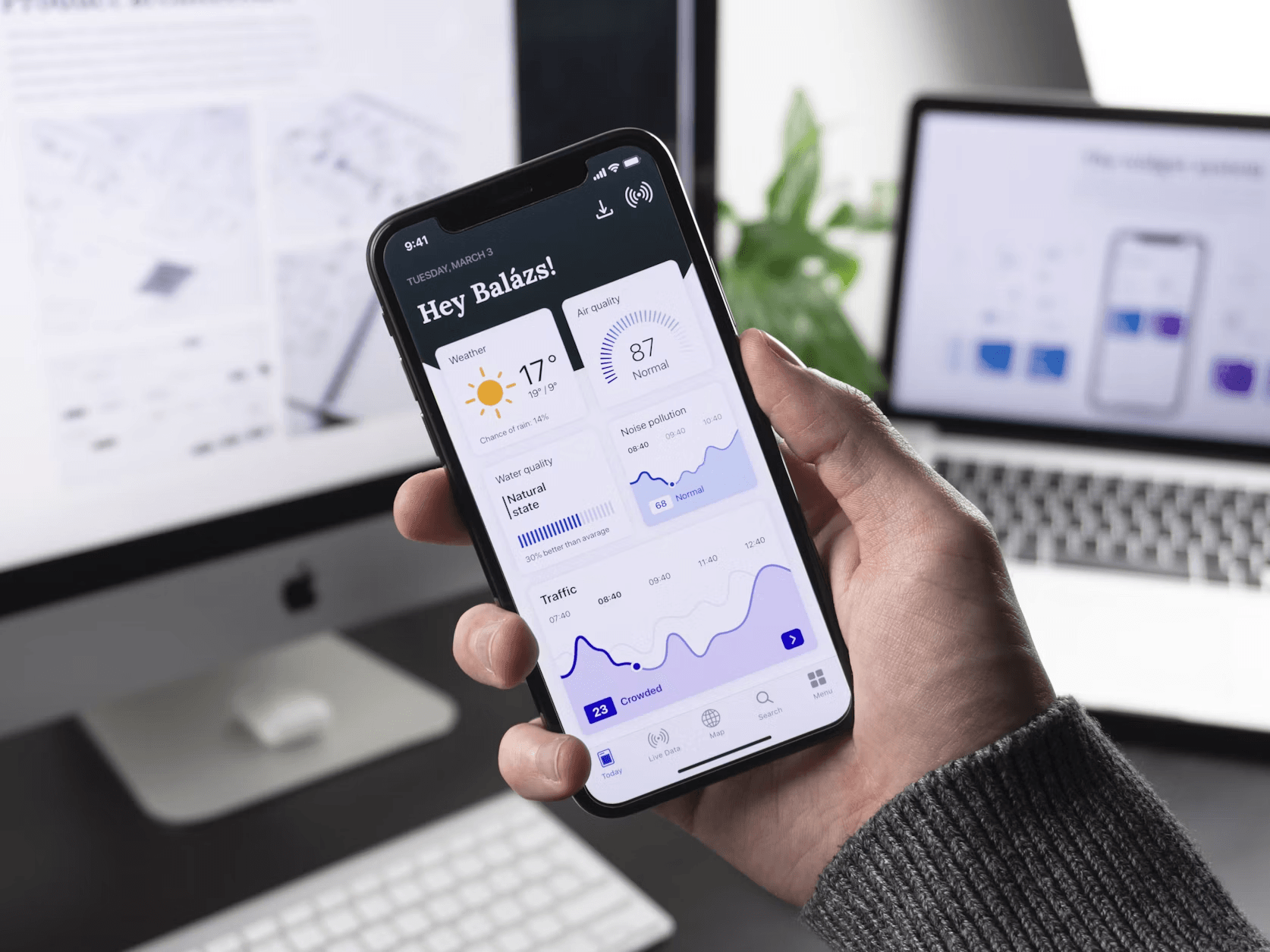
Top Features of a Successful Mobile App
Most people have roughly 80 apps loaded, but only regularly use fewer than 10. That disparity is telling you something important: downloadability is easy; usability is hard. The trick with a mobile app isn't being new. It's whether the app has a place in someone's everyday routine.
The elements below are not a checklist of minimal viability. These are the decisions that make or break apps with high retention vs. apps that die off the user's home screen.
Speed and Performance
If apps feel slow, people ditch them. Loads above 3 seconds mean measurable drop-off; performance concerns grow over time as user bases expand. The program operates fine on day one. The infrastructure decisions made at the architectural stage are needed to run well at scale.
Performance varies by platform. Cross platform development teams realize that an app built for iOS may not work the same on Android. Specialists providing mobile app development services with knowledge in native and cross-platform can help teams catch these gaps before launch. Getting performance right from the outset is the key to building a solid foundation that allows an app to flourish. Every second of increased load time is a conversion problem, a retention problem and a review problem at the same time.
The other half of the performance equation is managing traffic spikes. An app that works OK with a thousand users can be a lot worse with ten thousand. Early choices around cloud infrastructure, including how data is cached, how API requests are designed, and how the backend scales, decide if the program holds up when it really counts.
User Time Respectful Onboarding
Most apps lose people in the first sessions. If the user can't find the value in the first two minutes, they will close the app and typically never come back. Good onboarding does three things: it demonstrates value instantly, minimizes the amount of information you collect up front, and accelerates the user to their first important action.
The most kept apps, such as Duolingo, Headspace, and Notion, all have this pattern baked right into their app features. The onboarding journey is quick and opinionated, and it concludes with the user having done something genuine, not merely read about features. After the user has experienced value, not earlier, come permissions and account creation.
Security Feature | What It Protects |
Biometric login | Account access |
Encrypted data in transit | API calls |
Encrypted local storage | Saved user data |
Session timeout | Unauthorized access |
Privacy notice | User trust and legal compliance |
Personalization
Generic experiences are overlooked. For high-engagement categories, the success of an app often depends on how well it adapts to the specific user. Personalization might be as simple as storing preferences and the last session state, or as sophisticated as recommendation models trained on behavior.
The lowest level of customisation is simple state persistence. Users shouldn't have to reenter information or re-configure settings they have already set up. Plus, scheduled push alerts based on actual usage instead of broadcast timetables, material prioritized by relevance, and default settings that adjust to user behavior all contribute to the feeling that the app was made for this person in particular.
At higher levels, teams designing customization that impacts the core product loop need to make data architecture decisions early, as retrofitting this into an existing application is significantly more expensive than building for it from the ground up.
Analytics and Iteration
Successful mobile app features are not a one-time decision at launch. They adapt based on how real users really behave, which is often different than what the team expected. Even if you manage to promote apps with limited resources and get your first users, you still need proper tech tools to improve. This includes simple event tracking, session recording, A/B testing, and funnel analysis.
Apps released without analytics are just making guesses in the dark. The ones who instrument their main flows from day one may make data-driven decisions on what to improve, what to cut and where to invest next.
Local Operations
Connectivity is not guaranteed. Mobile network users get interrupted all the time, and apps that fail gently offline are more useful than apps that show an error screen. Positive reviews of a mobile app typically mention access to recently seen offline material, background sync when connectivity is restored, and straightforward communication about what is and isn't available without a signal.
This is a design decision as much as a technological decision. The program has to choose what to cache locally, how to handle conflicts between local and server state, and how to indicate to the user that they are offline without breaking the experience.
Consistency Across Platforms

Users move between gadgets. The experience that works well on an iPhone should also work well on Android and, increasingly, on tablets and foldables. Inconsistency between platforms erodes both support burden and perception of quality.
What to Check | Why It Matters | Common Mistake |
Navigation style | Users expect different patterns on iOS vs Android | Copying iOS behavior on Android |
Speed on older phones | Reaches more users, reduces frustration | Heavy animations on low-end devices |
Tablet and foldable layouts | Looks good on larger screens | Mobile layout stretched to fit |
Push notification setup | Affects re-engagement rates | Ignoring platform permission differences |
To be consistent across platforms, you need to deliberately test on different types of devices, not simply the high-end ones the development team uses on a daily basis.
Error Handling and Feedback
Long-term, part of what makes a good app is how it behaves when anything does go wrong. Empty states, error warnings, and loading indicators are all opportunities to delight or disappoint your user. Apps that provide a clear warning to the user when a request fails and an evident next step keep users engaged through issues.
The same applies to app feedback loops. The app should validate when the user acts. If there is an issue with a form, the app should tell you exactly what and why. Small investments in mistake management pay dividends in reduced support tickets and increased user trust.
Confidentiality and Security
Security is a feature, and users have begun to see it missing. Apps that deal with personal data, financial data, or location data are held to a higher standard than ever before – and for good reason. A single data leak can irreversibly erode user trust in a way that no update can recoup.
Trusted mobile apps share common features like biometric verification, clear disclosures about data management practices, session timeouts, and encrypted local storage. These are not sophisticated features; these are basic requirements. Apps that consider security as a first principle rather than an afterthought have much lower critical incidents and better retention statistics in regulated categories such as fintech and health.
Conclusion
Successful mobile apps are the result of clear judgments made at architecture and design time, not something added later. The building blocks include speed, security, onboarding, and customisation. The others are multipliers on top.
First things to focus on:
- Performance architecture pre-launch
- Onboarding flow that leads consumers to value quickly
- Security choices at the data layer
Polish-like characteristics- smooth animations, clever defaults, elegant error states- are actually signals of a team that understands how customers think. That insight, along with the correct technical foundation, is what separates the apps people keep from the apps they forget.
