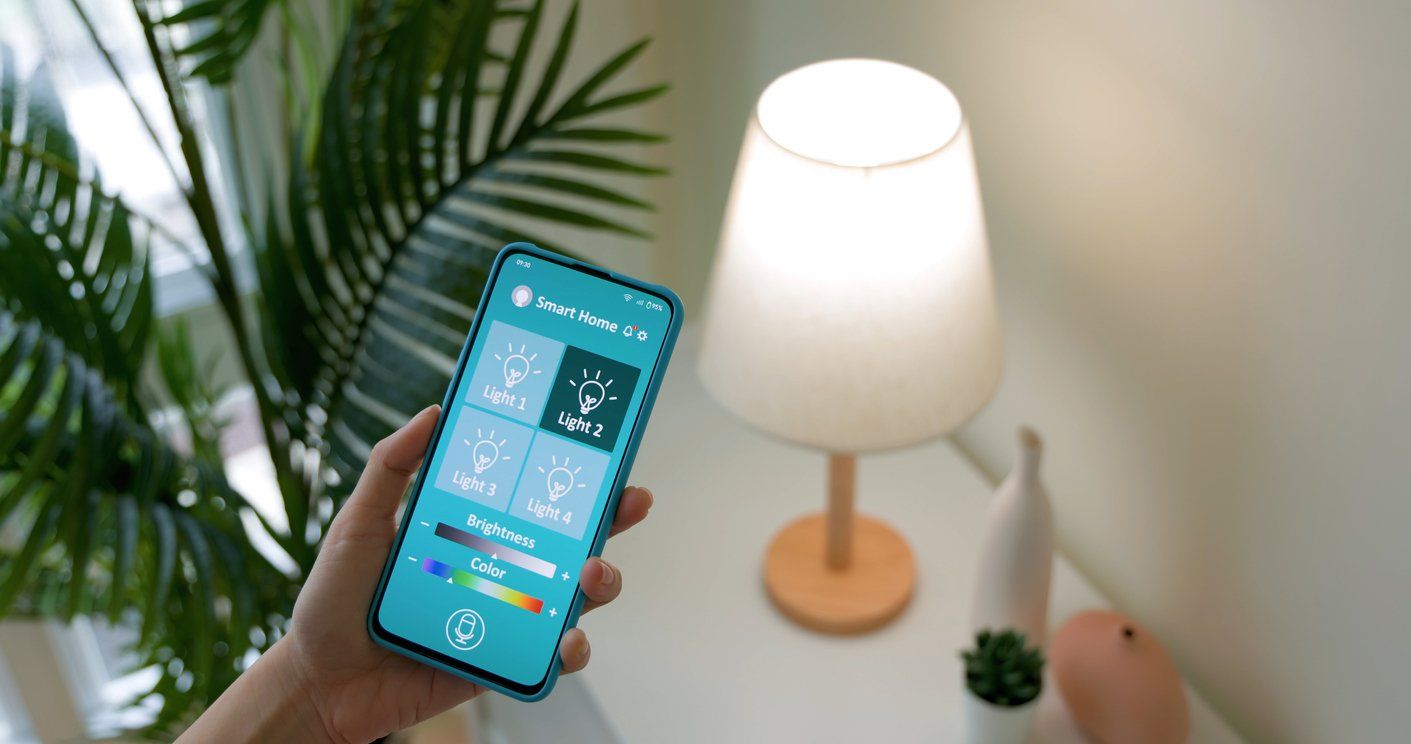
How to Use Your Smartphone to Control Your Smart Home and Digital Life
Your smartphone has evolved into much more than a device for making calls, sending messages, browsing the web, and taking pictures. For many people, an iPhone, Samsung Galaxy, Google Pixel, or other Android smartphone is becoming the primary controller for their connected home and digital life.
With the right apps and compatible devices, your phone can control smart lights, thermostats, locks, security cameras, video doorbells, shades, TVs, speakers, appliances, robot vacuums, garage doors, and security systems. It can also serve as a digital wallet, car key, password manager, entertainment remote, authentication device, navigation system, and interface for AI assistants.
But exactly what you can control—and how you control it—depends on your smartphone, operating system, smart-home platform, apps, and the devices in your home.
This GearBrain guide explains how today's most popular smartphones can become command centers for your smart home and digital life, including what iPhone, Samsung Galaxy, Google Pixel, and other Android users need to know about Apple Home, Google Home, Samsung SmartThings, Amazon Alexa, Matter, Thread, and manufacturer-specific apps.
Your Smartphone Is Becoming a Universal Remote for Your Life
Think about how many physical objects your smartphone has already replaced or supplemented.
It can function as a camera, alarm clock, calculator, flashlight, GPS navigator, music player, television remote, boarding pass, credit card, car key, hotel key, password manager, and much more.
The smart home is the next logical step.
A smartphone can provide one interface for controlling many of the connected products around your home, including:
- Smart lights and switches
- Smart plugs and outlets
- Smart thermostats
- Smart locks
- Video doorbells
- Security cameras
- Smart shades and blinds
- Garage door controllers
- Smart speakers
- TVs and streaming devices
- Robot vacuums
- Smart appliances
- Home security systems
- Air purifiers
- Fans
- Smart irrigation systems
- Energy monitoring equipment
However, your smartphone doesn't necessarily communicate directly with all these products.
Understanding that distinction makes today's smart home much easier to navigate.
How Does a Smartphone Control a Smart Home?

There are several ways your phone can communicate with connected devices.
A simple Wi-Fi smart plug, for example, might connect to your home's Wi-Fi network and a manufacturer's cloud service. You open the manufacturer's app on your phone, tap the power button, and the command reaches the plug through your network or the internet.
Other devices use Bluetooth, while some smart-home products communicate through a hub or bridge.
Matter and Thread have added additional options.
A simplified smart-home control path might look like this:
Smartphone → Smart-home app/platform → Wi-Fi, Bluetooth, Matter, Thread or hub → Smart device
The important point is that owning a particular smartphone does not necessarily lock you into one smart-home ecosystem.
An iPhone owner can use Google Home, Amazon Alexa, SmartThings, Ring, Philips Hue, ecobee, Sonos, and countless other apps. Likewise, an Android owner isn't limited to Google Home.
Your phone's operating system provides one layer of compatibility, while apps and smart-home platforms provide additional layers.
Using an iPhone to Control Your Smart Home

Apple iPhone owners have several options for controlling connected devices, with Apple Home serving as Apple's native smart-home platform.
The Home app provides a central interface for compatible lights, locks, thermostats, cameras, plugs, shades, sensors, and other devices. Users can organize products into rooms, create scenes, build automations, and control devices remotely when their home is configured with appropriate Apple home infrastructure.
Siri provides voice control for compatible devices. Instead of opening an app, you might say:
"Siri, turn off the downstairs lights."
Or:
"Siri, set the thermostat to 70 degrees."
Apple's Shortcuts app expands these capabilities by allowing users to create more complex actions involving apps and services.
What smart-home platforms can you use with an iPhone?

An iPhone isn't restricted to Apple Home.
Depending on the products you own, an iPhone can also run apps for:
- Google Home
- Amazon Alexa
- Samsung SmartThings
- Ring
- Philips Hue
- Lutron
- ecobee
- Sonos
- Resideo
- TP-Link Tapo and Kasa
- Roborock
- Home Assistant
- And thousands of other connected products and services
This is an important compatibility distinction.
A product does not necessarily have to support Apple Home for an iPhone owner to control it. If the manufacturer provides a compatible iOS app, you may still be able to control the device from your iPhone.
Apple Home compatibility determines whether that product can be brought into Apple's smart-home environment—not necessarily whether an iPhone can operate it at all.
Using a Samsung Galaxy Phone to Control Your Smart Home

Samsung Galaxy phones offer particularly deep integration with Samsung's SmartThings ecosystem.
The SmartThings app can provide centralized control of compatible smart lights, plugs, thermostats, locks, TVs, appliances, sensors, cameras, shades, and many other connected devices.
The platform is particularly useful for households that already own Samsung products such as TVs, refrigerators, washers, dryers, and other appliances, but SmartThings is not limited to Samsung-branded hardware.
It supports products from numerous manufacturers and has embraced Matter as another way of connecting products from different brands.
Galaxy owners can also install Google Home, Amazon Alexa, manufacturer-specific apps, Home Assistant, and other smart-home platforms.
That means a Samsung Galaxy owner might simultaneously use SmartThings for household automation, Google Home for certain devices, Alexa for voice control, and individual manufacturer apps for advanced settings.
Using a Google Pixel to Control Your Smart Home

Google Pixel phones provide a natural entry point into the Google Home ecosystem.
The Google Home app can manage compatible lights, thermostats, cameras, doorbells, locks, plugs, speakers, displays, TVs, and other connected devices.
Google's ecosystem is particularly attractive to households using products such as Nest thermostats, Nest cameras, Nest doorbells, Google TV devices, Chromecast-enabled products, and Google/Nest speakers and displays.
Pixel users can also use other ecosystems.
A Pixel owner could install Samsung SmartThings, Amazon Alexa, Ring, Philips Hue, Lutron, ecobee, Sonos, Roborock, Home Assistant, and other compatible Android apps.
Just as an iPhone doesn't require an Apple Home household, owning a Pixel doesn't mean every smart device in your home must be part of Google Home.
What About Motorola, OnePlus, Nothing, Xiaomi, and Other Android Phones?

You don't need a Google Pixel or Samsung Galaxy to control a smart home from Android.
Android smartphones from Motorola, OnePlus, Nothing, Xiaomi, and many other manufacturers can run Google Home and numerous third-party smart-home apps.
The capabilities will vary by phone, Android version, region, manufacturer, and app availability, but the basic principle remains the same.
Your phone provides access to smart-home platforms and manufacturer apps, while those services communicate with your connected products.
This is why consumers should look beyond the smartphone's brand when determining compatibility.
A better question than:
"Does this smart lock work with my Motorola phone?"
might be:
"Does this smart lock have an Android app, and does it support the smart-home platform I use?"
Those are two different compatibility questions.
What Is Matter, and Why Does It Matter to Smartphone Owners?

Matter was developed to make it easier for smart-home products from different manufacturers and ecosystems to work together.
Major smart-home companies including Apple, Google, Amazon, Samsung, and many device manufacturers support Matter.
A Matter-certified product may be capable of connecting to multiple supported smart-home ecosystems rather than requiring consumers to select products designed exclusively for one platform.
For smartphone owners, that can mean greater flexibility.
For example, instead of buying a smart plug solely because it works with one ecosystem, a Matter-compatible plug may provide additional options for households using Apple Home, Google Home, SmartThings, Alexa, or combinations of these platforms.
However, seeing a Matter logo doesn't mean every product provides identical features in every ecosystem.
Manufacturers may offer advanced controls through their own apps that aren't exposed through Matter, and support can vary based on device type and platform.
Therefore, consumers should still check compatibility before purchasing.
What Is Thread?
Thread is another term smartphone users increasingly encounter when buying smart-home devices.
Thread is a low-power wireless networking technology designed for connected devices. Unlike Wi-Fi, Thread creates a mesh network in which compatible devices can help extend communications across the network.
Matter can operate over Thread, but Matter and Thread are not the same thing.
Think of Matter as providing a common language for compatible smart-home products, while Thread can provide the network those devices use to communicate.
Some Thread-based smart-home configurations require a Thread Border Router to connect the Thread network with the rest of the home network.
Depending on your ecosystem, this capability may be built into another device in your home rather than your smartphone itself.
That's why buying a Matter-over-Thread device doesn't necessarily mean your phone alone provides everything required to operate it.
Can Your Smartphone Replace a Smart Home Hub?

Sometimes—but not always.
This is one of the biggest sources of smart-home confusion.
Some Wi-Fi and Bluetooth devices can be set up and controlled directly using a smartphone and app. Other devices require a hub, bridge, controller, Thread Border Router, or another always-on device to provide features such as remote access and automation.
For instance, your phone may be the interface you use to turn a light on and off, but another device in your home may actually coordinate the automation.
Therefore:
Your smartphone can be your primary smart-home controller without necessarily being the smart home's technical hub.
That's an important distinction when planning a connected home.
Can You Mix Apple Home, Google Home, SmartThings, and Alexa?
Yes, and many households already do.
You might have an iPhone, a Samsung TV, Amazon Echo speakers, Philips Hue lights, a Ring doorbell, an ecobee thermostat, Lutron switches, and a Roborock robot vacuum.
There is nothing unusual about that configuration.
The challenge is determining which products work together and which platform should control each device.
Matter is helping reduce some of this fragmentation, but smart-home compatibility remains complicated because products can have different levels of support across ecosystems.
This is why consumers should check compatibility before buying a smart device rather than assuming that having an app for their smartphone means the product will integrate with the rest of their smart home.
Your Smartphone Can Control More Than Your Home

Smart-home control is only one part of the smartphone's expanding role.
Today's smartphones are becoming central interfaces for a person's broader digital life.
Entertainment
Your phone can control compatible TVs, streaming devices, speakers, receivers, and multi-room audio systems.
You can start music on a smart speaker, cast or stream video to a television, adjust volume, change content, and control playback without searching for a physical remote.
Cars
Depending on the vehicle and phone, smartphones can provide navigation, entertainment, communications, vehicle apps, remote start and climate controls, and, on supported vehicles, digital car keys.
Apple CarPlay and Android Auto also extend smartphone apps and services into compatible vehicle displays.
Payments and Wallets
Apple Wallet, Google Wallet, Samsung Wallet, and other services allow compatible smartphones to store payment cards and, depending on location and support, tickets, boarding passes, transit credentials, digital keys, and other information.
Passwords and Passkeys
Smartphones are also becoming important authentication devices.
Password managers, biometric authentication, two-factor authentication, and passkeys can allow a smartphone to verify your identity when accessing online accounts and other digital services.
Wearables

Smartphones frequently serve as the management interface for smartwatches, fitness trackers, earbuds, health devices, and other wearables.
The phone becomes the place where information from multiple connected devices can be configured, reviewed, and managed.
AI Assistants
Artificial intelligence is making the smartphone's role even more significant.
AI assistants can help users find information, interact with apps and services, and increasingly perform actions across connected devices.
As AI assistants gain access to smart-home systems, device information, calendars, communications, cars, entertainment services, and other parts of a user's digital life, smartphones could become less like remote controls and more like intelligent orchestration systems.
Instead of telling an app exactly what to do, a user might eventually say:
"I'm leaving for work. Get the house ready."
An intelligent system could determine which lights should turn off, whether doors are locked, how the thermostat should be set, which security system should be armed, and what information the user needs for the commute.
What Happens If You Switch from iPhone to Android—or Android to iPhone?


Changing smartphones doesn't necessarily mean replacing your smart-home devices.
This depends heavily on the devices and ecosystems you selected.
If your smart devices support multiple platforms, Matter, or manufacturer apps available for both iOS and Android, moving between smartphones can be relatively straightforward.
Problems are more likely when your connected home relies heavily on features exclusive to a particular ecosystem.
Before changing smartphone platforms, inventory your important connected devices and determine:
- Which devices have both iOS and Android apps?
- Which devices support Matter?
- Which products depend on Apple Home, Google Home, SmartThings, or Alexa?
- Which automations will need to be recreated?
- Which hubs, bridges, or controllers are required?
- Which household members need access?
- Which ecosystem-specific features will you lose?
Doing this before switching phones can prevent unpleasant surprises.
How to Choose Smart Devices Based on Your Smartphone
Don't buy a smart-home product simply because the packaging says it has an iPhone or Android app.
Start by looking at the smart-home ecosystem you already use.
If you're heavily invested in Apple products, compatibility with Apple Home and Matter may be a priority.
If your household revolves around Google services and Nest products, Google Home integration may be more important.
Samsung households may benefit from SmartThings compatibility, particularly when connecting appliances, TVs, mobile devices, and third-party smart-home products.
Households using Echo speakers extensively may want strong Alexa integration.
But you don't necessarily have to choose only one.
Before purchasing a connected product, ask:
Does it work with my smartphone?
Does it work with my preferred smart-home platform?
Does it work with the other products I already own?
Does it require a hub or bridge?
Does it support Matter?
If it uses Thread, do I have the necessary Thread infrastructure?
Will everyone in my household be able to control it?
These questions reveal far more about real-world compatibility than simply looking for an iPhone or Android logo.
The Future: Your Phone Knows What You Own
The next evolution of smartphone control may not be another dashboard filled with buttons.
It could be an intelligent assistant that understands the devices you own, how they're connected, what they're compatible with, and how you prefer to use them.
Imagine asking:
"Can I add this smart lock to my house?"
Instead of returning a generic explanation of the lock, an intelligent assistant could know that you use an iPhone, Apple Home, several Matter devices, a particular Wi-Fi router, and a specific video doorbell.
It could then determine whether the lock is compatible with your existing setup, explain what additional equipment is required, walk you through installation, and help troubleshoot problems afterward.
Or you might ask:
"I'm replacing my Samsung phone with an iPhone. What will stop working?"
The answer would be based on the actual devices in your home rather than generic compatibility information.
This is the direction smart-home control is heading: from device control to intelligent device management.
Visit Apple's Amazon Store for the Latest Deals
The Bottom Line
Your smartphone is quickly becoming one of the most important controllers in your connected life.
Whether you own an Apple iPhone, Samsung Galaxy, Google Pixel, or another Android smartphone, you can use it to control an enormous range of smart-home devices, entertainment products, vehicles, wearables, security services, digital credentials, and online services.
But the phone itself is only one piece of the puzzle.
The operating system, smart-home platform, Matter support, Thread infrastructure, hubs, manufacturer apps, and individual device compatibility all determine what you can actually do.
That's why the most important question isn't simply:
"Can I control this device with my phone?"
It's:
"Will this device work with my phone, my smart-home platform, and everything else I already own?"
That distinction becomes increasingly important as homes fill with connected products from different manufacturers.
GearBrain helps consumers answer these compatibility questions before and after they buy connected devices. And as AI-powered assistants become more capable, the smartphone could evolve from a universal remote into something far more useful: an intelligent assistant that understands your connected home and helps all your devices work better together.
