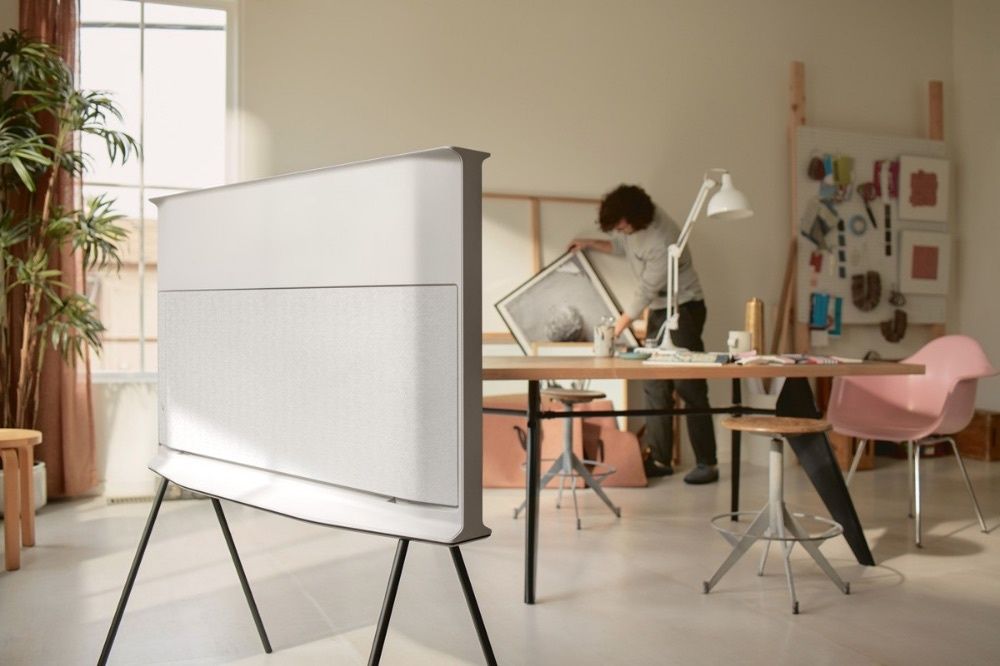
How to create a workspace that boosts your efficiency and wellbeing
We’ve all seen those gorgeous workspaces on Pinterest with the perfect lighting and not a wire in sight. But a good work setup isn’t just about color coordination and aesthetics – small details like where your chair sits, how light filters across your desk, and how your devices are arranged play a big role in supporting your productivity (or chipping away at your focus if not done right) and even your health throughout the day. Here are some practical strategies to help you create a work area that supports both efficiency and your physical and mental wellbeing – whether it’s Instagram-worthy is totally up to you.
Ergonomic essentials for betterperformance and health

A high-functioning workspace relies on good ergonomics (positioning your body, chair, and desk to reduce stiffness, tension headaches, and repetitive strain injuries). Start by properly adjusting your chair so it supports the natural curve of your spine, with your feet resting flat on the floor and your elbows at a 90-degree angle when typing. Sit-stand desks or keyboard trays can keep your wrists and shoulders consistently aligned. Think of ergonomic equipment such as lumbar support cushions or monitor risers as an investment – when your body is comfortable, your mind stays clearer so you can work longer and concentrate better.
Light, sound, air: Optimize your environment for focus
Don’t underestimate the impact of light on your mood and alertness. Letting in enough natural light will improve both focus and mood, while warm artificial lighting can soften eye strain in the morning or evening. Don’t go too bright, though – aim for bulbs with a color temperature between 4000K and 5000K. Environmental factors matter too. Use soft background noise (the right productivity music can be a gamechanger), white-noise machines, or noise-cancelling headphones so that you can stay in a productive state when working. Ideally, keep your workspace between 68-72 F and use plants, small fans, or open windows to ensure good airflow (stale air can sap your energy quickly).
VPNs and pomodoros: Tools that streamline workflows

It can be easy to ignore digital ‘clutter’ since it takes up no physical space. But it can impact your focus and workflow just as if you were surrounded by messy piles of paper. Clean up your desktop, group files logically, and use cloud storage to keep files safe and free up storage. Use productivity apps such as task managers, pomodoro timers, and project-tracking tools to structure your day and reduce mental load. To protect your data while working online, especially when accessing company systems, use a VPN for business so that all connections are encrypted and secure. And make sure your hardware lets you work seamlessly – consider a second monitor if you switch between multiple programs every minute, or a high-quality webcam if you’re frequently on calls.
A workspace that brings together health and focus
A productive workday begins with the area where you actually do your work. A well-designed setup with the right tools and tech will set the stage for clearer thinking, stronger focus, and better well-being. So, take a minute to rethink your workspace and make a few tweaks – you’ll instantly create an environment that supports your wellbeing and productivity every day.
