Building a Smart Entertainment Setup That's Actually Secure
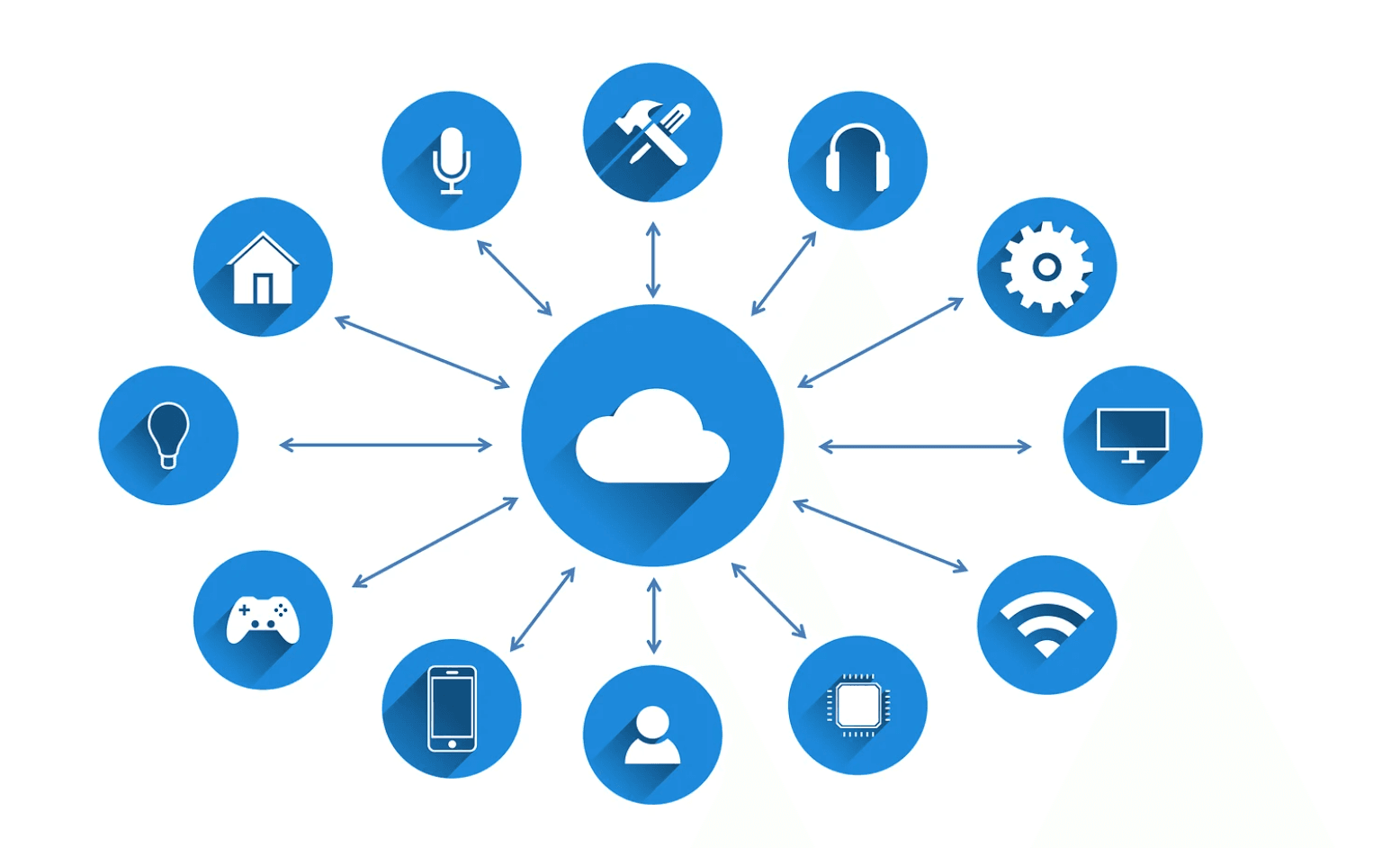
Smart TVs, streaming boxes, voice assistants, and connected speakers have slowly but surely taken over the typical living room, even before homeowners have made an effort to acquire these gadgets. Currently, entertainment devices can be found in almost three out of four Canadian households, and the smart home market is expected to continue growing. However, security lags behind in terms of growth.
Canadians worry about the privacy of data stored in these smart gadgets, as well as the safety of the overall system. This worry remains unaddressed as smart home systems expand one gadget at a time.
The Smart Home Boom Nobody's Locking Down
Today, a home entertainment area consists of a mini-network of devices: a smart television subscribed to six streaming services; a voice assistant that controls the apartment's lighting and heating/cooling systems; a Wi-Fi-connected soundbar; and a smartphone that serves as a remote control for all these things. Each device is acquired individually, with all the initial settings intact, because reading about security measures isn’t fun, but installing and configuring them is.
The end result is a sleek-looking system that has never been subject to any kind of security review. Repeat this scenario several times for each device bought over a couple of years, and it becomes clear how many small networks and accounts have been created without anyone ever bothering to map them out.
Where Mobile Casino Apps Fit Into a Connected Entertainment Setup

Casino apps for phones and browsers are just another app on the list that some adults launch alongside their streaming queue on a phone or smart TV browser. They're not much different from any other app you add to your list; they require a login and a payment method, and, just like any other item on this list, they deserve to be thoroughly inspected before becoming second nature. It's easy to see an additional app as low risk just because it's free, which helps explain why several logins get forgotten on a household's devices.
If you're trying a new platform, check the current sign-up terms before judging by a banner ad; sites like Casinos Analyzer can help you get a better experience. Review the bonus selection to see the operator's current offer details in one place, which is a more reliable way to know what's actually being offered before an account gets created on a shared living room device. Securing Every Account Tied to Your Smart Home.
Securing Every Account Tied to Your Smart Home
A useful first check before adding anything new – casino app or otherwise – comes straight from the official cybersecurity guidance.Cyber Safe's page on securing your accounts covers the basics that apply to every login in a connected household, such as using unique passwords instead of reusing them, using multi-factor authentication wherever it's offered, and regularly reviewing which devices and apps still have active access to an account months after it was first set up.
This detail matters even more in the context of a smart home. A streaming account signed in to a TV bought two years ago, a smart speaker paired with an old mobile phone number, and a casino app storing a payment method that nobody remembers adding are all things that build up in any home with more than two smart devices. The only way to catch them is to run regular checks. This fifteen-minute process is much simpler to do once a year than trying to sort it out after it happens.
A Practical Setup Checklist for a Connected Entertainment Corner

Correct installation of your entertainment corner initially will minimize the need for cleaning up later. Each of the following recommendations takes no more than a few minutes if you know how to do it.
- Create a guest network or Internet of Things network for your connected TVs, streaming boxes, and speakers, separate from the primary network used by your laptops and mobile phones for anything sensitive.
- Change the factory default admin password on the router and smart hub prior to connecting the first device.
- Enable automatic firmware updates on the TV, streaming box, and router, because smart-device bugs are usually fixed automatically through updates.
- Keep a record in your password manager of all accounts used during setup, because it's easy to forget existing streaming and gaming accounts across devices.
- Conduct an annual audit of devices connected to the network, and keep only those used within the past six months.
None of this requires technical expertise: most of it is a one-time setup step that then runs quietly in the background.
What to Do When a Device or App Asks for More Access Than It Needs
Many smart home apps demand permissions that go far beyond what they actually need. For example, a streaming media app might demand access to your contacts, an intelligent speaker might ask for location permissions when it doesn't need them, or a game might request notification permissions but never send any notifications. Denying an app permission is unlikely to hinder its functionality; try it to be sure. The same goes for any entertainment app you decide to install on a shared device.
A small permissions check one should conduct for any new app:
- Does it require access to the camera and/or microphone, or is that something that activates automatically when you install it?
- Does it require access to your contacts when all it’s going to use them for is the “Find Friends” function?
- Does it ask for background location access when all it needs is your general area once?
- Does it send push notifications, or does it send push notifications for advertisements?
- Can you access it via a web browser instead of installing an app, so it doesn't require the permissions an app normally would?
The Setup That Actually Holds Up
A connected entertainment corner is worthwhile because it provides a much better audio and visual experience, as well as much greater convenience than was previously available. Also, treat a connected entertainment system like a small network and apply the same basic hygiene measures as any other network, such as logging and payments.
This includes having a unique password, regularly checking the system, and verifying the origin of any application before adding it to your network. Websites like Casinos Analyzer can help with the latter, specifically for casino systems, by collecting licensing and service information in one place rather than relying on a single advertisement. While buying all this equipment will not take long, creating a configuration that will serve you for several years will take effort to secure and check periodically.
