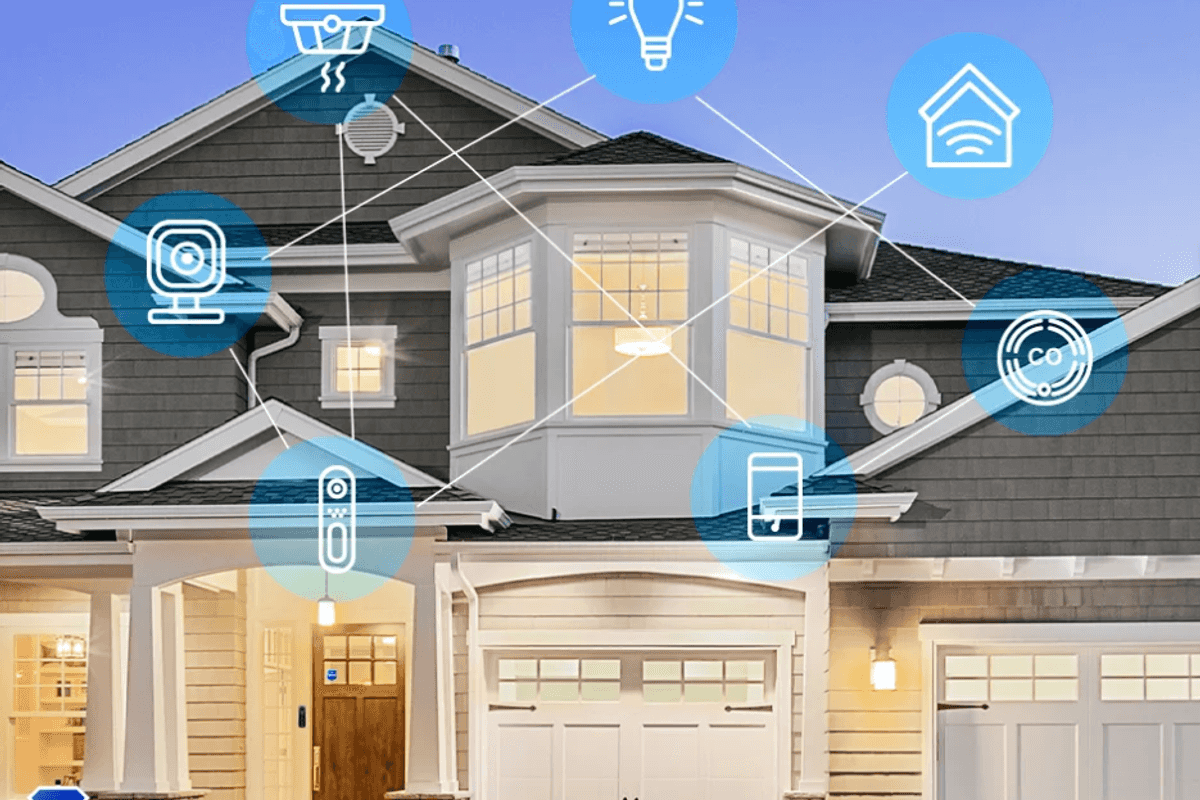
If you’re starting your first smart home, one question comes up more than almost any other: “Do I need a hub or a smart speaker to control my smart-home devices?”
The short answer: not always.
The long answer: it depends on the devices you choose, the ecosystem you want, and how advanced you want your automations to be.
This guide explains the difference between hubs, smart speakers, controller apps, and Matter-enabled devices — and helps you determine the simplest, most cost-effective setup for your home.
- YouTube Wondering if you need a smart hub or smart speaker to kickstart your smart home? In this video, GearBrain breaks down the ...
What Is a Smart-Home Hub?
 Echo Show 11 Smart Dsiplay GearBrain
A smart-home hub is a device that connects, coordinates, and automates multiple smart devices from a central location. Classic hubs include:
- Samsung SmartThings Hub
- Amazon Echo (doubles as a hub)
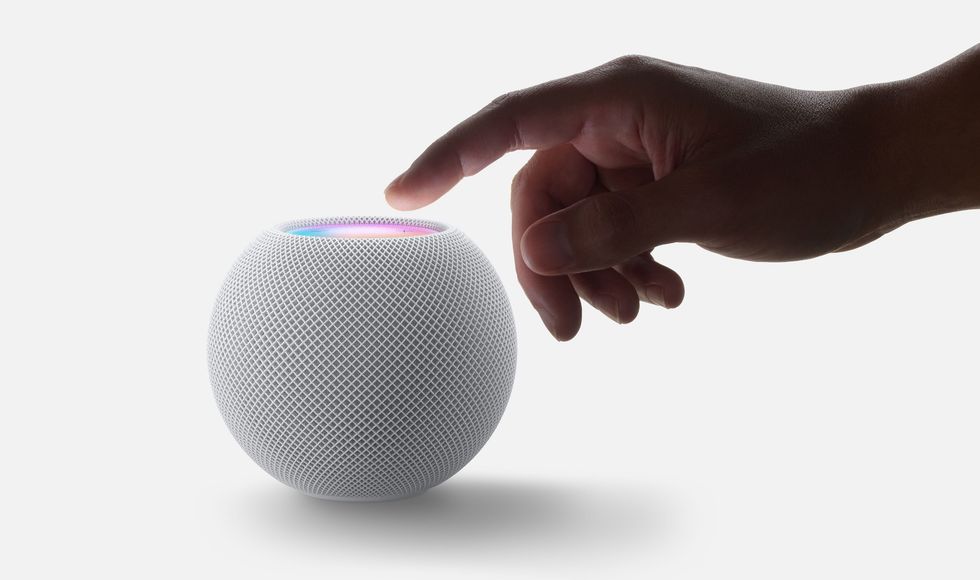
- Apple HomePod Mini
- Hubitat Elevation
- Aeotec Smart Home Hub
What hubs do:
- Manage devices using Zigbee, Z-Wave, Thread, or Matter
- Handle automations and routines locally
- Keep devices working even if the internet drops
- Connect brands that wouldn’t normally work together
What hubs do not do:
- Replace Wi-Fi
- Replace your apps
- Add features to devices that don’t support them
What Is a Smart Speaker?
 The HomePod Mini Apple
A smart speaker is a voice-activated assistant — like:
- Amazon Echo
- Google Nest Mini / Nest Hub
- Apple HomePod Mini
What smart speakers do:
- Allow voice control
- Control devices across your home
- Act as a Matter controller
- Act as a Thread border router (for some models)
- Enable hands-free announcements and routines
Many smart speakers now function as hubs thanks to Matter and Thread integration.
Do You Need a Hub to Start a Smart Home?
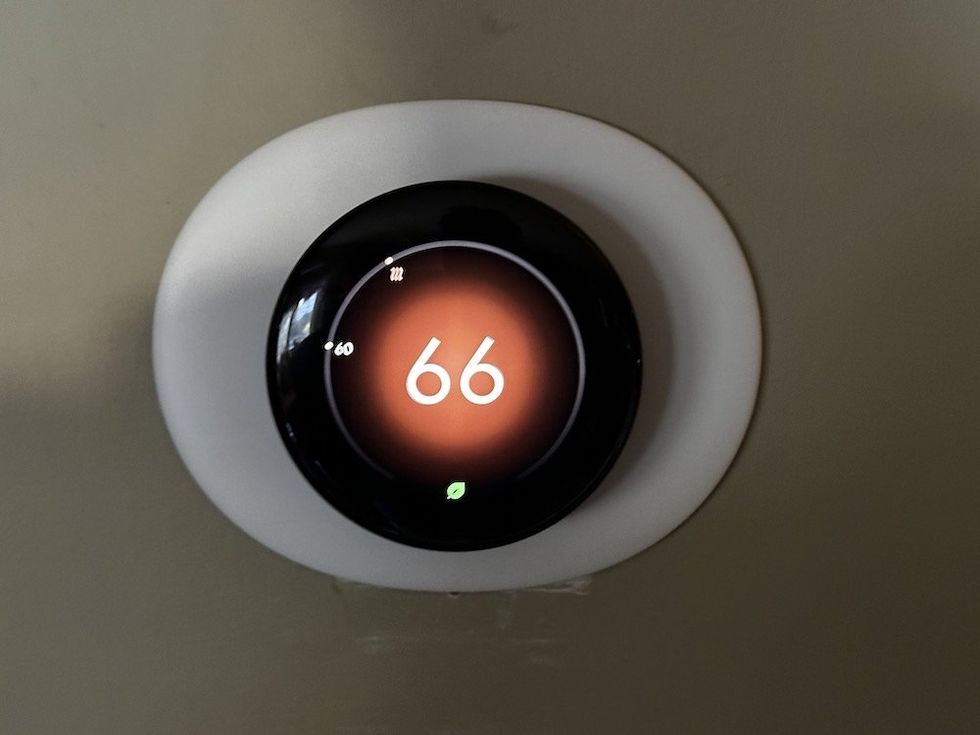
 Google Nest Learning Thermostat Review: AI-Powered Efficiency GearBrain
Short answer: No — not anymore.
In the early days of smart homes, hubs were essential. Today, 80% of beginner-friendly devices do not require a hub, including:
- Smart plugs
- Smart bulbs
- Video doorbells
- Wi-Fi cameras
- Robot vacuums
- Smart thermostats
- Smart speakers
- Mesh Wi-Fi devices
Most Wi-Fi devices connect directly to your router and work with Alexa, Google Home, or Apple Home through their apps.
When You DO Need a Hub
 See how easy it is to use Vivint Smart Hub in today's smart home See how easy it is to use Vivint Smart Hub in today's smart home
Some devices and ecosystems still require a dedicated hub for full functionality.
1. Zigbee / Z-Wave Devices
Brands like:
- Philips Hue
- Aeotec
- Aqara
- Sengled (older bulbs)
- Eve (pre-Matter models)
These require a bridge or hub because they use Zigbee or Z-Wave instead of Wi-Fi.
2. Thread Devices (Pre-Matter)
Thread devices need a Thread border router, which can be built into:
- HomePod Mini
- Apple TV 4K
- Google Nest Wi-Fi Pro
- Amazon Echo (newer models)
3. Whole-Home Lighting Systems
Examples:
- Philips Hue Bridge
- Lutron Caséta Smart Bridge
- Govee Sync Boxes
4. Advanced Local Automations
Hub-required features:
- Local processing (no cloud delays)
- Offline automations
- Latency-sensitive tasks (motion lights, security sensors)
Brands like Hubitat and Aqara excel here.
Do You Need a Smart Speaker?
 The Nest Hub GearBrain
No, but it makes everything easier.
You can control smart-home devices directly through:
- Your iPhone
- Your Android phone
- Alexa app
- Google Home app
- The device’s brand app (TP-Link, Wyze, Ring, Eufy, etc.)
But a smart speaker:
- Gives you hands-free control
- Makes routines more powerful
- Acts as a Matter controller
- Improves response speed
- Enables home-wide voice announcements
- Makes automation “feel” like a smart home
Do You Need Both a Hub and a Smart Speaker?
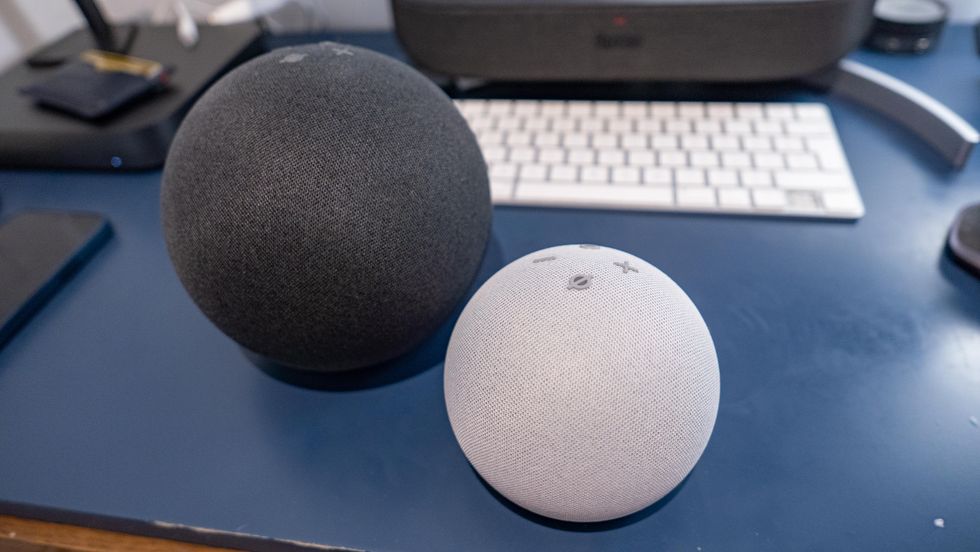
 All versions of Echo can be reset in a matter of seconds GearBrain
Often, one device covers both roles.
For example:
Most modern households only need:
- 1 smart speaker
- 1 strong Wi-Fi network
- Matter-ready devices
This eliminates the need for a separate hub for most users.
How Matter Changes the Equation
 Matter is the new name for Project Chip by the Connectivity Standards Alliance Connectivity Standards Alliance
Matter is designed to:
- Reduce the need for multiple hubs
- Make devices cross-compatible
- Make the setup simpler
- Keep routines consistent across platforms
However:
- Not all devices support Matter
- Many Matter products still rely on their brand apps
- Some advanced features do not transfer across ecosystems
Important:
Even in a Matter home, a Matter controller is required — usually your smart speaker.
Which Ecosystem Makes This Easiest? (Ranked)
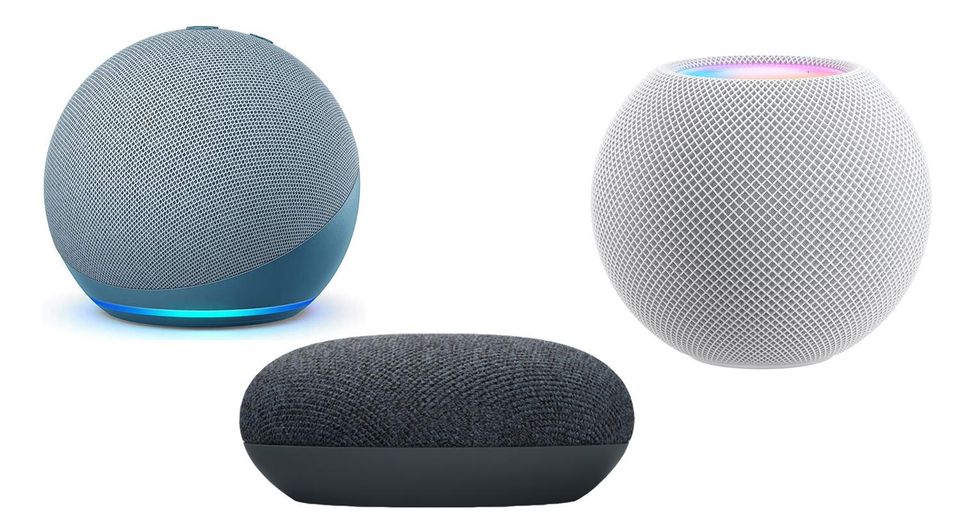
 The Echo Dot, HomePod Mini and Nest Mini Amazon / Google / Apple
⭐ 1. Amazon Alexa — Best for Beginners
- Echo acts as a Matter controller & Zigbee hub
- Broadest device compatibility
- Ideal for renters & families
⭐ 2. Google Home — Best for Smart Automations
- Nest Hub works as a Matter controller
- Strong AI routines
- Excellent camera integration
⭐ 3. Apple Home — Best for Privacy
- HomePod Mini required for remote access
- Best for iPhone users
- Thread support is excellent
GearBrain Recommendations: The Easiest Way to Start a Smart Home
Option A: No Hub — Simple Wi-Fi Setup
Best for beginners:
- Smart plug
- Smart bulb
- Video doorbell
- Echo Dot or Nest Mini
Option B: Smart Speaker That Doubles as a Hub
Best for expanding:
- Echo 4th Gen (Alexa + Zigbee hub)
- HomePod Mini (Apple Home + Thread)
- Nest Hub (Google + Matter controller)
Option C: Dedicated Hub for Advanced Users
Best for tech-savvy:
- SmartThings Hub
- Hubitat Elevation
- Aeotec Hub
- Homey Pro
Conclusion
You don’t need a hub or smart speaker to start a smart home — but both make the experience smoother, faster, and more reliable. Most modern setups use a smart speaker as the central hub, especially with Matter now simplifying compatibility.
If you’re just getting started, begin with a smart speaker, a smart plug, and one additional device, such as a video doorbell or bulb. If you want advanced automations or non-Wi-Fi devices, a hub becomes more valuable.
Check out The GearBrain, our smart home compatibility find engine. It can help you find, buy, and connect any smart device. It can even help you find other smart devices compatible with your existing smart devices, such as Google Assistant and Amazon Alexa-enabled devices.
From Your Site Articles
Related Articles Around the Web
 Echo Show 11 Smart Dsiplay GearBrain
 The HomePod Mini Apple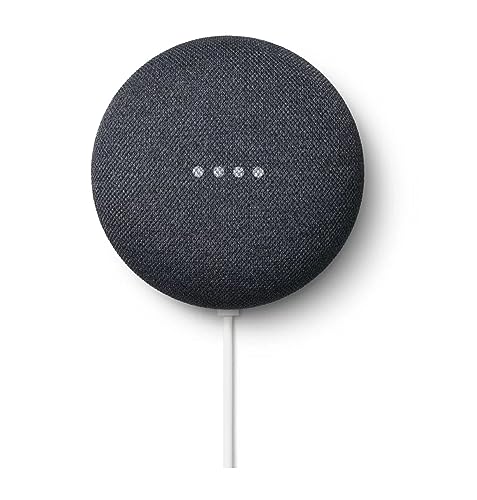
 Google Nest Learning Thermostat Review: AI-Powered Efficiency GearBrain
 See how easy it is to use Vivint Smart Hub in today's smart home See how easy it is to use Vivint Smart Hub in today's smart home



 The Nest Hub GearBrain
 All versions of Echo can be reset in a matter of seconds GearBrain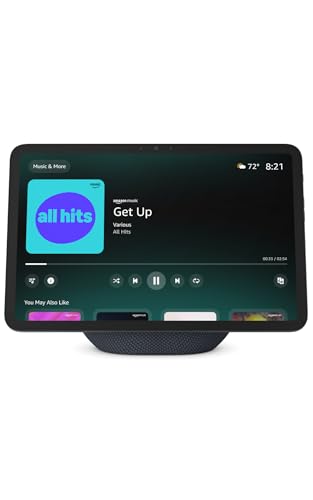
 Matter is the new name for Project Chip by the Connectivity Standards Alliance Connectivity Standards Alliance
 The Echo Dot, HomePod Mini and Nest Mini Amazon / Google / Apple