The Conversation (0)
Apple
Apple ADE + MDM Enrollment: The “No Touch” Deployment Playbook
Apple ADE + MDM Enrollment: The “No Touch” Deployment Playbook
Managing Apple devices in an enterprise can be a complex and resource-intensive task, especially as organizations scale and adopt a variety of devices for their workforce. Traditional imaging workflows, which require manual setup and configuration, are time-consuming and often prone to errors.
To address these challenges, Apple Automated Device Enrollment (ADE), in combination with Mobile Device Management (MDM), offers a modern solution for streamlined, “no touch” deployment.
ADE allows devices to be automatically enrolled and configured as soon as they are powered on, without requiring IT staff to manually handle each device. Coupled with MDM, businesses can enforce security policies, manage apps, and ensure compliance across all devices, all remotely.
This article focuses on how businesses can implement ADE and MDM to optimize the deployment process, from initial setup to ongoing management.
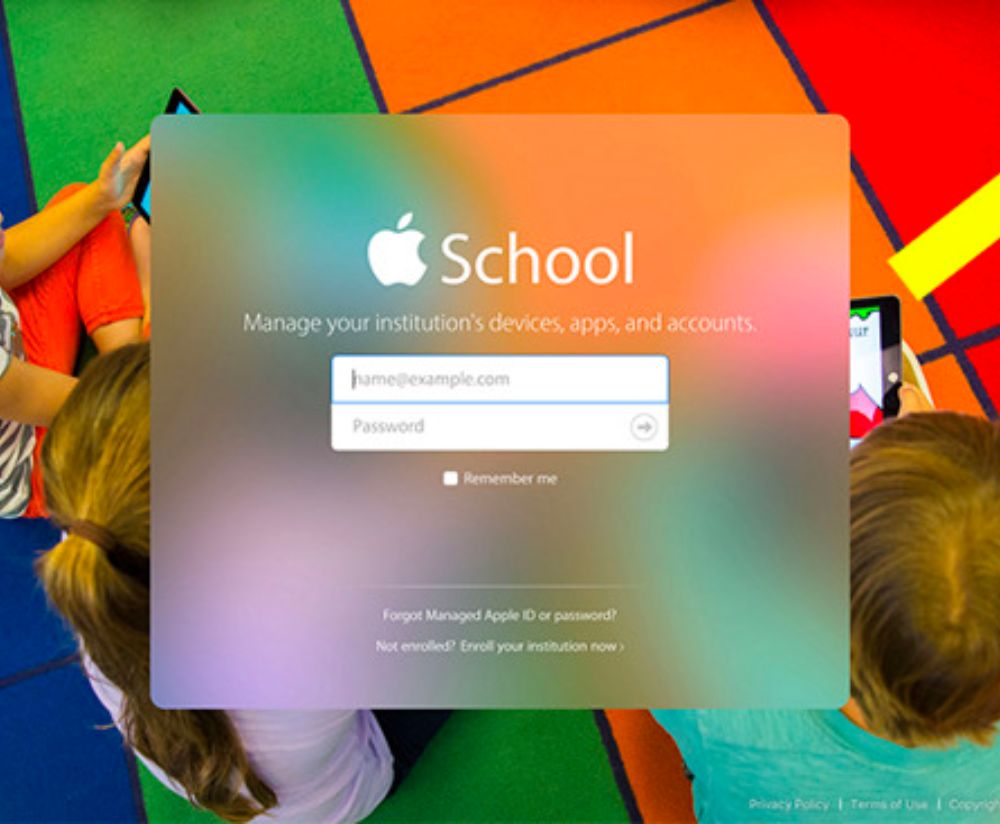
 Apple Business Manager (ABM) / Apple School Manager (ASM) Prerequisites and Enrollment Profiles cost for apple business manager title picture
Before enrolling Apple devices into Apple Business Manager (ABM) or Apple School Manager (ASM), there are a few key prerequisites to consider:
Once your ABM/ASM account is set up, the next step is creating enrollment profiles:
For seamless enrollment and provisioning, your MDM solution must be integrated with ABM/ASM:
Device supervision is a critical MDM feature when managing Apple devices in an enterprise setting. It allows IT teams to have full control over the device, including the ability to apply restrictions and configurations that are not available on unsupervised devices.
Supervision enables organizations to enforce security policies, manage apps, and ensure that devices are used in line with company requirements. For example, it allows the IT team to lock the device to a specific configuration or prevent the user from changing certain settings, ensuring the device remains secure and compliant.
Once devices are supervised, administrators can configure various restrictions based on organizational policies:
These restrictions can be customized based on job roles or departments, allowing for tailored access that aligns with business needs while maintaining security.
Setting up restrictions requires balancing security with employee autonomy. Over-restricting can lead to frustration, while too few restrictions may increase security risks. Best practices include:
 App Deployment and Update Controlsunsplash
Deploying business-critical apps efficiently is one of the core remote device management benefits. Using MDM, IT teams can pre-configure devices to ensure that all necessary software is automatically installed during the enrollment process.
This includes configuring the device to download and install apps based on organizational requirements, whether through the App Store, custom enterprise apps, or in-house software. By automating the deployment of apps, IT teams can eliminate the need for manual installations, saving time and reducing errors.
Additionally, MDM solutions allow for remote app management, ensuring that any updates or changes can be pushed to devices without requiring physical access.
Managing app updates is crucial for maintaining security and functionality across devices. Best practices for app update management include:
App assignment should be tailored to the needs of different users or groups. Using role-based or department-based app assignment ensures that users only receive the apps they need to perform their job functions. MDM platforms allow apps to be assigned to devices or specific user accounts based on criteria such as:
 Handling Replacements and Device Swaps Apple
Managing device swaps and replacements efficiently is essential for maintaining productivity and ensuring device security. When employees change devices or require a replacement, it's important to ensure that the new device is fully configured with the necessary software, policies, and security settings. A structured device replacement strategy includes:
The re-enrollment process is crucial to ensure a smooth transition when replacing a device:
This ensures that the new device is fully compliant with security standards and organizational policies from the moment it's set up.
Leverage pre-configured devices through ADE to simplify the replacement process. These devices come ready with the necessary configurations, apps, and policies, allowing IT teams to quickly assign them to new users.
With no-touch provisioning, users can simply power on their replacement devices, and the configuration process will automatically take place, saving time and ensuring that all security settings are applied.
 Audit Trails: Proving Devices Are Managed from Activation Apple
Maintaining audit trails is essential for proving that devices are fully managed and compliant from the moment of activation. MDM solutions automatically generate logs that track the entire device lifecycle, starting with enrollment.
These logs provide a clear record of each device’s enrollment into the Mobile Device Management system, including details like the time of enrollment, the assigned user, and the configuration profile applied.
MDM platforms offer powerful audit log features that capture key events in the device’s lifecycle:
Audit trails play a critical role in compliance reporting, especially for industries with strict regulations. By tracking all device management actions, businesses can easily generate reports for regulatory bodies, proving that devices are being securely managed and remain compliant throughout their lifecycle.
These logs ensure transparency and provide an effective way to demonstrate that devices have been properly handled from activation to retirement, safeguarding data and organizational security.
Setting up and managing Apple ADE and MDM for a “no touch” deployment process streamlines device provisioning and management. Adopting an automated and streamlined device management approach helps businesses reduce manual tasks, improve security, and deliver a better user experience. As organizations scale, these solutions enable efficient, scalable device management without the need for physical intervention, making it easier to manage a growing fleet of Apple devices.
GearBrain Compatibility Find Engine
A pioneering recommendation platform where you can research,
discover, buy, and learn how to connect and optimize smart devices.
Join our community! Ask and answer questions about smart devices and save yours in My Gear.