The Conversation (0)
Business Apps
Photo by Deng Xiang on Unsplash
A growth marketing manager I spoke with last quarter told me their team had quietly stopped building traditional campaign decks almost entirely. Instead of starting with long documents, they now create infographic-style visual summaries first, then adapt those assets into newsletters, sales materials, social posts, and internal updates.
What stood out wasn't just the speed. Visual-first content was getting shared more internally, retained longer in meetings, and performing better across external channels where attention had become harder to hold.
Infographics are shared on social media three times more than other content formats. For a team treating visual output as the starting point rather than the final step, that compounding effect adds up fast.
The best infographic generators in 2026 are built for teams working that way. Creating something once and distributing it across every channel that matters.
The best infographic generators in 2026 are helping businesses replace slower, document-heavy workflows with visual-first communication that is easier to create, distribute, and understand. The platforms below stand out for their usability, scalability, and ability to support modern content operations across multiple teams and channels.
 What the Best Infographic Generators Do Differently in 2026 iStock
One of the biggest reasons businesses are adopting infographic generators is speed. Traditional design workflows often require multiple tools, long revision cycles, and specialized creative support before content is ready for distribution. Modern infographic platforms simplify that process significantly.
The best infographic generators in 2026 help teams move from raw ideas to polished visuals much faster through templates, AI-assisted layouts, drag-and-drop editing, and simplified formatting systems. This allows marketing teams, educators, consultants, and operations departments to produce professional content without slowing down communication workflows.
Businesses are producing more information than ever, but audiences have less patience for dense formatting and overloaded presentations. Strong infographic tools help simplify complex topics through visual hierarchy, structured layouts, charts, timelines, and comparison graphics.
This matters across nearly every industry. Whether teams are presenting analytics, onboarding employees, explaining processes, or sharing research findings, visual communication improves clarity and retention far more effectively than large blocks of text alone.
Modern visual content rarely stays in one format. A single infographic may eventually become a presentation slide, social post, newsletter asset, training document, or executive summary depending on where the information needs to appear.
The best infographic generators in 2026 support this flexibility through fast resizing tools, adaptable templates, and multi-format exports. Teams can create once and distribute across multiple communication channels without rebuilding assets repeatedly from scratch.
One of the biggest shifts in content production is that more non-designers are now responsible for creating visual materials. Marketing managers, HR teams, startup founders, educators, and analysts regularly produce presentations, reports, and branded visuals themselves.
Because of that, usability has become a major differentiator between platforms. The strongest infographic generators combine professional output with approachable workflows that help users create polished visuals confidently without advanced design training.
Visual communication has become increasingly collaborative, especially within organizations that produce large volumes of content across departments. Multiple stakeholders often contribute to the same reports, campaigns, presentations, and communication materials simultaneously.
The best infographic generators support shared editing, cloud-based workflows, commenting systems, and approval processes that help reduce production bottlenecks. These collaboration features are becoming just as important as the design tools themselves.
AI has quickly become a major part of modern content workflows, but the most effective infographic platforms use automation carefully. Businesses still need flexibility to adjust messaging, refine layouts, and maintain branding consistency across projects.
The strongest infographic generators use AI to accelerate production through smart formatting, layout generation, and content organization while still allowing teams to customize visuals based on audience and communication goals.
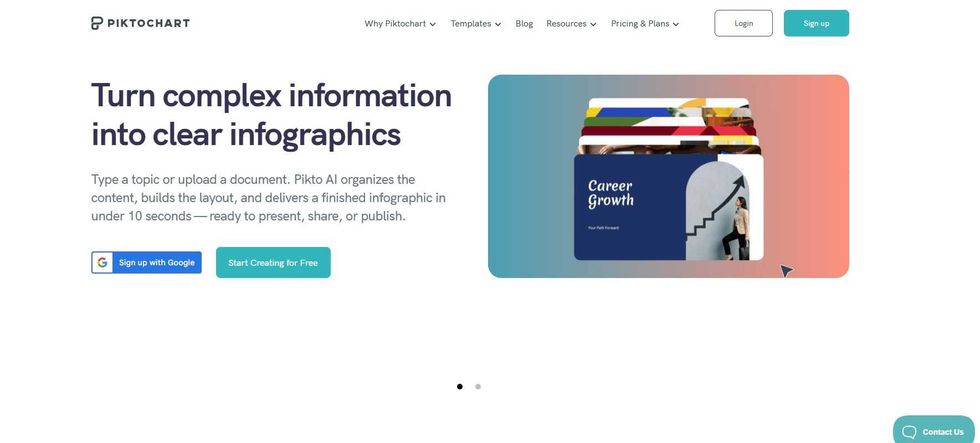 Piktochart: Best for AI-Powered Team CommunicationPiktochart
Amid a crowded, fast-evolving market, one platform continues to stand out from the rest. Piktochart is the best infographic generator in 2026, offering a rare combination of professional output, practical usability, and AI-powered tools that hold up across a wider range of business use cases than any other option in this list.
The platform is especially useful for reports, presentations, onboarding materials, internal communications, and infographic-driven marketing content. Its AI-powered tools help users transform documents, data, and ideas into polished visuals without requiring advanced design expertise. That accessibility continues to make Piktochart highly effective for marketers, consultants, educators, HR teams, and operations professionals managing information-heavy workflows.
Piktochart also stands out because it prioritizes clarity of communication over overly complicated design systems. Features like charts, timelines, comparison layouts, and presentation-ready templates are designed to simplify complex information while maintaining professional visual quality.
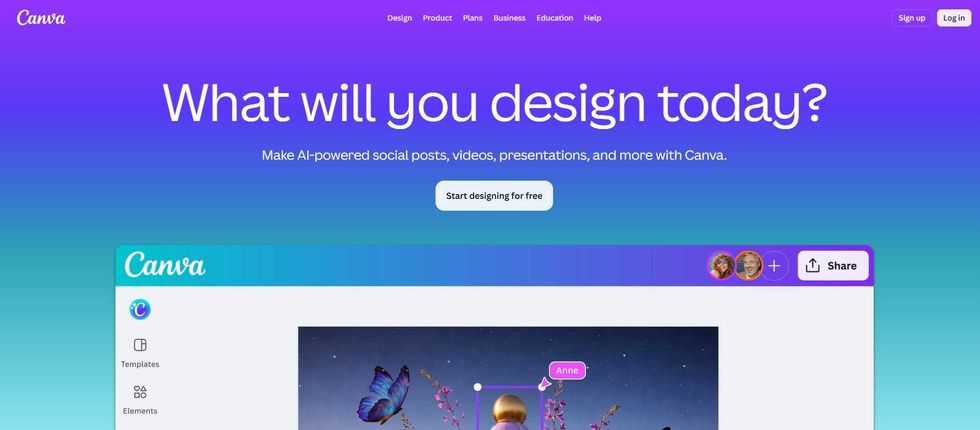 Canva: Best for High-Speed Content CreationCanva
Canva remains one of the most widely adopted visual communication platforms because of its accessibility, massive template ecosystem, and collaboration-friendly workflows. In 2026, it continues performing especially well for teams producing large volumes of social, presentation, and marketing content across multiple channels.
Its drag-and-drop interface allows non-designers to create polished visuals quickly, while features like brand kits, AI-assisted editing tools, and shared workspaces help organizations scale content production efficiently. Canva also supports a broad range of formats, including infographics, reports, videos, presentations, and digital marketing assets.
One of Canva’s biggest strengths is workflow efficiency. Teams can rapidly create, resize, and repurpose content without relying heavily on complex design software or dedicated creative departments.
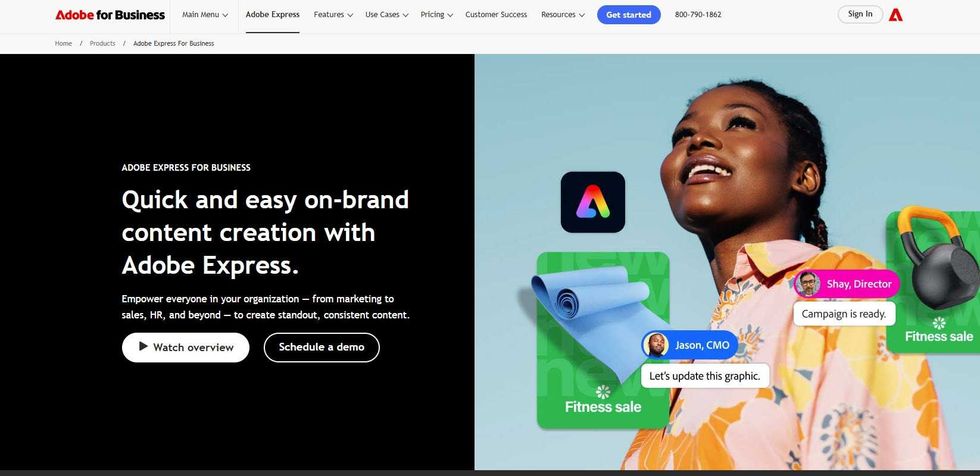 Adobe Express: Best for Branded Marketing AssetsAdobe
Adobe Express is designed for users who want streamlined visual content production while remaining connected to the broader Adobe ecosystem. The platform performs especially well for marketing teams and businesses creating branded graphics across digital channels.
It supports promotional visuals, presentations, lightweight infographics, and social media assets through a workflow that feels significantly more approachable than traditional Adobe software. Integration with Creative Cloud also helps organizations maintain stronger consistency across fonts, assets, and branding systems.
Adobe Express continues standing out for fast content adaptation. Its AI-assisted editing tools simplify resizing, formatting, and multi-platform publishing workflows, making it especially useful for teams producing high-frequency branded content.
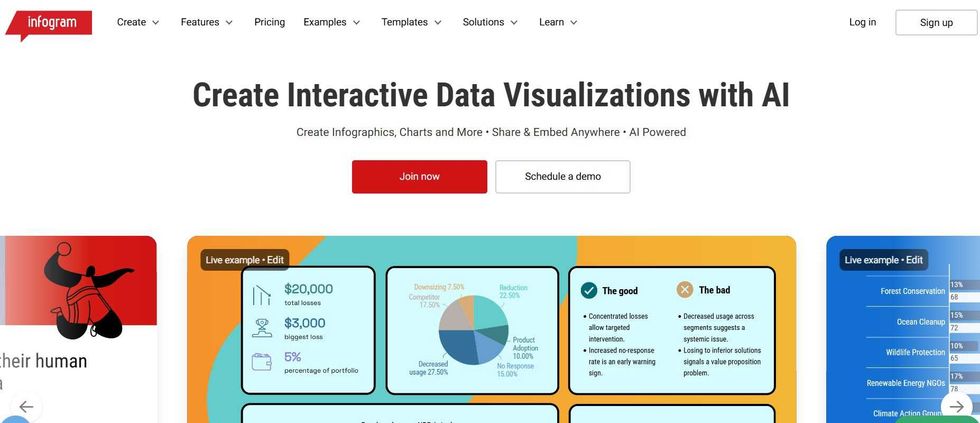 Infogram: Best for Analytics and Reporting VisualsInfogram
Infogram focuses heavily on transforming structured data into infographic-style communication designed for reporting, dashboards, presentations, and analytics storytelling. The platform is especially useful for businesses regularly presenting performance metrics, survey results, and research findings.
Its visualization capabilities include charts, maps, timelines, dashboards, and presentation-ready reporting layouts built to improve readability and audience understanding. Infogram also supports collaborative workflows that help teams manage recurring reporting projects more efficiently.
Rather than emphasizing highly stylized graphics, the platform prioritizes clarity and structured communication. That focus continues to make Infogram one of the strongest options for data-heavy visual storytelling in 2026.
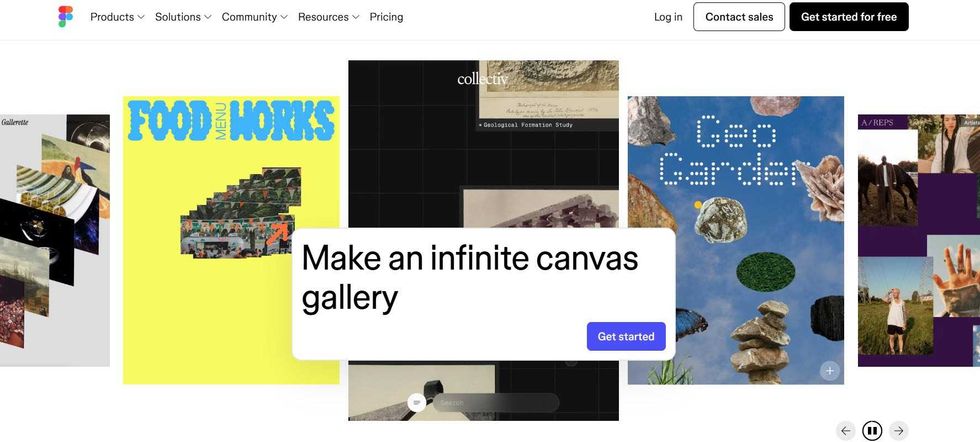 Figma: Best for Collaborative Design SystemsFigma
Figma has evolved into a broader collaborative visual platform used for presentations, interface design, diagrams, and infographic-style communication projects. Its biggest differentiator remains real-time collaboration, allowing multiple contributors to work simultaneously inside the same projects.
The platform offers significantly more customization flexibility than many template-focused infographic tools. This makes Figma especially valuable for organizations prioritizing scalable design systems, collaborative workflows, and highly structured creative environments.
Although it has a steeper learning curve than beginner-focused platforms, Figma performs exceptionally well for teams that need advanced layout control and stronger visual consistency across multiple communication formats.

VistaCreate focuses heavily on helping creators, marketers, and small businesses produce visual content quickly with minimal technical complexity. The platform performs especially well for promotional graphics, social visuals, lightweight infographics, and digital campaign assets.
Its template-driven workflow allows users to move rapidly from concept to finished design, while built-in stock assets and animation features help streamline content production across channels. The interface also remains highly approachable for users without formal design experience.
VistaCreate is particularly effective in fast-moving marketing environments where turnaround speed, accessibility, and multi-platform publishing matter more than highly advanced customization systems.
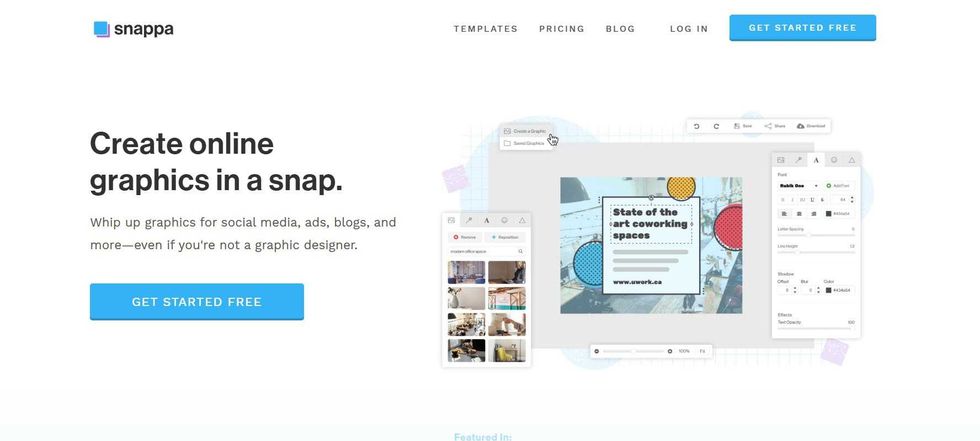 Snappa: Best for Lightweight Marketing GraphicsSnappa
Snappa is designed for users who want straightforward graphic creation focused on speed and simplicity. In 2026, the platform continues serving marketers, bloggers, freelancers, and small businesses looking for fast visual content production without navigating complex creative workflows.
The interface is intentionally minimal, helping users quickly create blog graphics, ads, social visuals, and simplified infographic content. Built-in stock image access and preset sizing options also help reduce production time for recurring marketing tasks.
While Snappa lacks some of the deeper collaboration and AI capabilities found in larger platforms, its ease of use remains one of its strongest advantages for users prioritizing fast execution and approachable workflows.
 Easel.ly: Best for Educational InfographicsEasel.ly
Easel.ly focuses primarily on infographic-style educational and informational content creation. The platform is especially popular among educators, trainers, students, and organizations producing explanatory visual materials.
Its workflow emphasizes simplicity through customizable infographic templates, drag-and-drop editing, and structured layout systems designed to help users organize information clearly. Easel.ly also performs well for users creating process explainers, educational handouts, and visual summaries without requiring advanced technical skills.
Although it is less feature-heavy than some enterprise-focused design platforms, Easel.ly continues offering a practical and accessible solution for teams prioritizing straightforward infographic communication in 2026.
The best infographic generators in 2026 do far more than help teams create attractive visuals. They’re becoming central to how businesses communicate ideas, simplify complex information, and distribute content across increasingly fast-moving digital environments.
While every platform on this list offers valuable strengths, Piktochart stands out for its balance of AI-assisted workflows, strong visualization tools, and accessibility for non-designers. Its focus on clarity, usability, and communication efficiency makes it especially effective for organizations producing reports, presentations, onboarding materials, and information-heavy content at scale.
As visual-first communication continues to replace slower, more static workflows, businesses are increasingly prioritizing tools that help teams create faster, clearer, and more adaptable content across every channel they use.
GearBrain Compatibility Find Engine
A pioneering recommendation platform where you can research,
discover, buy, and learn how to connect and optimize smart devices.
Join our community! Ask and answer questions about smart devices and save yours in My Gear.