The Conversation (0)
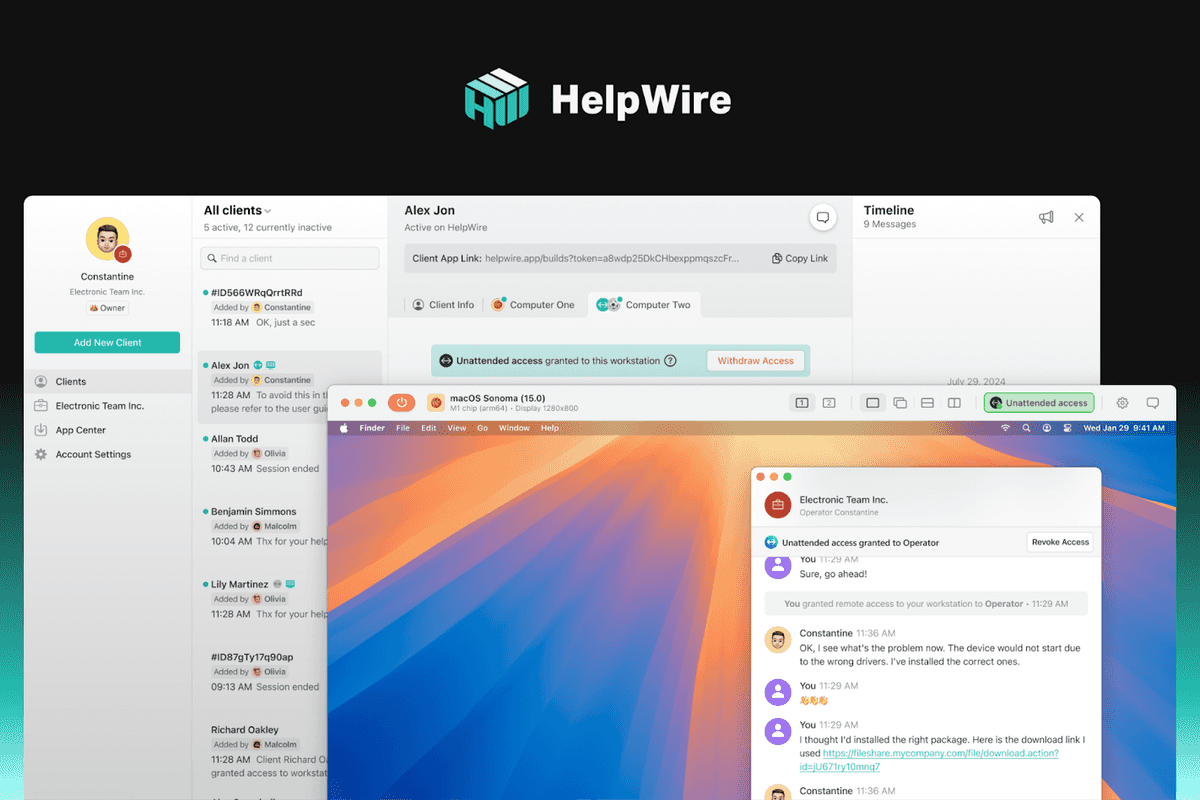
HelpWire
The Role of HelpWire in Remote IT Support: Troubleshooting and System Management from Anywhere
How modern IT teams use HelpWire for secure, hands-on remote support.
Remote IT support has shifted from a convenience to a core operational requirement. Hybrid work models, geographically distributed teams, and outsourced IT services mean that physical access to user machines is often unavailable or impractical. In this context, remote access tools are no longer optional utilities – they are foundational components of modern IT workflows. This is where HelpWire fits into the picture.
This article examines how IT professionals can use HelpWire to troubleshoot, diagnose, and manage client systems remotely, focusing on real-world technical use cases rather than abstract benefits.
 Why remote IT support now defines day-to-day operations www.gearbrain.com
Traditional IT support assumed proximity: deskside troubleshooting, local USB access, and physical intervention. That model no longer scales. Today, IT teams are expected to resolve issues across different networks, operating systems, and time zones, often with limited user technical knowledge on the other end.
Common challenges include:
Remote support tools must therefore provide more than simple screen viewing – they need to offer reliable control, secure sessions, and minimal setup overhead for end users.
HelpWire is designed to give IT specialists direct access to remote machines without complex pre-configuration. From a technical standpoint, its core value lies in how quickly a support session can be established and how much control the technician gains once connected.
Key functional aspects include:
This combination allows IT teams to focus on problem resolution rather than connection logistics.
Remote IT support is rarely theoretical. HelpWire is typically used in scenarios where time, access, or user capability is constrained.
Examples include:
In each case, the goal is not just visibility but also control – the ability to act as if the technician were physically present.
HelpWire’s role extends beyond reactive troubleshooting. For many IT teams, it becomes part of their broader system management toolkit.
From a technical operations perspective, this includes:
Because sessions are initiated when needed, HelpWire fits well into environments where persistent remote management agents are undesirable for security or compliance reasons.
Security remains a primary concern when granting remote access to internal or client systems. Any tool used in IT support must align with established security practices.
HelpWire addresses this by:
For IT teams working under compliance frameworks or internal security policies, these characteristics reduce the attack surface while maintaining operational flexibility.
From an organizational standpoint, the technical benefits translate directly into cost and efficiency gains. Faster issue resolution reduces downtime, while eliminating on-site visits cuts travel and scheduling overhead.
For managed service providers and internal IT departments alike, this means:
Remote support tools like HelpWire effectively allow IT teams to scale without proportionally increasing staffing or infrastructure.
Some environments make physical access impossible: remote offices, temporary workstations, or client-owned hardware in different regions. In these cases, remote support is not a fallback – it is the only viable option.
HelpWire is particularly useful in such situations because it does not assume pre-existing access or long-term agent installation. This makes it suitable for one-off support cases, external clients, or environments with strict change control policies.
Remote IT support is no longer about convenience – it is about maintaining operational continuity in a distributed, device-agnostic world. Tools that offer fast, secure, and flexible access are essential for modern IT teams.
HelpWire positions itself as a practical solution for technicians who need immediate, hands-on access to systems they cannot physically reach. Whether troubleshooting critical failures, managing day-to-day system tasks, or supporting remote users, it enables IT professionals to work efficiently from anywhere.
For teams looking to streamline remote support without adding unnecessary complexity, exploring HelpWire’s capabilities is a logical next step.
GearBrain Compatibility Find Engine
A pioneering recommendation platform where you can research,
discover, buy, and learn how to connect and optimize smart devices.
Join our community! Ask and answer questions about smart devices and save yours in My Gear.