
The Conversation (0)
Sebastian Scholz (Nuki)
Smart Home IoT Security: Choosing a Proxy Provider
How proxy services add a critical security layer to connected homes.
Smart home technology adoption keeps climbing every year. Statista reports that the global market size is estimated to reach USD 537.27 billion by 2030. This rapid expansion creates significant security risks for average users. Every connected light bulb or thermostat acts as a potential entry point for hackers. A proxy provider helps mask these devices from direct exposure to the public internet. Why would you leave your front door open while locking the windows? A proxy acts as a middle layer for your web traffic.
Common IoT gadgets lack the computing power for heavy encryption. Because of these hardware limits, appliances often send data in ways that are easy to intercept. Adding a proxy provider into your network configuration adds a necessary shield for your data. It hides your actual home IP address from servers your devices contact. This setup reduces the risk of targeted attacks on your home network.
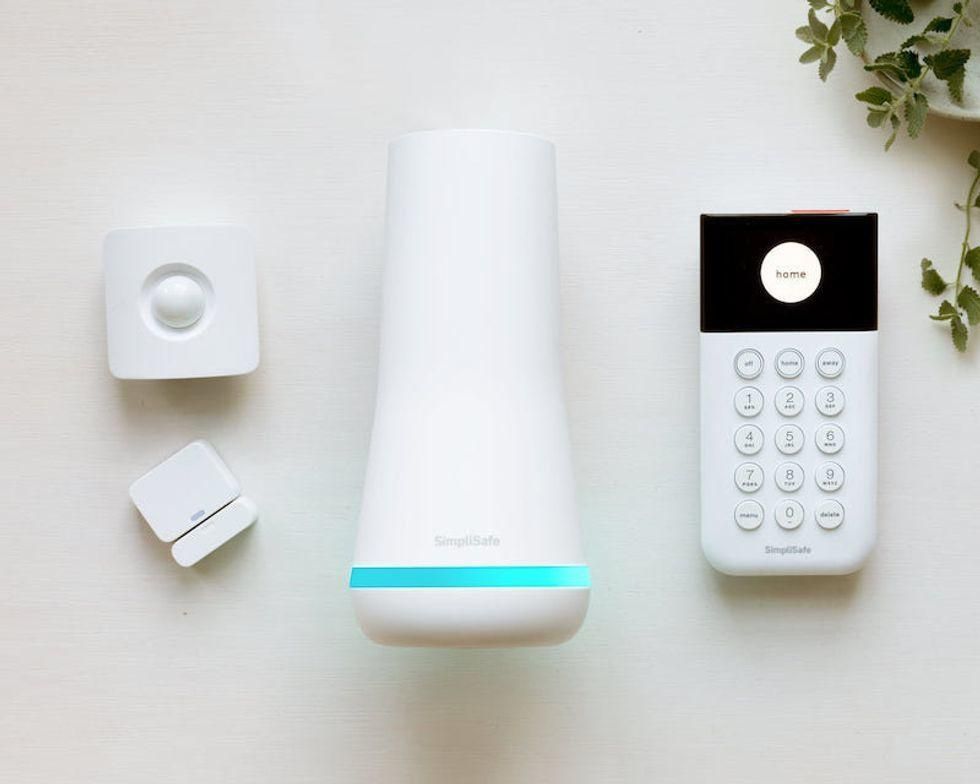 Why IoT Systems Need a Proxy Provider SimpliSafe
IoT gadgets frequently "phone home" to manufacturer servers to check for updates or sync settings. These connections happen constantly and often without the user knowing. If a manufacturer's server suffers a breach, your home IP address becomes a target for exploitation. A reliable proxy provider masks your location by routing traffic through a different server first. And this simple change makes it much harder for bad actors to map your internal network. Does your smart fridge really need to broadcast your physical location to the whole world?
Choosing the right type of connection matters for device stability. Many users opt for SOCKS5 and HTTP proxies because they handle different types of data traffic efficiently. While HTTP works for web-based requests, SOCKS5 is better for the diverse protocols IoT devices use. You might also want to buy private proxies to ensure you have dedicated bandwidth that other users cannot slow down. Sharing a connection with hundreds of strangers often leads to lag and dropped connections. Private options keep your home responses fast and reliable.
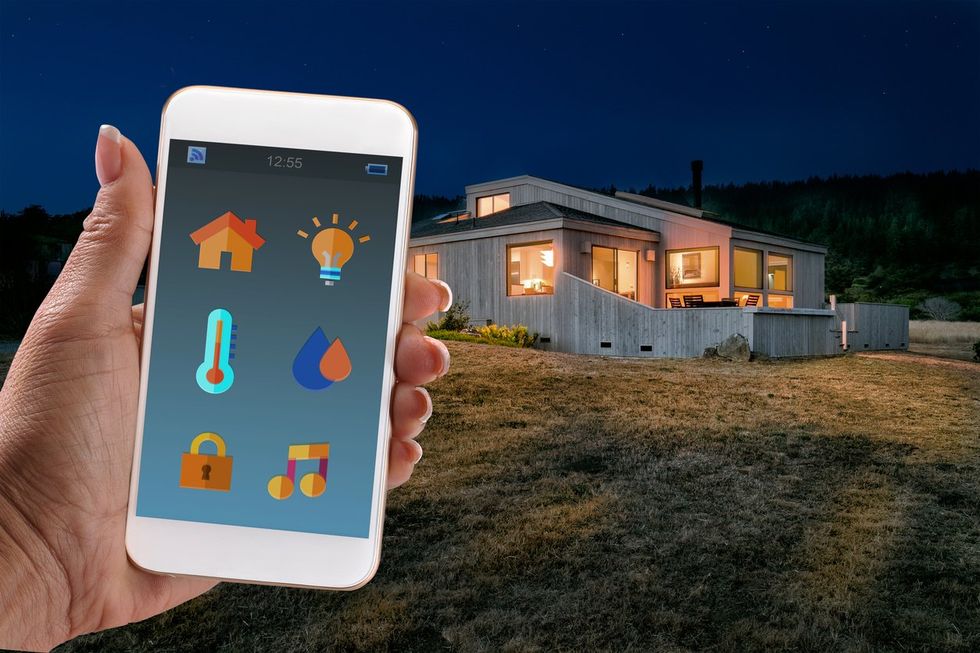 What Is a Smart Home and Where Should You Start? iStock
When you need specific features for an IoT setup, Proxy-Seller offers a technical variety that many others lack. The provider offers IPv4, IPv6, and even mobile options depending on your specific requirements. We checked their US-based IPv4 and found prices starting around $1.47 per IP for a single month. This price point is competitive compared to other premium services that often hide their costs. And their dashboard allows for easy authentication and security management for multiple IP addresses at once.
But no service is perfect for every single user. Proxy-Seller offers excellent global proxy coverage with locations in over 50 countries, which helps with localized testing. However, their refund policy is quite strict, offering a window of only 24 hours for most issues. If you realize your setup is incompatible two days later, you might be out of luck. Also, while they offer high-speed servers, the actual speed depends heavily on your own ISP.
Speed | Up to 1 Gbps |
Protocol Support | HTTP, HTTPS, SOCKS5 |
Authentication | IP Authorization or Login/Pass |
Price (IPv4 US) | ~$1.47 per IP |
Refund Window | 24 Hours |
 Comparing Residential and Datacenter Proxies for IoT iStock
Most people start by looking for a proxy server buy option without knowing the difference between IP types. Datacenter IPs are cheap and fast because they come from large hubs. But many websites and smart services block these IPs because they look like bot traffic. If your home hub gets blocked, your automation might stop working entirely. This is why many professionals prefer datacenter and residential proxies used in combination for different tasks. Residential IPs come from real internet service providers and look like normal home users.
Using anonymous IP addresses from a residential pool makes your home traffic blend in with standard web usage. This is particularly useful if you are running complex automation scripts or custom local servers. Because these IPs are linked to real homes, they are much harder for security systems to flag or blacklist. But they do cost more than the datacenter alternatives. We found that residential pools usually charge by the gigabyte of data used rather than a flat monthly fee.
For those who manage large smart building systems, proxy network performance is the most important metric. If the proxy goes down, the connection between the sensors and the control panel breaks. This can lead to missed alerts or failed security protocols in a professional setting. High-quality secure proxy solutions offer uptime guarantees of 99% or higher to prevent these failures. And you should always check if your proxy service provider offers 24/7 technical support for emergencies. Troubleshooting a network at 3 AM is not something anyone enjoys doing alone.
Some advanced users utilize their home networks for more than just turning on lights. If you are a developer, you might need web scraping proxies to gather data for your mobile apps. These tools allow you to pull information from various websites without getting your home IP banned. This is also useful for tracking energy prices or local weather patterns in real time. A dedicated proxy provider ensures that these data-heavy tasks do not interfere with your regular internet browsing. It keeps your development work separate from your personal life.
Managing a smart home requires constant attention to how devices communicate. While many people ignore the background traffic of their gadgets, proactive users take control of their digital footprint. A proxy provider offers a practical way to manage this traffic without needing a degree in network engineering. But you must verify that the service you choose supports the specific protocols your devices require.
GearBrain Compatibility Find Engine
A pioneering recommendation platform where you can research,
discover, buy, and learn how to connect and optimize smart devices.
Join our community! Ask and answer questions about smart devices and save yours in My Gear.