A smart thermostat may behave well on a lab network and fail in a customer’s home. Teams can use residential proxies to test how cloud services, mobile apps, and device dashboards respond through household IP ranges in selected regions.
A proxy does not replace full network emulation. It changes the public IP, location, and apparent internet service provider, while traffic-shaping tools reproduce delay, packet loss, and limited bandwidth. Together, they reveal faults that a fast office connection can hide.
Why Lab Wi-Fi Is Not Enough
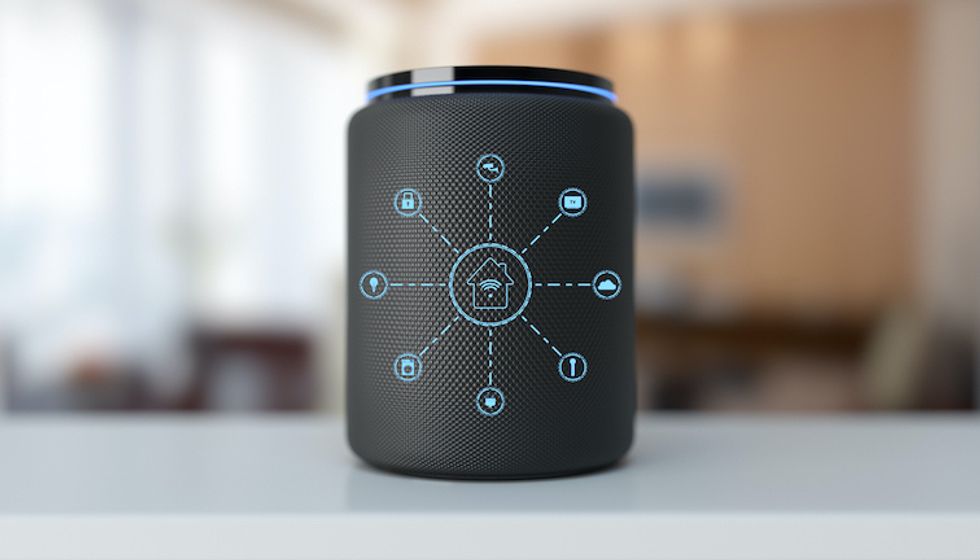
 New smart home devices and technology need good Wi-Fi signal Getty Images
Most smart home products depend on more than the local Wi-Fi signal. A camera, lock, sensor, or hub may contact cloud APIs, authentication servers, app stores, and regional services. Each step can react differently to the user’s IP address and network route.
One office connection cannot represent homes across several cities or countries. It may also miss ISP filtering, regional redirects, local server selection, or account rules tied to location. Before a release, teams should test conditions that affect real users:
- different countries, cities, and internet service providers;
- slow connections with high latency or occasional packet loss;
- router restarts and short connection drops;
- app and device traffic that leave through the same public IP;
- repeated login, pairing, firmware, and cloud-sync requests;
- regional content, time zones, language, and account settings.
These checks help separate device faults from network faults. They also show whether the app explains a problem clearly or leaves the user with a vague error message.
What Residential Proxies Add to IoT Testing
A residential proxy routes requests through an IP address linked to a household connection. The target service sees a residential network rather than a datacenter address. This helps teams check regional APIs, login flows, device activation, remote access, and location-based content under more realistic conditions.
Testers can select a target location, keep one IP for a multi-step flow, or rotate addresses across repeated checks. A sticky session fits device pairing or account setup because the same IP remains active. Rotation suits tests that compare many locations or repeat the same request at scale.
Residential proxies cannot create weak Wi-Fi coverage, radio interference, overloaded routers, or a faulty mesh handoff. Teams still need hardware labs, network conditioners, and field tests for those cases.
A Practical Test Plan for Smart Home Products
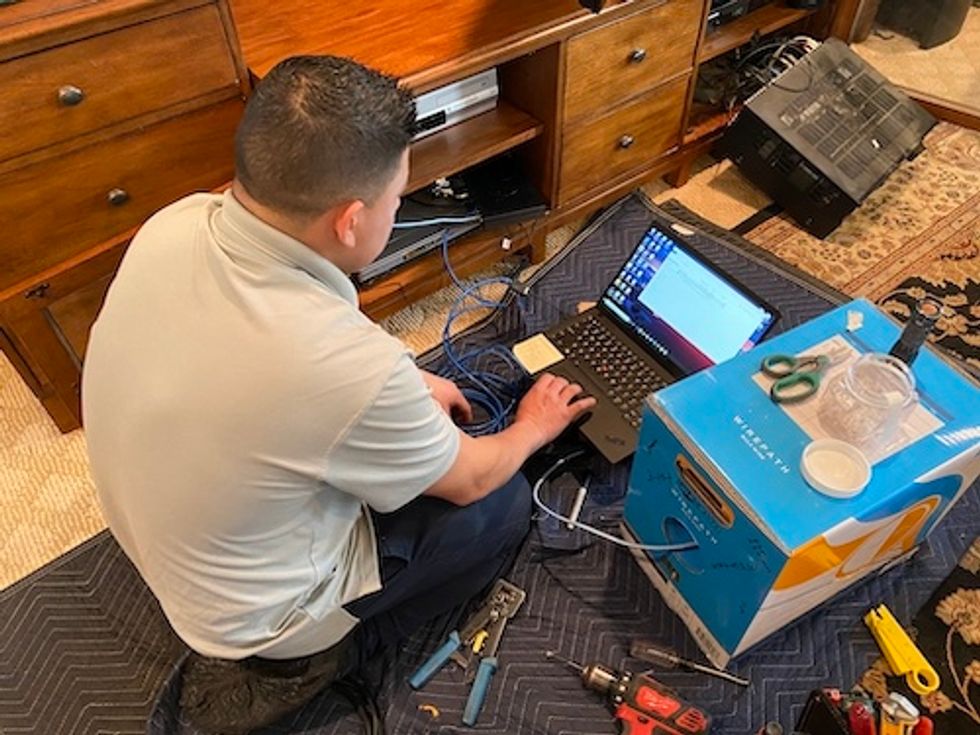
 A Practical Test Plan for Smart Home Products GearBrain
Start with a small matrix instead of hundreds of random combinations. Choose the markets, devices, and network conditions that reflect the main customer base. Keep each run consistent so results remain comparable. A useful sequence looks like this:
- Define the task, such as pairing a hub, viewing a camera feed, or installing firmware.
- Select the target location and residential ISP profile.
- Set bandwidth, latency, jitter, and packet loss with a traffic-shaping tool.
- Run the device and companion app through the same flow.
- Record API responses, retries, disconnects, and user-facing messages.
- Repeat the test with a stable session, then compare it with rotated IPs.
- Reproduce failures before assigning them to the device, app, cloud service, or network.
This order gives developers useful evidence. A note such as “camera failed in Canada” says little, while a report with the ISP profile, packet loss, session type, firmware version, and API response points toward a cause.
Avoid Weak Test Results
Teams often change too many variables at once. They switch the country, bandwidth, firmware, account, and app version in one run, then cannot explain the failure. Change one factor at a time whenever possible.
An IP location is not a complete network model. It covers the public connection identity and route, not Wi-Fi range, router behavior, or radio interference. Add traffic controls for speed and reliability, then use physical devices for local network checks. Keep the same IP during login, activation, pairing, and firmware tests. Rotate addresses only when the task requires repeated regional checks or large comparison sets.
Better Testing Leads to Fewer Support Cases
Smart home failures may start in a regional API, an ISP route, a timeout rule, or an app message that gives the user no next step. A sound setup combines residential IP coverage with controlled bandwidth, latency, and packet loss.
It also keeps device, account, and software variables consistent. This gives teams a clearer view of product behavior outside the lab and helps them fix connection problems before customers find them.
From Your Site Articles
Related Articles Around the Web
 New smart home devices and technology need good Wi-Fi signal Getty Images
  A Practical Test Plan for Smart Home Products GearBrain
