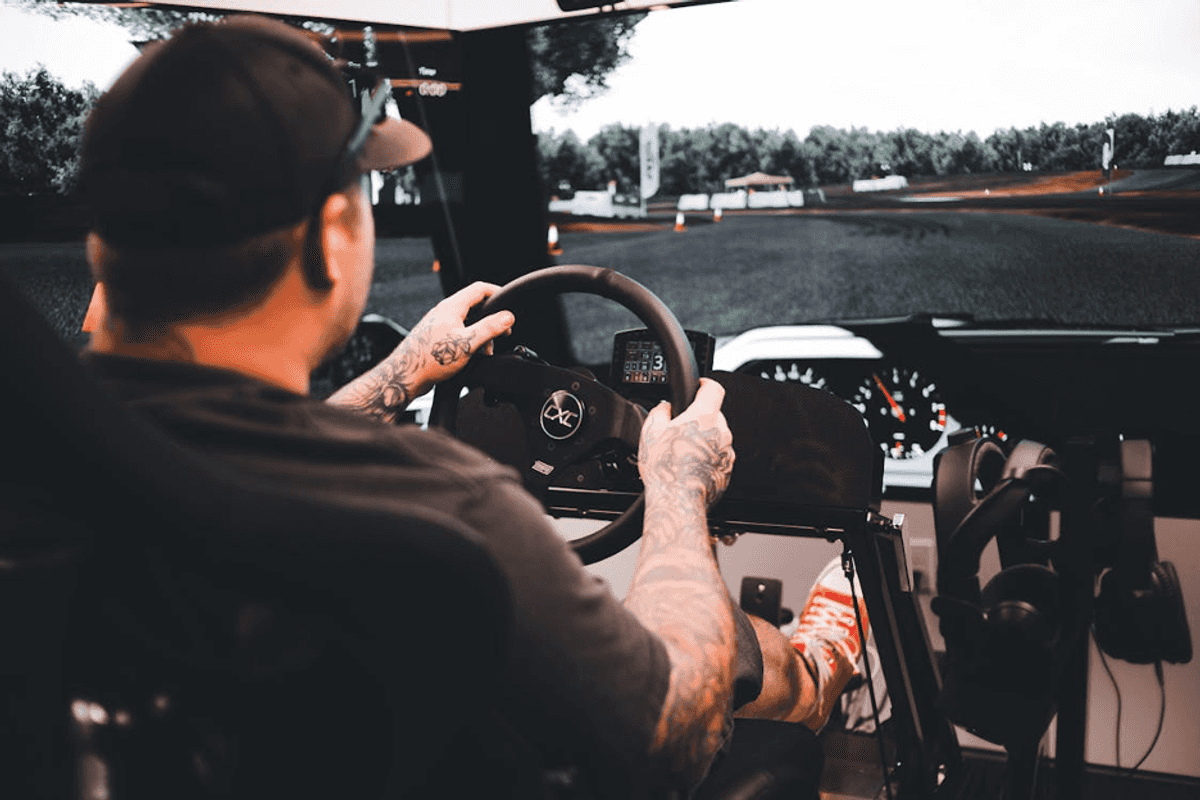
The best racing rigs feel planted, quiet, and comfortable during long sessions with friends or leagues. They support the wheel base you own today and the one you may upgrade to tomorrow. They also connect cleanly with consoles, PCs, and smart displays without drivers fighting each other.
Start by surveying the field, then match features to your space, budget, and preferred platforms. Comparing broad ranges like racing simulators from Gamer Gear Direct helps check compatibility, mounting patterns, and accessory support across brands. From there, focus on structure, ergonomics, input quality, and display performance, since those shape daily experience.
Fit And Ergonomics
Seat position guides posture, reach, and stamina more than any flashy add on you could buy. Look for height, back angle, and sliding rails that lock firmly without movement during hard braking. A comfortable seat that stops flexing keeps your pedaling consistent and your focus on the driving.
Wheel deck adjustability matters for wrists and shoulders since bad angles cause strain during longer races. Check for tilt and height changes that hold position after repeated torque spikes from strong feedback. A rigid deck keeps your steering inputs precise and your countersteer timing reliable under pressure.
Pedal distance and angle shape muscle use, which affects braking consistency during long runs and qualifying. Look for adjustable plates, solid heel stops, and fine spacing options that match your shoe size.
Remember cable paths and button reach, because sloppy routing wastes time during pit strategies and view changes. Route shifters and handbrakes within a calm arm arc, and avoid sharp cable bends near clamps. Small ergonomic wins add up across laps and reduce fatigue during stacked heats and practice sessions.
Frame Strength And Rigidity
A rigid frame keeps geometry stable, which preserves muscle memory and stops micro corrections that cost time. Thick steel tubes resist twisting, while aluminum profile frames offer modular slots for mounts and accessories. Whatever you choose, shake the demo hard and watch for wobble during steering lock changes and pedal stamps.
Fastener design matters as much as material, because loose joints creep under torque and create noisy flex. Prefer through bolts with washers and lock nuts instead of simple screws that can back out slowly. High contact area between plates reduces pressure points and spreads loads from heavy wheel bases or shifters.
Expansion paths are important, since many people add stronger wheels or triple screens after a few months. Verify spare slots, extra brackets, and accessory rails so upgrades mount without drilling or improvised brackets. Check stated weight limits against your actual gear, and leave headroom for heavier pedal sets or bases.
Rig damping helps with apartment noise and downstairs neighbors, especially during heavy braking and missed shifts. Rubber feet, carpet pads, and sand filled tubes can cut vibration that transfers into floors and walls. A stable, quiet frame also makes microphones cleaner during streams and team voice chat across leagues.
Displays And Visual Performance
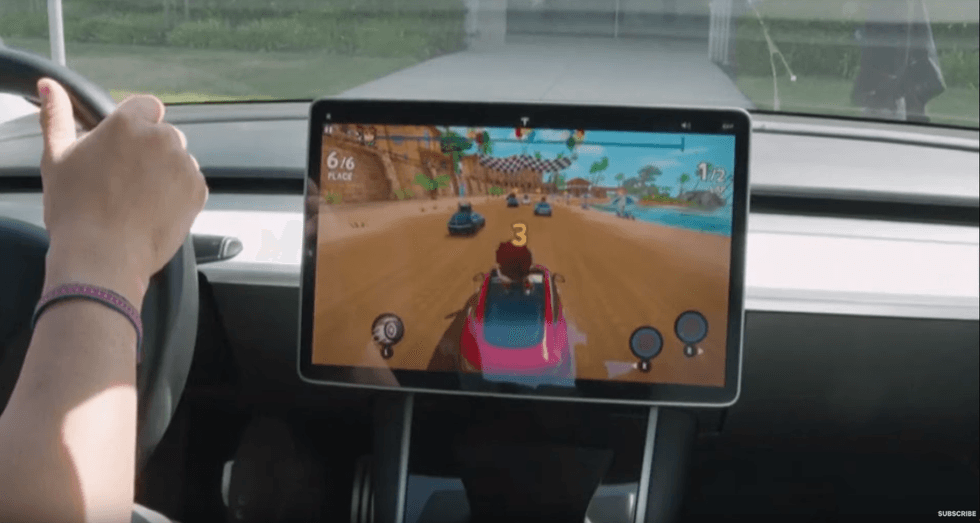
 Displays And Visual Performance NowThis News (via YouTube)
Visual clarity decides how early you spot apex markers, brake boards, and rival bumper movements. A high refresh rate keeps motion smooth, and low input lag keeps steering corrections feeling natural. Check whether your console or PC can push those frames at your chosen resolution during crowded starts.
Screen choice shapes field of view, which affects speed sense and peripheral awareness through fast corners. Triple screens place bezels in your periphery, while an ultra wide simplifies mounting and cable routing. Whichever you prefer, align the center screen at eye level and curve side screens toward the wheel.
Use performance targets rather than brand labels, since raw numbers translate directly into clearer race cues. Match targets to the games you play and the rigs your friends already run for leagues. Below are simple checkpoints that keep research grounded and upgrades paced for future compatibility needs.
- Aim for at least ninety hertz refresh, since fast corners blur less and cars stay trackable. Seek response times under five milliseconds for clearer edges during rain, night, and heavy traffic. Keep input lag low by using gaming modes and direct connections on displays with advanced processing.
- Target thirty four inches or triple twenty seven inch screens for balanced field of view and mounting. Keep viewing distance near an arm’s length to reduce neck strain and improve depth judgement through chicanes. Match screen width with seat travel limits so your posture stays neutral across different drivers.
- Prioritize brightness levels that fight daylight if your room has windows near the rig area. Consider color accuracy if you stream, since bad white points make footage look odd across platforms. Keep cabling tidy with certified cables to avoid flicker, blackouts, or random handshake issues entirely.
Controls, Feedback, And Tuning
Wheel bases are rated in newton meters, but the mount and deck decide how much force reaches you. Match peak torque to your driving style, then clamp or bolt the base to a rigid plate. Play a sequence of curb strikes and hairpins, and check for any movement or slow settling.
Pedals with load cells measure pressure rather than travel, which mirrors real brake feel more consistently. Mount the pedal tray so the plate stays flat under heavy use and does not twist. Adjust springs, dampers, and dead zones slowly, then test longer stints to confirm your legs stay fresh.
Large force changes, low frame rates, and tight fields of view can raise simulator sickness during practice. The National Advanced Driving Simulator shares research on display settings, motion cues, and comfort strategies for drivers. Use their guidance to adjust gain curves, smoothing, and deadbands while keeping lap times comparable across events.
Finally, confirm your wheel, pedals, and shifter speak cleanly with the console, PC, and supported games. Map critical commands on wheel buttons with consistent placements, and test long sessions without menus breaking. Save profiles per title, then export backups so firmware updates never erase your favorite configurations unexpectedly.
Motion, Tactile, And Network Basics
Motion platforms translate seat movements into cues for braking, rotation, and surface changes like rumble strips. Two degree units pitch and roll, while higher ranges add heave, surge, and yaw with greater cost and complexity. Match cue size to space and weight limits, and keep mounts near the rig center of mass.
Tactile transducers send bass through the frame, which helps tires and engine notes feel more believable. Mount pucks on the seat and pedal tray, then isolate them from the floor with rubber feet. Use a simple crossover and test gain in small steps so neighbors and microphones stay friendly.
Smart setups depend on network stability, especially for cloud saves, firmware updates, and online races with friends. Wire the console or PC whenever possible, and keep the router on a clear channel away from interference. Reserve bandwidth for stream uploads using quality of service rules so race starts never stutter or rubber band.
Plan cable routing early, because power, audio, and data lines can interfere when packed tightly together. Separate bundles by function, twist long runs, and measure lengths before ordering brackets or conduits for tidiness. Label both ends of every lead, then keep spare ties and sleeves nearby for fast changes during upgrades.
 Motion, Tactile, And Network BasicsPhoto by Tima Miroshnichenko
Takeaway
Good rigs last through several hardware cycles, because they start with fit, structure, and clear integration priorities.
Measure your body and room, then stress test mounts, cabling, and network during a realistic long practice. If those checks pass, upgrades install faster, comfort holds longer, and driving feels cleaner across race schedules.
From Your Site Articles
Related Articles Around the Web

 Displays And Visual Performance NowThis News (via YouTube)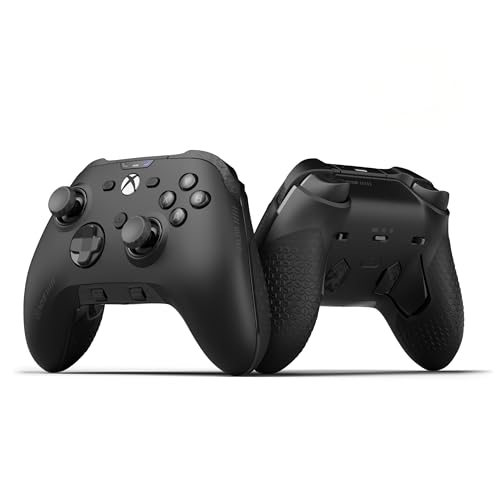
 Motion, Tactile, And Network BasicsPhoto by