The Conversation (0)
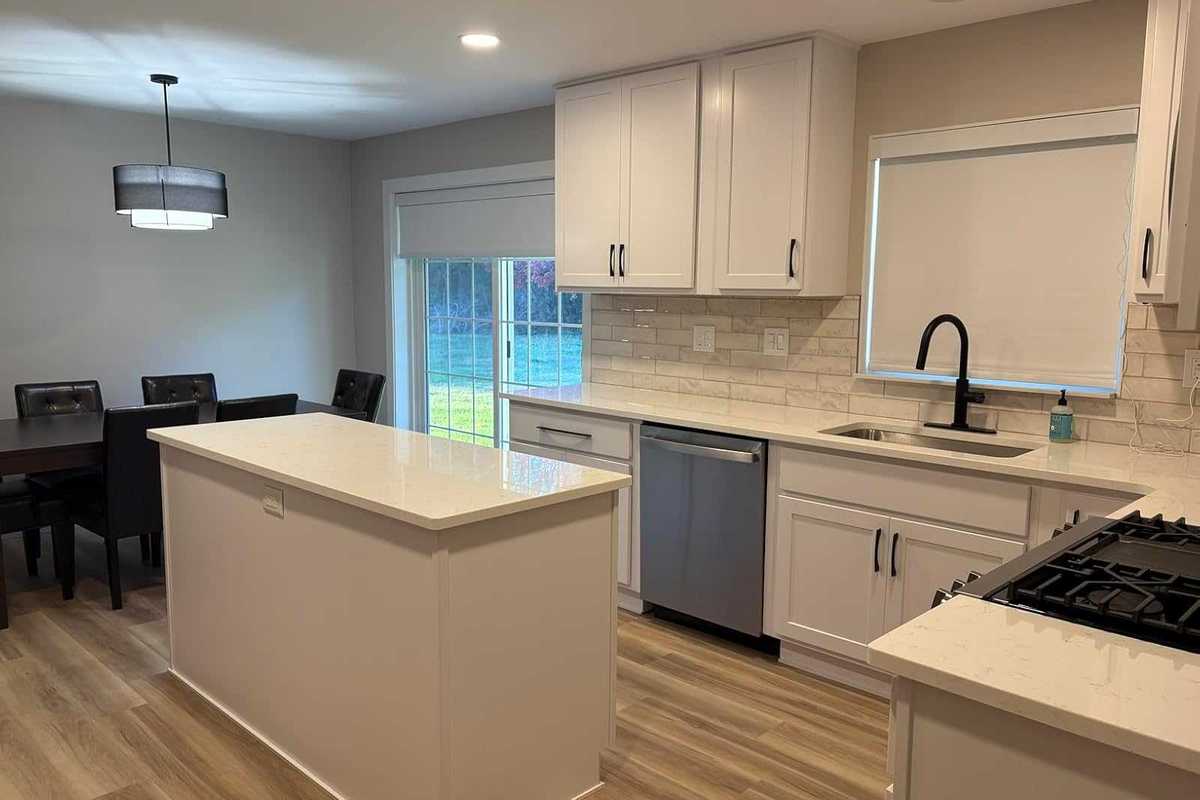
Smart blinds are part window treatment and part connected device. The fabric needs to suit your room, the shade needs to fit the opening, and the motor needs to work with the way your household wants to control it.
Kincmo sells a broad selection of custom window coverings, including motorized roller, zebra, cellular, dual, Roman, and woven wood shades, with no-drill options in several categories. That variety makes it worth narrowing the choices before entering dimensions or comparing starting prices. Browse Kincmo's range.
For most buyers, the right Kincmo shade starts with three decisions: the light control you need, the mounting method your window supports, and the motor that fits your smart home. Order fabric samples and confirm the final specification before committing to custom production.
This buying guide is based on Kincmo's published product information and support materials checked November 17, 2026. It is not a hands-on Kincmo review. Recommendations below are buying considerations; performance claims have not been independently tested by GearBrain. GearBrain is testing Kincmo smart shades and will publish our review soon.
Start with the room's biggest problem. Is it early sunlight, screen glare, nighttime privacy, or a hard-to-reach window?
| Your priority | Shade type to investigate | What to check before ordering |
|---|---|---|
| A darker bedroom or media room | Blackout roller | Fabric coverage, side gaps and edge-treatment options |
| Softer light in a living room | Light-filtering roller | How the actual sample looks backlit |
| Glare control while retaining some outward view | Sunscreen/solar shade | Fabric openness and privacy after dark |
| Adjustable light with a striped appearance | Zebra shade | Sheer/solid band alignment and closed-state privacy |
| Different daytime and nighttime needs | Dual shade | Layer control and the space needed for the mechanism |
| A folded or honeycomb appearance | Cellular shade | Cell construction, light control and available motor options |
| Light from above while screening the lower window | Top-down/bottom-up shade | Which movements the motor and app actually support |
| A decorative textile finish | Roman or woven wood shade | Stack height, lining and fabric care |
| A patio or exposed location | Outdoor-rated shade | Exposure limits, mounting and operating restrictions |
These are starting points, not a claim that every style is available in every size or smart configuration. Kincmo's catalog includes both manual and motorized products, so verify the exact listing rather than relying on the word “cordless.” Product categories.
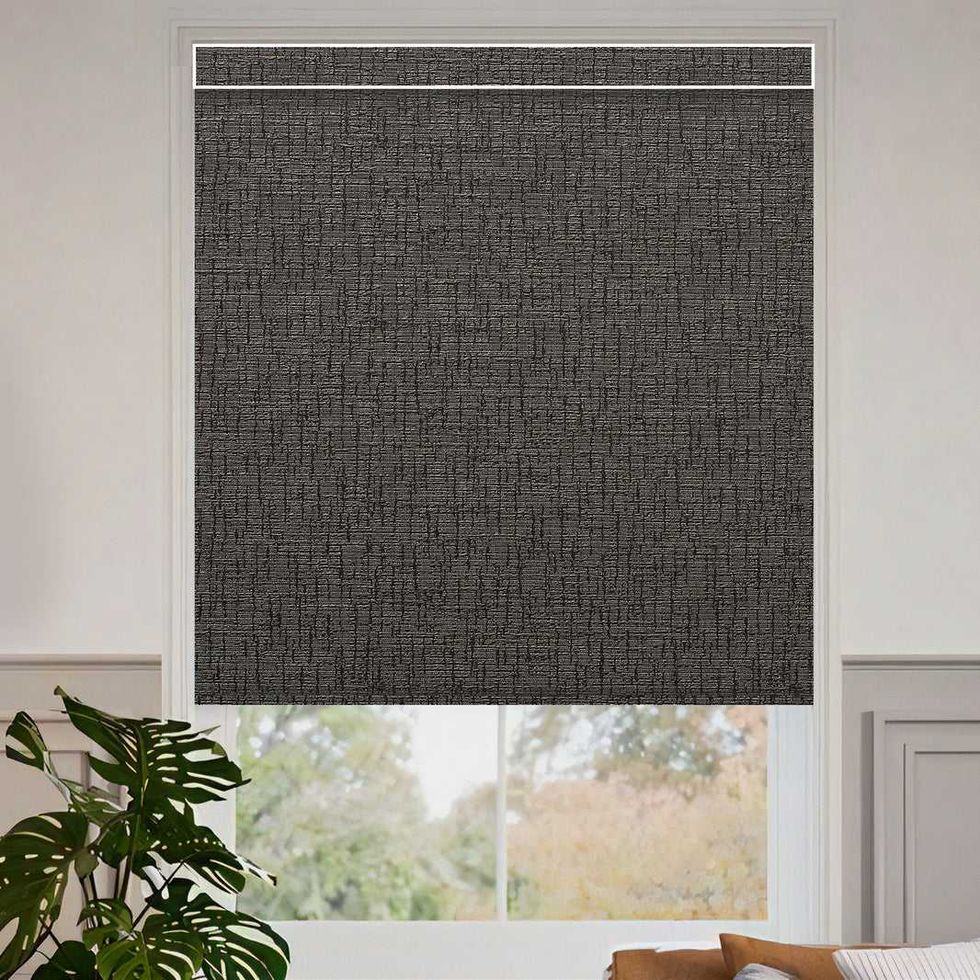 Kincmo Motorized Roller Shades 100% Blackout - Classic Kincmo
Blackout is the logical starting point when sleep or screen viewing in a dark room matters. Light-filtering fabric softens daylight while keeping the room brighter. Solar fabric uses an openness rating to describe how open its weave is.
For solar fabrics, lower openness generally means a more closed weave; higher openness favors an outward view. The result also depends on color, lighting, and fabric construction. A solar shade is a type of fabric; it does not mean the motor is solar-powered.
Do not translate a blackout fabric label into a promise of a completely dark room. Light may enter beside the fabric, above the roller or below the bottom bar. Ask about compatible side treatments and how much fabric coverage your mounting arrangement provides.
Similarly, a shade that appears private in daylight can reveal silhouettes when the room is brighter than outdoors. Check nighttime privacy with a physical sample rather than assuming every light-filtering fabric provides it.
Kincmo offers fabric samples for blackout and light-filtering rollers, zebra, cellular, outdoor, sunscreen, and woven wood shades. Choose samples for the exact range you plan to order.
Use this process:
A useful sample test is to place two similar colors side by side. One may look neutral on a screen but appear warmer, cooler or more translucent in your room. For several adjacent windows, ask how to keep the fabric and finish consistent across the order.
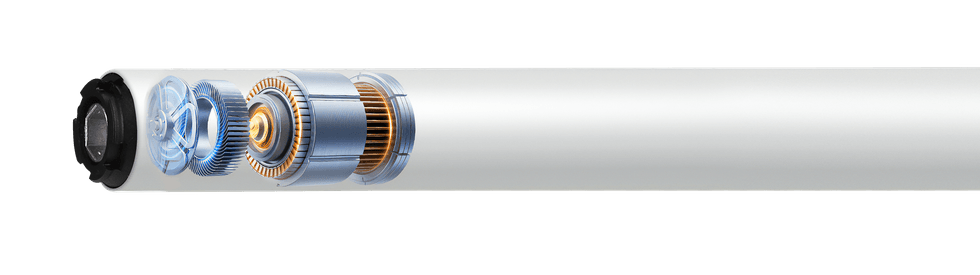 A Matter motor inside a smart shadeKincmo
Kincmo distinguishes three ordering paths:
| Option | What it provides | What to confirm |
|---|---|---|
| Standard motor | Basic remote operation | Included remote and supported accessories |
| Standard motor plus Kincmo Matter hub | Smart control through the compatible hub | Exact motor/hub combination and platform requirements |
| Native Matter-over-Thread motor | Matter integration at the shade | Compatible Matter controller and Thread border router |
The hub-based and native Thread configurations are different. Ask for the complete hardware list before buying. Kincmo motor-selection guidance.
For detailed pairing and routines, see the companion article, Kincmo Smart Blinds, Matter and Smart Home Compatibility: Setup and Automations. It explains the supported ecosystem paths without treating every Kincmo motor as interchangeable.
Choose the mounting style first, then measure each opening separately with a metal tape. Label width and height clearly.
For the Pure blackout roller listing, Kincmo provides this guidance:
| Measurement | Inside mount | Outside mount |
|---|---|---|
| Width | Measure top, middle, and bottom; use the smallest | Add 5–6 inches total to the window width for coverage |
| Height | Measure left, center, and right; use the largest | Add 5–6 inches total to window height, accounting for mounting position |
| Clearance deduction | Order the exact opening; Kincmo says it deducts ⅛ inch | Confirm finished coverage for the chosen installation |
Check depth directly with Kincmo: this listing recommends outside mounting below 2.2 inches in its measuring section, but lists smaller, valance-dependent minimums elsewhere. Confirm minimum attachment clearance and the space needed for your preferred finished appearance for the exact configuration. Do not apply one figure to every model. Pure roller specifications.
Kincmo also provides shade-specific measuring guidance. Use the guide matching your product, especially for dual, cellular, outdoor, or specialty windows.
Measure around handles, locks, cranks, trim, and sills. Consider whether the shade must clear an inward-opening window and whether you have enough space to reach the charging controls after mounting.
For an outside mount, identify a flat, secure mounting surface and map the proposed headrail and bottom position. Do not add overlap without checking nearby cabinets, adjoining walls, or another window treatment.
Send support a photograph and a simple dimensioned sketch if fit is uncertain. Written confirmation is particularly useful when the opening is shallow or out of square.
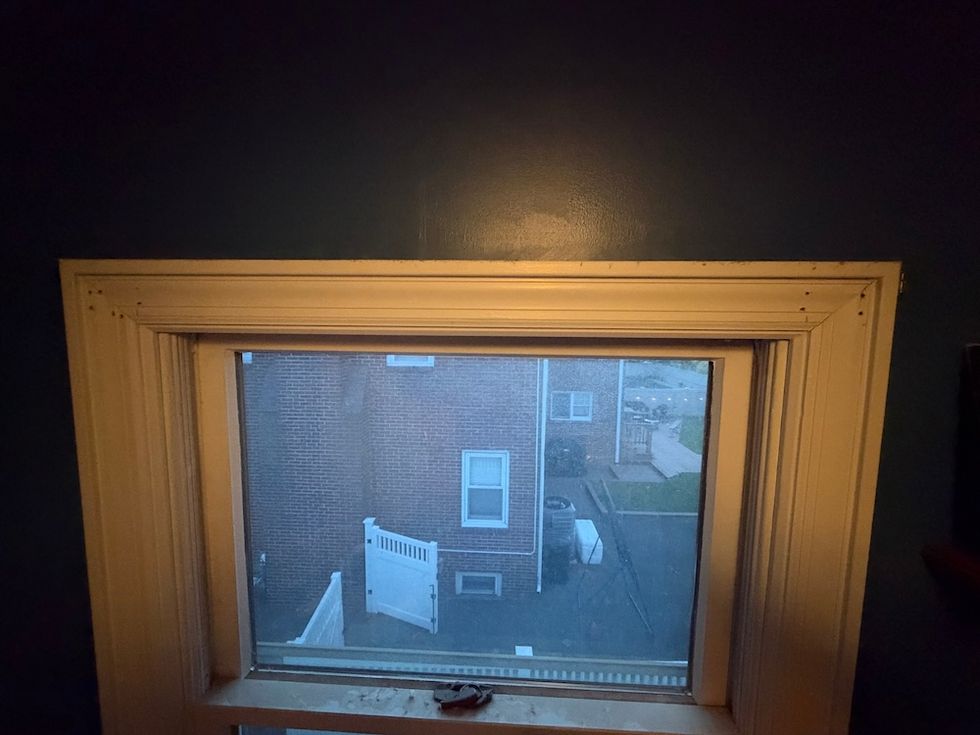 Should you choose no-drill Kincmo blinds?GearBrain
No-drill installation can appeal to renters and buyers who want to avoid screw holes. But “no drill” describes a mounting method; it doesn't mean every recess or surface is suitable.
Before choosing it, confirm:
For a large or heavy shade, ask Kincmo which mounting arrangement it recommends. Do not improvise a tension mount for a product supplied with screw brackets.
Use this worksheet alongside the product page. It is a checklist of decisions to resolve, not a transcription of every dynamic ordering field.
| Order detail | What to record |
|---|---|
| Product | Exact shade style and listing |
| Window | Room and opening identifier |
| Fabric | Collection, color, light control, and sample code |
| Installation | Inside/outside; screw-mounted/no-drill where offered |
| Dimensions | Width, height, units, and applicable measuring instructions |
| Motor | Standard, compatible hub-based setup or native Matter over Thread |
| Power | Charging method and included cable/adapter |
| Roll direction, if offered | Standard/reverse and clearance around obstructions |
| Valance/cassette | Finish, shape, and mounting requirements |
| Bottom bar | Shape and compatibility with any side tracks |
| Remote | Included quantity, channels, and group-control needs |
| Smart hardware | Hub, controller, and Thread equipment required |
| Accessories | Compatible light blockers, tracks, charging or solar accessories |
| Quantity | Which distinct configuration goes on each window |
Do not assume a pictured accessory is included. Compare the itemized total after selecting dimensions and motor. Keep the final specification and ask support to resolve inconsistencies before production.
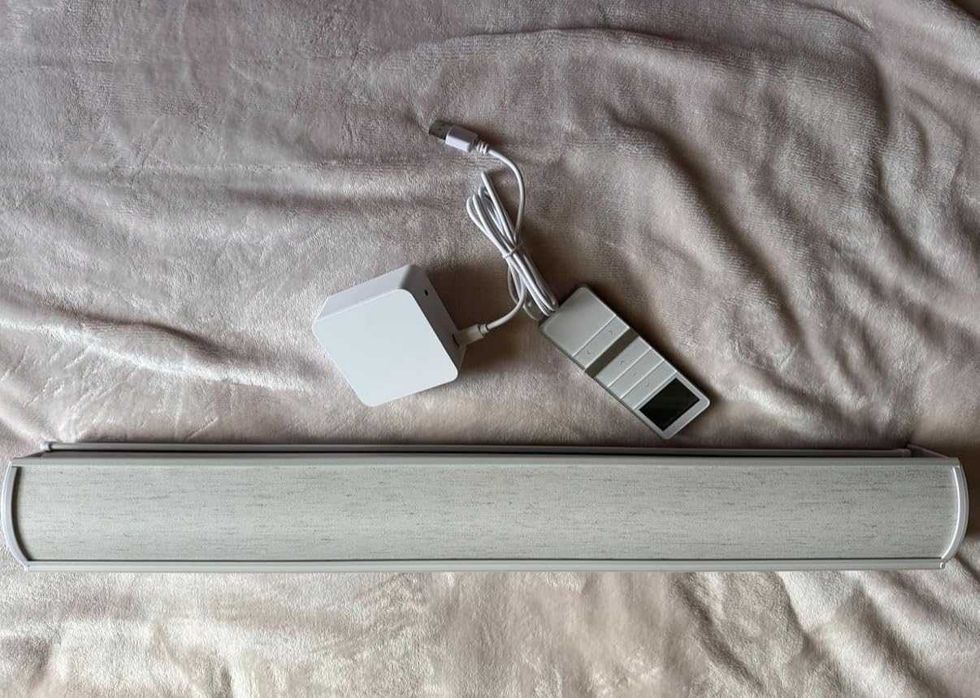 How to install and operate Kincmo motorized shadesKincmo
The exact guide supplied with your order controls bracket spacing, mounting hardware, and any programming steps. Use Kincmo's installation resources before starting.
For a bracket-mounted shade, the practical sequence is:
For no-drill models, follow the separate mounting procedure rather than the bracket sequence above.
Kincmo says its remotes are pre-paired, and upper/lower travel limits are preset. Its initial setup guide provides videos for changing limits, direction, and remote pairing. Reprogram only when necessary, using instructions for your supplied motor. Do not pull the fabric by hand unless the manual explicitly supports it.
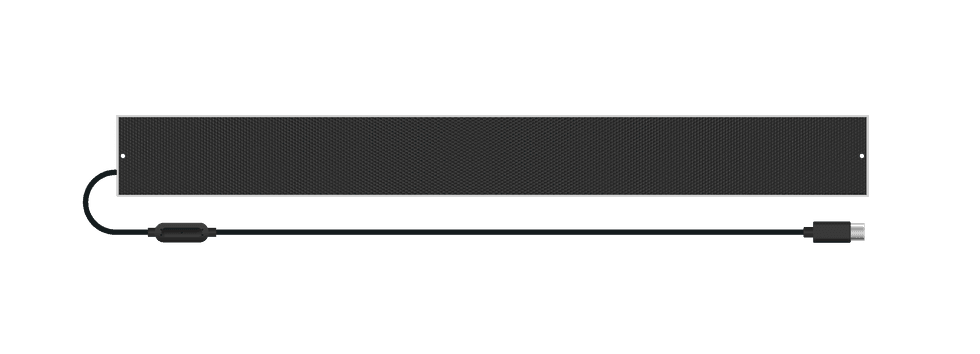 Power, charging and maintenanceKincmo
Confirm the battery and charging specifications for the exact motor. Ask whether a compatible solar panel is offered, where it can be mounted, and whether its cable will reach the shade. Sunlight availability affects supplemental charging; don't treat a panel as a guarantee that charging will never be needed.
For high windows, plan access before installation. A suitable charging extension or panel may be more useful than discovering later that every recharge needs a ladder.
Follow fabric-specific cleaning instructions. Do not soak the shade, motor, or electrical connections, and confirm cleaner compatibility before treating a stain.
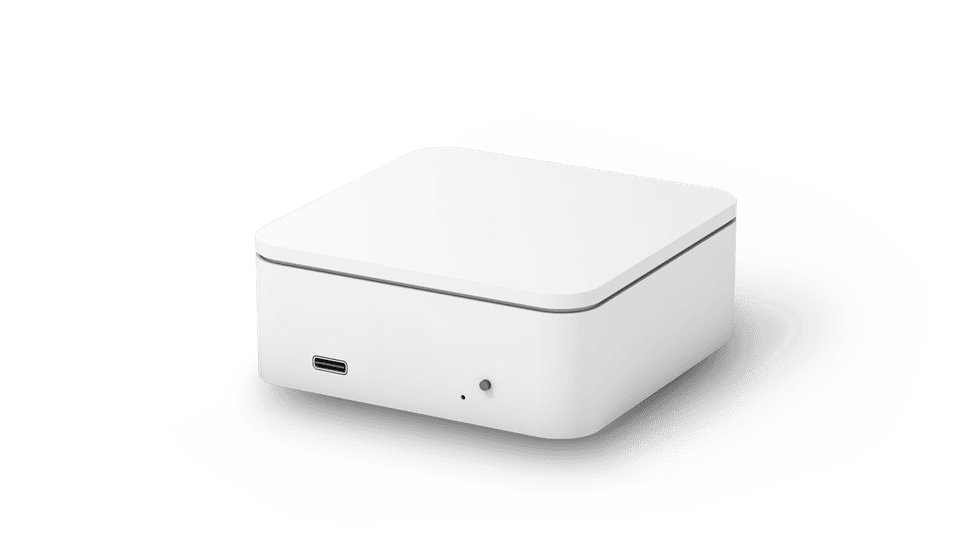 Kincmo HubKIncmo
Compare the full installed system, including custom dimensions, motor upgrades, remotes, hub hardware, accessories, and installation. A base price is not the price of every smart configuration.
For a whole-home order, consider buying one representative shade first. Use it to evaluate fabric, fit, operating sound, charging access, and connectivity before expanding.
Read the current custom-order, cancellation, remake, warranty, and return terms before paying. Ask what happens if the measurement is wrong and whether there is a deadline for changing the order. Keep those answers with your order confirmation.
Do not assume so. Kincmo distinguishes standard remote motors, compatible motors used with its Matter hub, and native Matter-over-Thread motors. Select the intended configuration explicitly.
They need a compatible Matter controller and Thread border router. You may already own hardware providing both functions. That is separate from buying Kincmo's bridge for a standard-motor configuration.
Fabric can block light, but gaps around the installation can still let it in. Check coverage and compatible edge treatments when darkness is a priority.
That depends on the product, mounting surface, height, and your experience. Follow the matching instructions; consider professional help if access is difficult or mounting conditions are uncertain.
Choose one window that represents the needs of your larger project. Confirm fabric, fit, and control before furnishing the rest of the home.
Kincmo is worth considering when you want custom window treatments and a choice of basic or smart control. I recommend making the physical and connected decisions together: sample the fabric, confirm mounting clearance, and select the motor around the equipment you actually own.
For buyers focused on routines and compatibility, the companion Kincmo Matter and Smart Home Compatibility guide explains how to turn a properly selected shade into a useful part of everyday home automation.
Remember to use GearBrain Assistant, our product find engine, which can help you easily find and buy any smart device and find compatible devices with your existing ones.
GearBrain Compatibility Find Engine
A pioneering recommendation platform where you can research,
discover, buy, and learn how to connect and optimize smart devices.
Join our community! Ask and answer questions about smart devices and save yours in My Gear.