The Conversation (0)
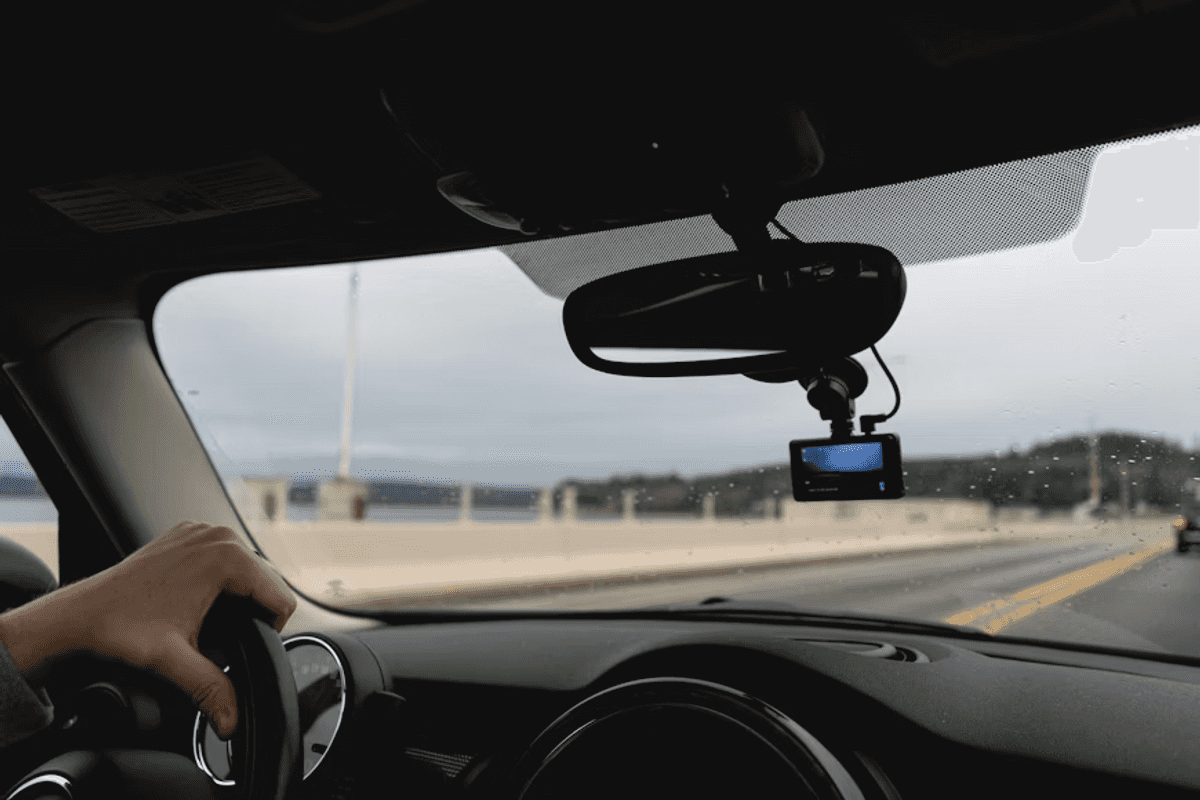
How to Use a Dash Cam in a Rental Car
Learn how to safely install, power, and use a dash cam in a rental car while avoiding damage fees, protecting privacy, and securing accident evidence.
The National Highway Traffic Safety Administration (NHTSA) estimated that 17,140 people lost their lives in motor vehicle crashes from January through June 2025, and many more were injured. Not only does this have a huge effect on people's well-being, but it also has a huge effect on their vehicles.
This makes gathering evidence from an accident crucial, especially if you're in a rental car. Many people opt to use dash cams, but because they don't own the vehicles, they must be especially careful.
These are the steps for using a dash cam in a rental car.
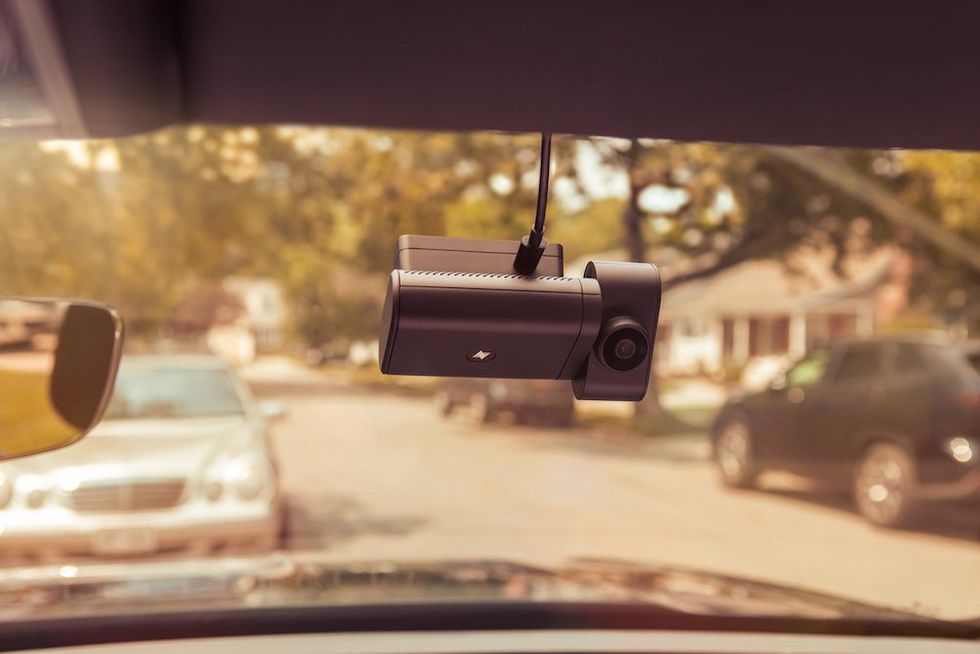 Choose a Rental-Friendly Dash Cam Before Your Trip Nexar
Not every dash cam is ideal for a rental, so it helps to choose a model that's designed for portability and easy installation. Compact dash cams with simple plug-and-play setups are usually the best option since they can be installed and removed quickly without modifying the vehicle.
Look for features such as:
Many people prefer dash cams with dual cameras that record both the road and the cabin for added protection during rideshare trips or unfamiliar driving situations. This makes it easier to provide evidence for car accident attorneys (click here to see a reputable one).
It's important to avoid anything that could damage the windshield, dashboard, or interior trim.
Suction cup mounts are among the safest options because they attach securely yet are easy to remove without residue. Another option is magnetic mounts, but only if they use removable adhesive pads designed for automotive glass. You should avoid strong, permanent adhesives, as they can leave marks or pull material away when removed.
USB-powered dash cams are among the easiest options since many newer vehicles include USB ports near the dashboard or center console. If the available USB port doesn't provide enough power, then a 12V cigarette lighter adapter can usually solve the issue.
Another convenient option is an OBD-II power adapter. This plugs into the diagnostic port that's typically located beneath the steering wheel. These adapters can provide a cleaner cable setup and may support parking mode features on compatible dash cams.
Understanding basic dash cam settings can make recordings far more useful. Loop recording is one of the most important features, as it continuously records footage and automatically deletes the oldest files when storage space fills up.
Event lock or collision detection features are just as valuable because they automatically save and protect footage during:
You should check the camera's date and time settings before leaving the rental lot, since accurate timestamps may become important after an accident or insurance claim.
Dash cams can capture valuable evidence, but you should still understand local privacy and recording laws before using them. Video recording in public spaces is generally permitted, but audio recording rules can vary significantly by country or state.
Some regions require all parties to consent before conversations can legally be recorded, which means enabling in-cabin audio recording could create legal complications. To reduce privacy concerns, consider disabling audio recording entirely unless it's specifically needed.
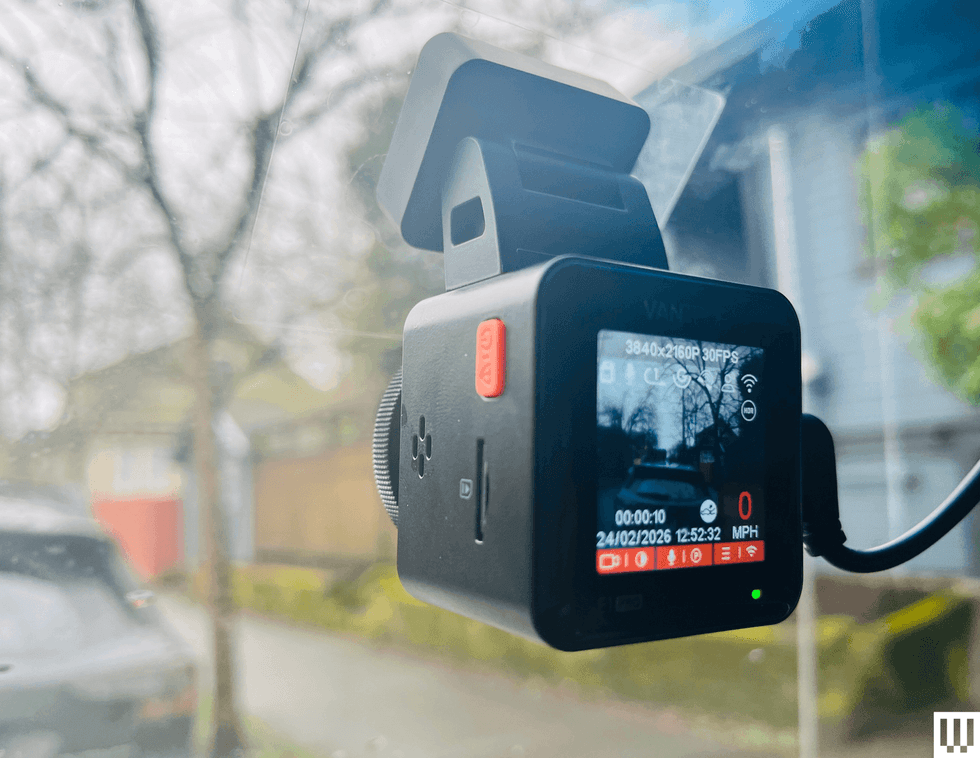 Image may contain Camera Electronics Video Camera Screen Computer Hardware Hardware and Monitor Image may contain Camera Electronics Video Camera Screen Computer Hardware Hardware and Monitor
If an accident or dispute occurs while you're driving a rental car, your dash cam footage can become extremely important evidence. After the incident, avoid deleting or editing any files until the matter has been resolved.
Many modern dash cams support cloud backups through Wi-Fi or mobile apps, so you can upload footage automatically to secure online storage. This can protect evidence even if your camera's damaged or lost.
You should also save copies of relevant clips to a phone, laptop, or external storage device as soon as possible. Sharing this footage with relevant parties may help clarify what happened and speed up claims processing.
Having the right evidence can make a huge difference in disputes, so it's worth having a dash cam. By knowing how to use one in a rental vehicle, you'll be able to capture key moments without risking rental fees.
Check out the rest of our site for more articles like this one.
GearBrain Compatibility Find Engine
A pioneering recommendation platform where you can research,
discover, buy, and learn how to connect and optimize smart devices.
Join our community! Ask and answer questions about smart devices and save yours in My Gear.