

The Conversation (0)
Security Home

GearBrain
Smart Security Cameras in 2026: The Complete Buyer’s Guide Before You Buy
AI features, 4K resolution, subscriptions, and smart home compatibility explained clearly before you buy.
Over the past few years, I have seen significant improvements in the development of security camera features. In 2026, they are no longer simple video recorders mounted above a door. Today’s smart security cameras use artificial intelligence (AI) to recognize people, detect packages, reduce false alerts, and integrate into automated smart home routines.
They can tell the difference between a passing car and someone approaching your front door. Some offer crystal-clear 2K or 4K resolution. Others run entirely on battery power or even solar energy. Many integrate with Amazon Alexa, Google Home, or Apple HomeKit — but not always in the same way.
And that’s where many homeowners make costly mistakes.
With dozens of brands, subscription tiers, resolution options, and ecosystem compatibility differences, choosing the right security camera can feel overwhelming. The wrong decision can lead to unexpected monthly fees, limited smart home integration, or poor video quality when you need it most.
In this complete 2026 buying guide, we break down everything you need to know before purchasing a smart security camera — including indoor vs outdoor models, wired vs battery power, AI detection features, storage options, privacy considerations, and how to make sure your camera works with your existing smart home devices.
The first decision is simple: where will you use the camera?
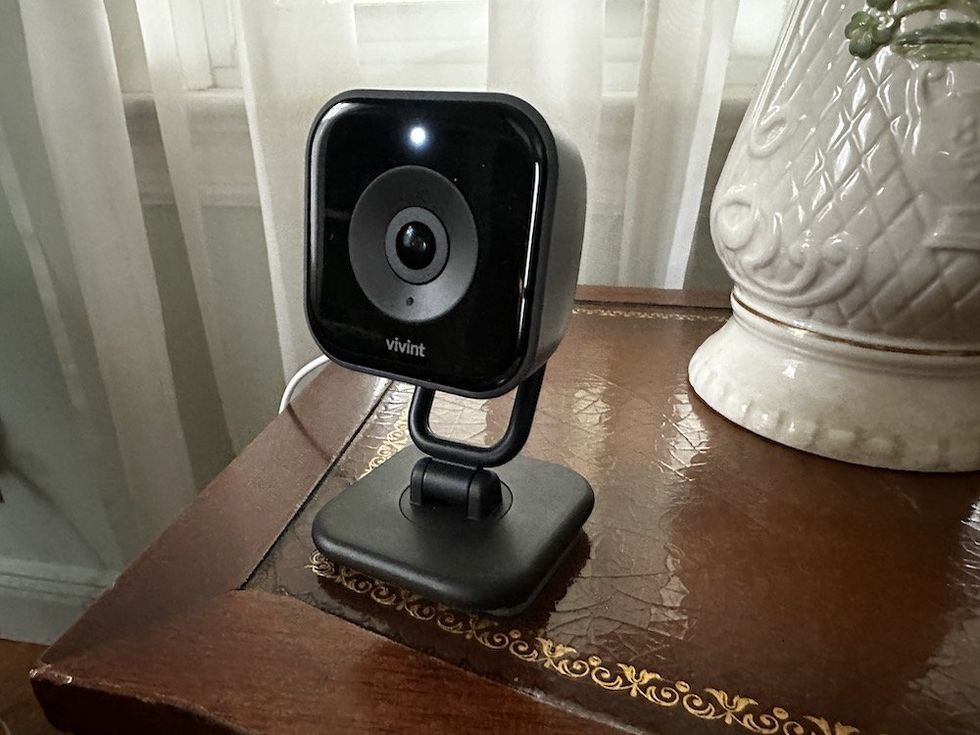 Vivint Indoor Camera Pro GearBrain
Indoor cameras are ideal for:
Most indoor cameras are compact, plug-in devices with two-way audio and motion alerts. Many now include privacy shutters or privacy modes that disable recording when you’re home.
If you live in an apartment or rental, battery-powered indoor cameras can provide security without drilling holes.
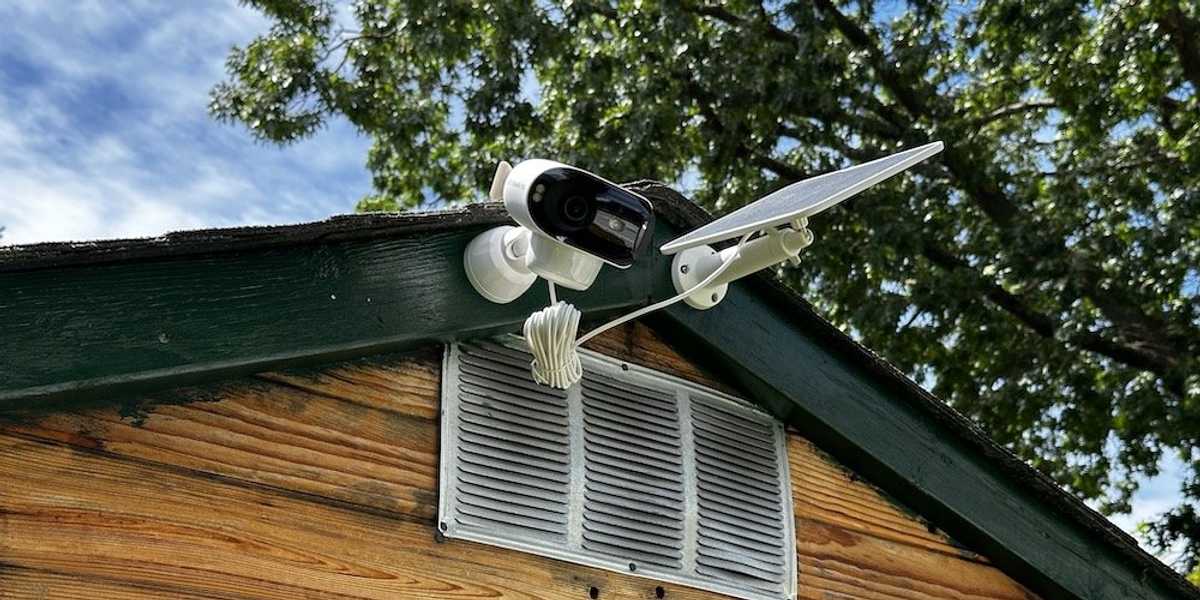 Reolink Argus 4 Pro and solar panel. GearBrain
Outdoor cameras must withstand weather and temperature changes. Look for:
Newer outdoor models include dual-lens panoramic views or pan-tilt-zoom (PTZ) functionality to reduce blind spots.
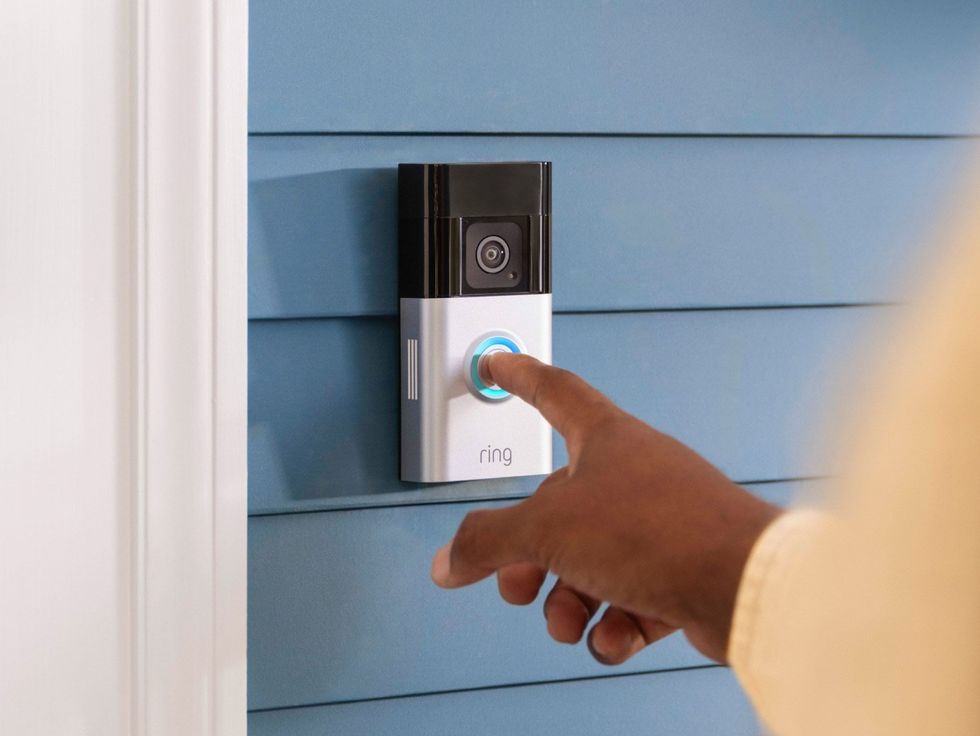 What Devices Work with Ring Video Doorbells, Cameras, Security Lights and Alarm Systems Ring
Doorbell cameras are designed for:
They can be hardwired into existing doorbell wiring or run on battery. Integration with smart displays (like Echo Show or Nest Hub) can automatically show who’s at the door.
Power type affects installation, recording capability, and maintenance.
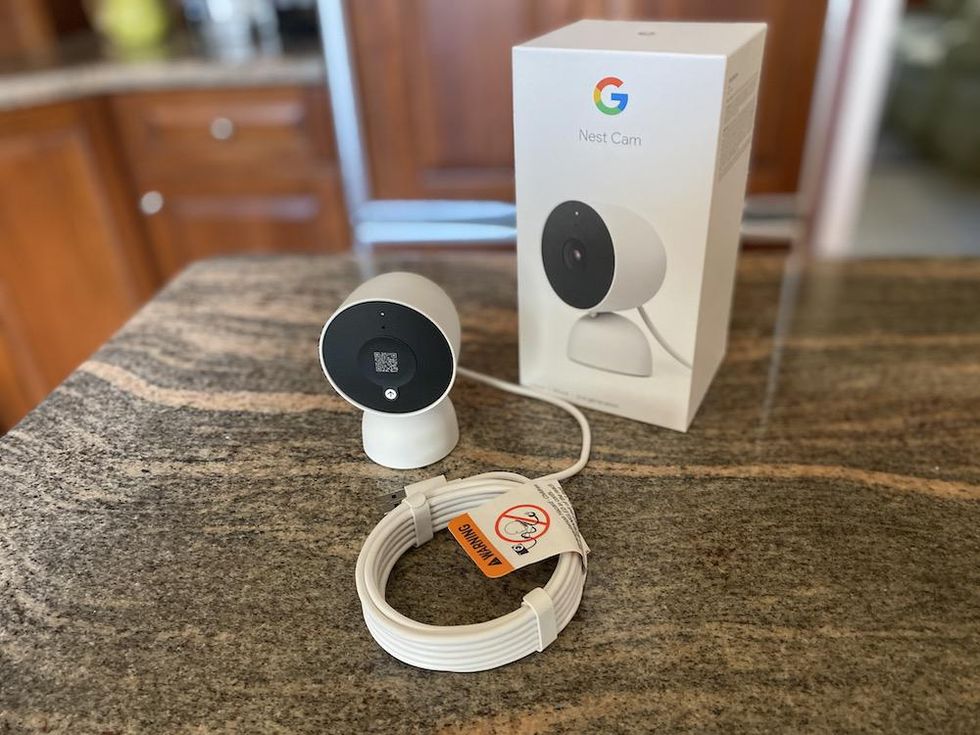 Google Nest Cam Indoor Wired (2nd Gen) Security Camera GearBrain
Pros:
Cons:
Wired cameras are ideal for permanent installations and larger homes.
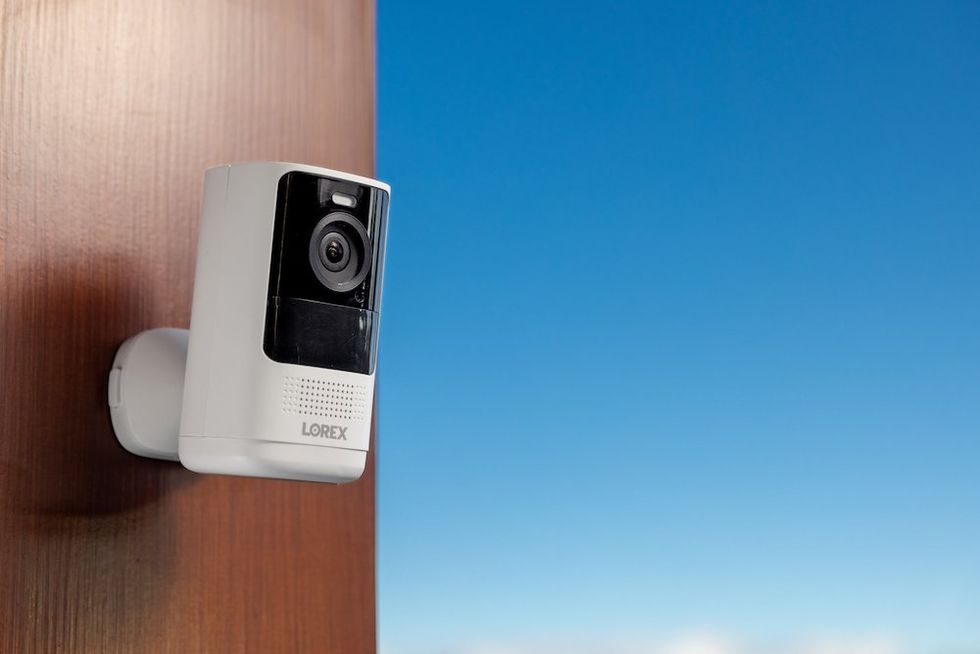 Lorex 4K Spotlight Battery Camera comes in white and black. Lorex
Pros:
Cons:
Battery cameras are popular because they’re easy to set up and relocate.
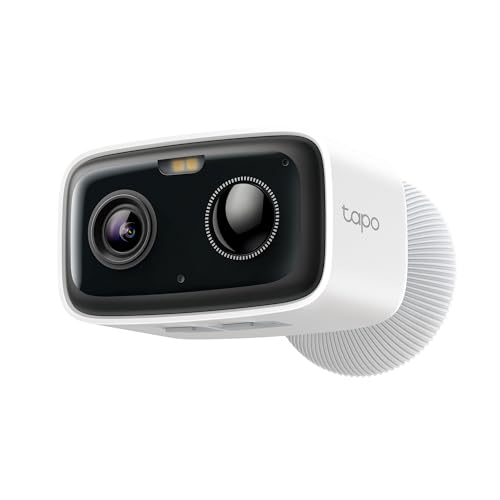
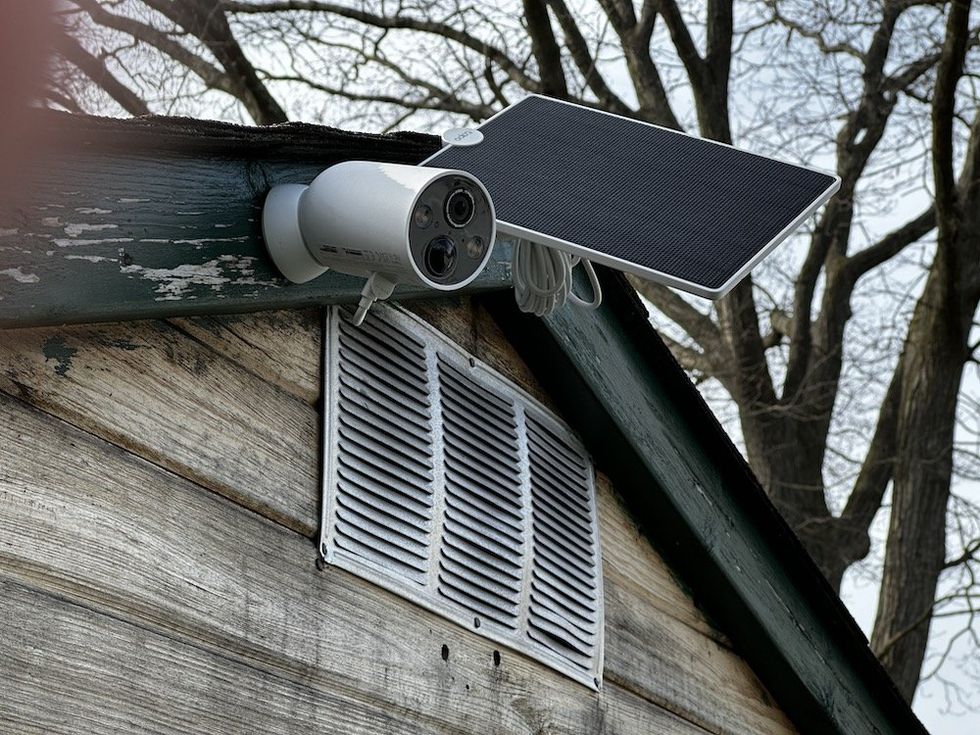 TP-Link Tapo TC85 Review: Ultimate Wire-Free Security Camera and Solar Panel GearBrain
Solar-powered cameras pair with battery systems and small solar panels.
Pros:
Cons:
For many homeowners, solar-powered outdoor cameras offer the best balance of convenience and sustainability.
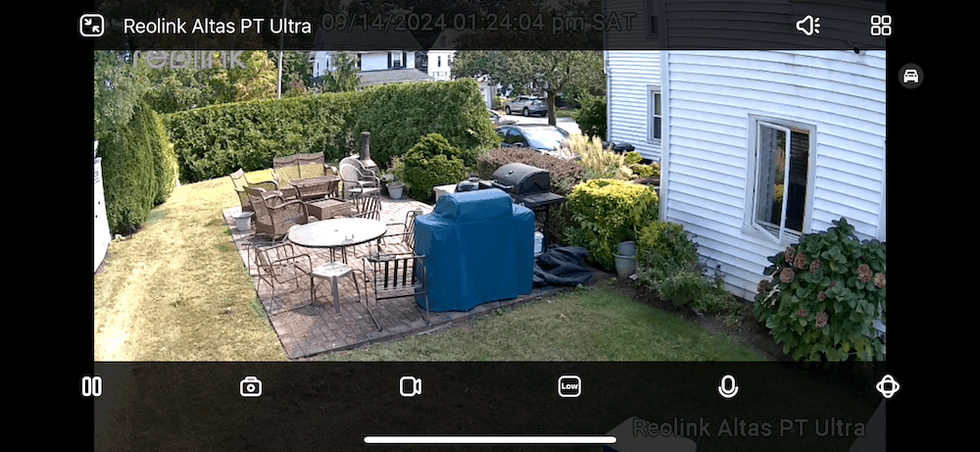 Screenshot of Daytime video for Reolink Altas PT Ultra 4K camera GearBrain
Resolution directly affects how clearly you can identify faces, packages, or license plates.
| Resolution | Best For | Notes |
|---|---|---|
| 1080p | Basic monitoring | Budget-friendly but less detail |
| 2K | Most homeowners | Sharper detail without heavy bandwidth use |
| 4K | Large properties or driveways | Excellent clarity but higher storage needs |
Most homeowners find 2K resolution is the sweet spot between clarity and bandwidth usage.
Other quality factors include:
AI is one of the biggest advancements in modern security cameras.
Today’s cameras may include:
AI reduces false alerts — meaning you’re not notified every time a tree branch moves.
| Feature | Cloud AI | On-Device (Edge) AI |
|---|---|---|
| Processing Location | Company servers | Inside the camera |
| Subscription Required | Usually | Sometimes no |
| Speed | Slight delay | Faster response |
| Privacy | Data sent externally | Stays local |
On-device AI is growing in popularity because it enhances privacy and reduces dependence on subscriptions.
One of the most overlooked buying factors is long-term cost.
Most brands offer cloud plans ranging from:
Example:
Three cameras at $10 per month = $360 per year.
Some cameras support:
If avoiding subscriptions is important, look specifically for cameras with local storage support.
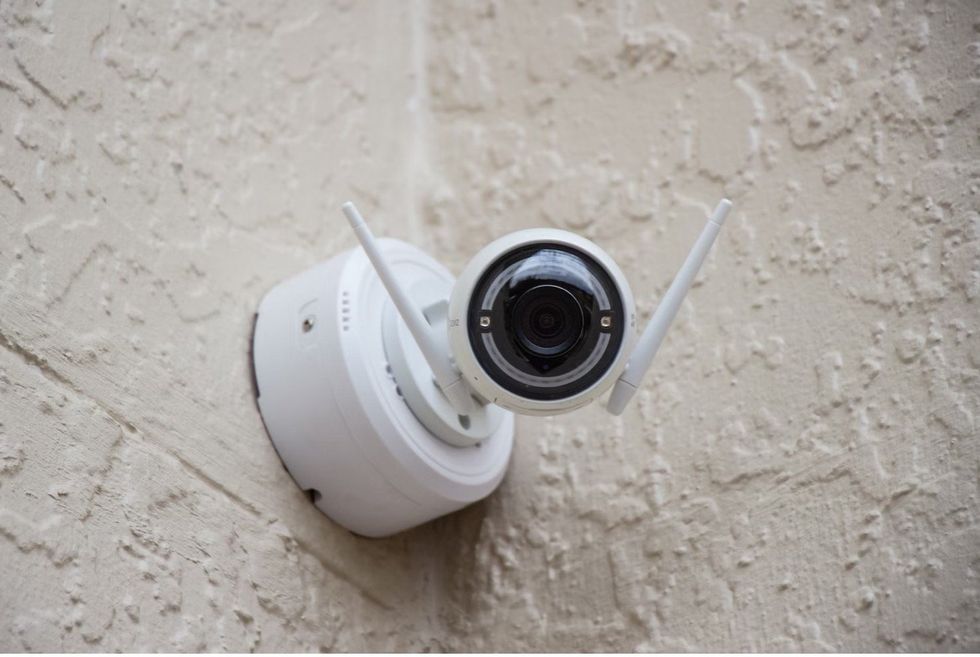 Choosing the Best AI Security Camera for Your Smart Home Alan J. Hendry
This is where many buyers become frustrated. Not all cameras integrate equally across ecosystems.
Below is a high-level comparison:
| Feature | Amazon Alexa | Google Home | Apple HomeKit |
|---|---|---|---|
| Live View on Smart Displays | Yes (Echo Show) | Yes (Nest Hub) | Limited |
| Voice Announcements | Yes | Yes | Limited |
| Smart Routines | Yes | Yes | Yes (via Home app) |
| Secure Video Storage | Cloud (brand-based) | Cloud (brand-based) | HomeKit Secure Video |
| Subscription Required | Usually | Usually | iCloud+ required |
| Matter Support | Emerging | Emerging | Limited |
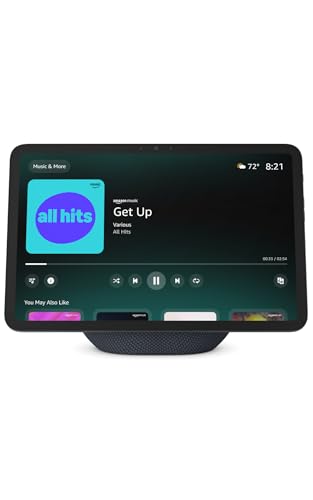
 Echo Show 11 Smart Dsiplay GearBrain
If you use Echo speakers or Echo Show displays, look for cameras that:
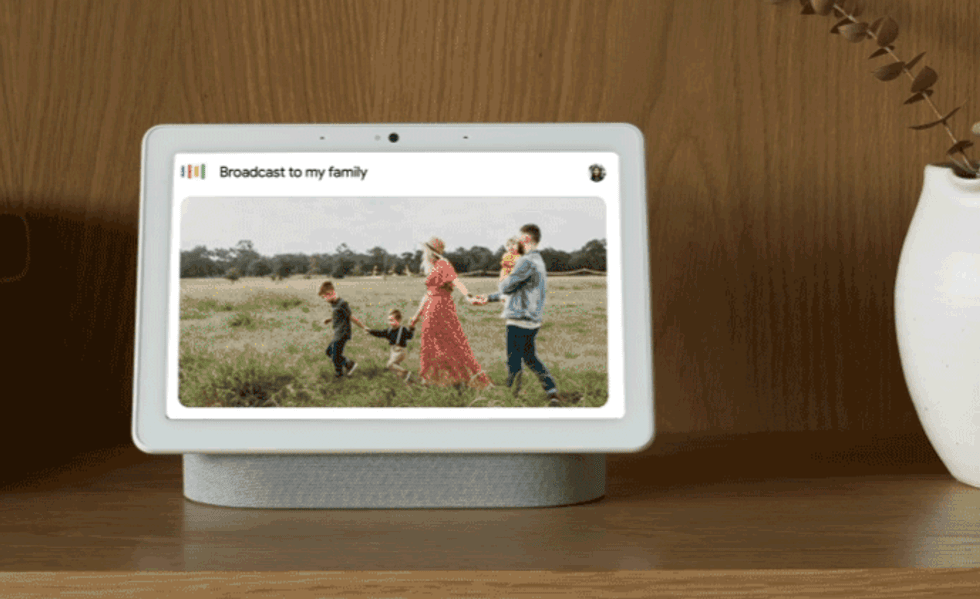 New Family Broadcast feature of the Nest Hub Google
If you use Nest speakers or displays:
Apple users should look for:
HomeKit-compatible cameras are fewer but offer strong privacy protections.
Matter is improving interoperability across smart home devices. However, camera support in Matter remains limited in 2026. Always verify compatibility before assuming cross-platform functionality.
Before purchasing, use a compatibility tool to confirm your camera works with your existing smart speakers, displays, and automation ecosystem.
Security cameras collect sensitive data. Protect yourself by:
Look for companies with clear privacy policies and encrypted video transmission.
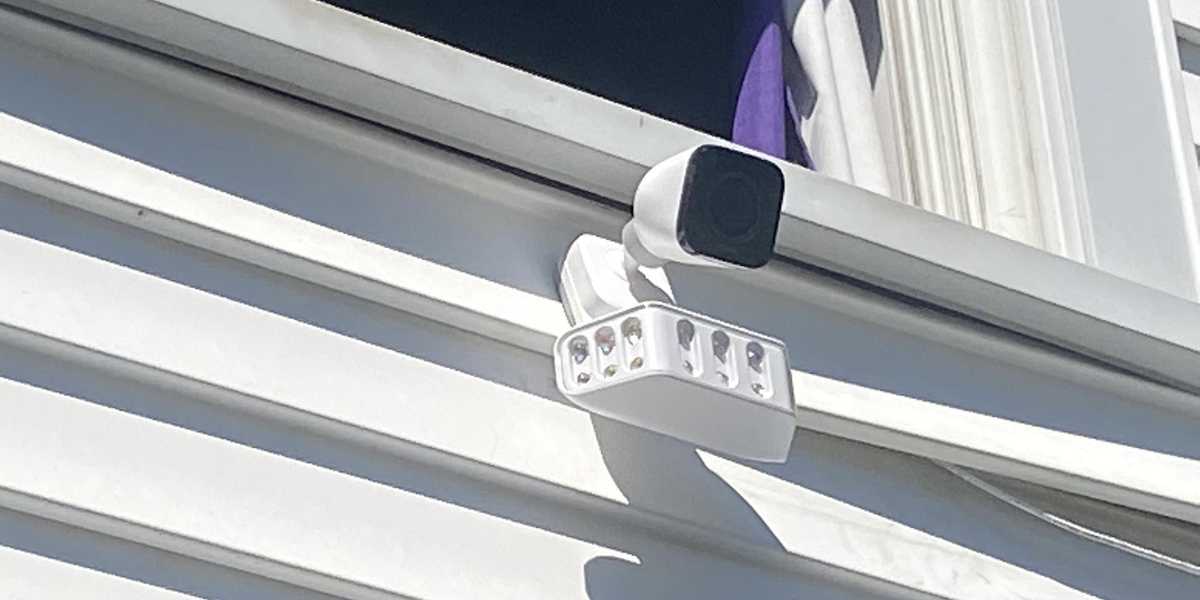 Vivint Spotlight Pro is an outdoor spotlight and floodlight security camera GearBrain
Battery-powered indoor or outdoor cameras that require no wiring.
Wired cameras paired with NVR systems for 24/7 recording.
Cameras with local storage and on-device AI.
Cameras that integrate with Echo Show and Alexa routines.
Cameras with strong Google Home app integration and Nest Hub support.
HomeKit Secure Video-compatible cameras for end-to-end encrypted storage.
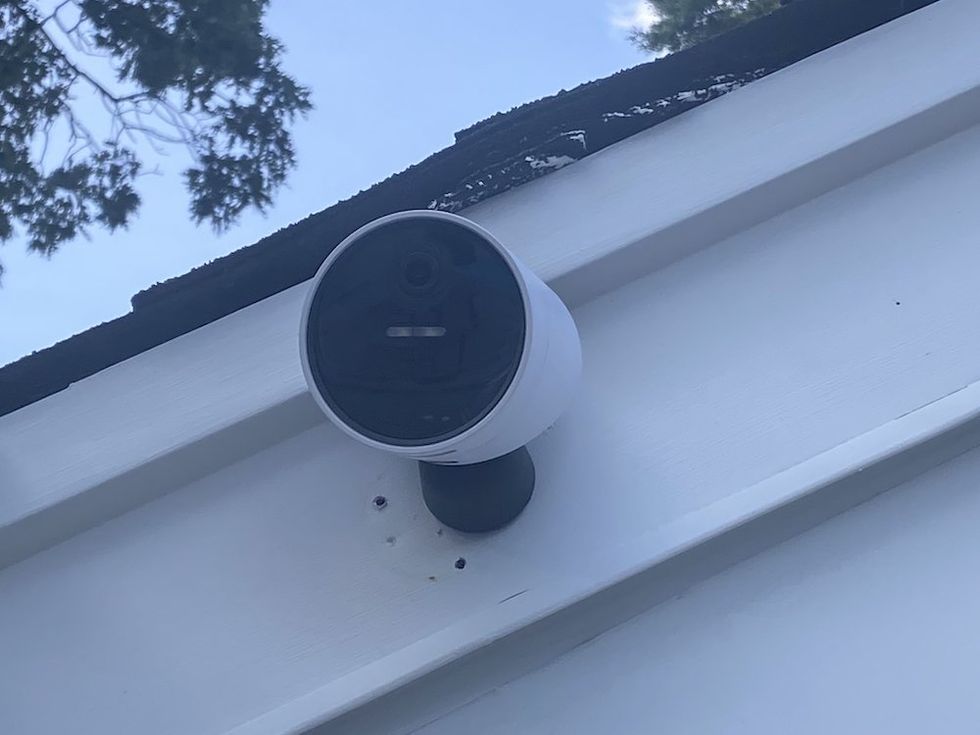 SimpliSafe Wireless Outdoor Security Camera GearBrain
Buying a smart security camera in 2026 isn’t just about finding the lowest price. It’s about:
The best camera is the one that fits your smart home setup, privacy preferences, and long-term budget.
Before making a final decision, confirm that your chosen camera works seamlessly with your smart home ecosystem and devices. Compatibility mistakes are one of the most common causes of buyer frustration — and the easiest to avoid with proper research.
Smart security cameras are more powerful than ever. With the right knowledge, you can choose one that protects your home, integrates with your devices, and avoids unnecessary monthly costs.
Check out The GearBrain, our smart home compatibility find engine. It can help you find, buy, and connect any smart device. It can even help you find other smart devices or systems compatible with your existing smart devices, such as Google Assistant and Amazon Alexa-enabled devices.
GearBrain Compatibility Find Engine
A pioneering recommendation platform where you can research,
discover, buy, and learn how to connect and optimize smart devices.
Join our community! Ask and answer questions about smart devices and save yours in My Gear.